
Print-and-encode RFID label systems
RFID Printers
Raylink RFID printers combine visible label printing with UHF, HF or NFC chip encoding for retail, logistics, asset, document and smart-label workflows.
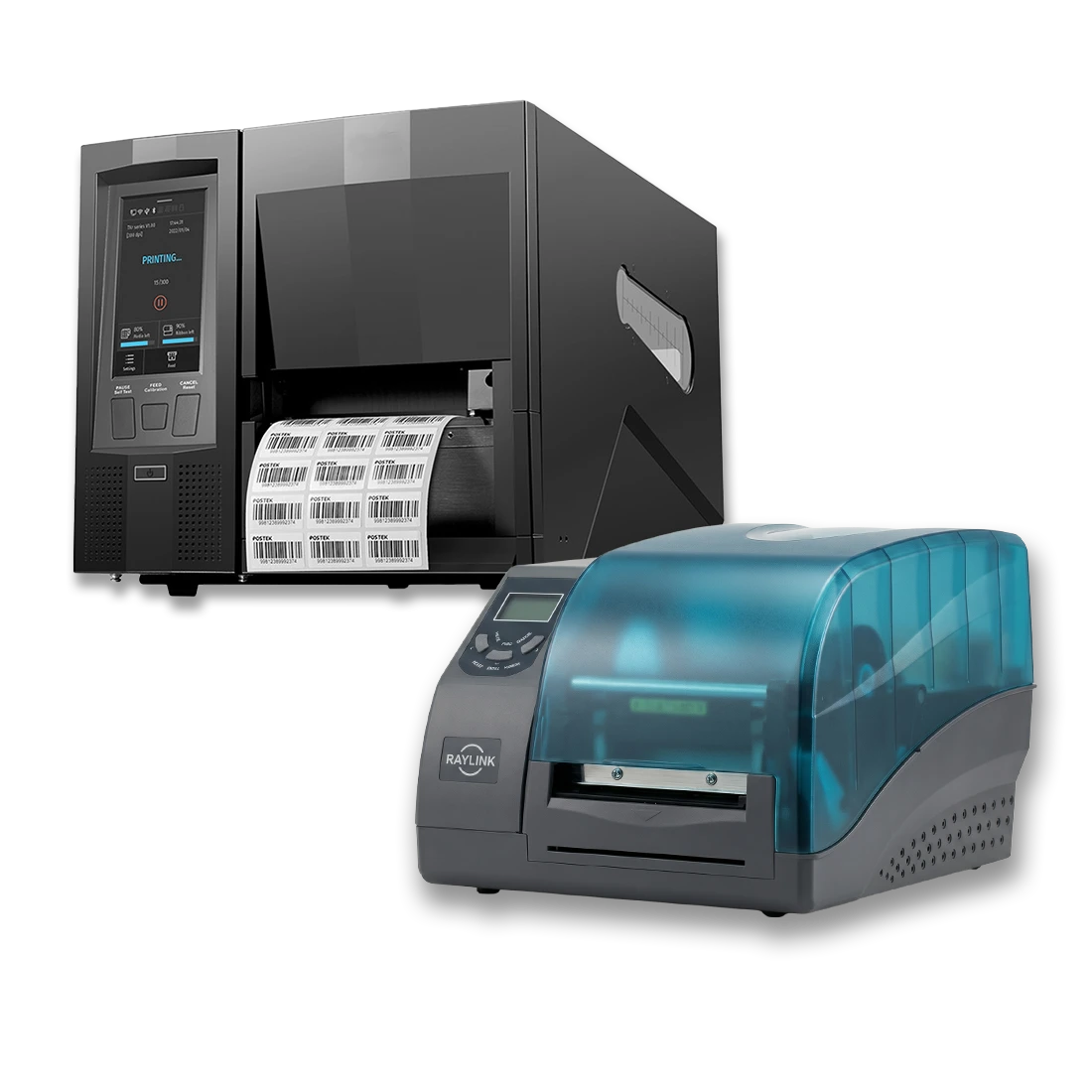
RFID printer technologies
Choose the RFID technology before the printer configuration
Compare UHF EPC Gen2 and 13.56 MHz HF/NFC printing according to the tag protocol, label construction, print resolution, encoding control, media handling and host-software workflow.
Product lineup
RFID Label Printers
Start with RFID frequency and tag protocol, then confirm the label construction, print resolution, encoding workflow, failure handling, media capacity and host integration before selecting a printer.
UHF EPC Gen2 printer
Industrial UHF RFID Label Printing
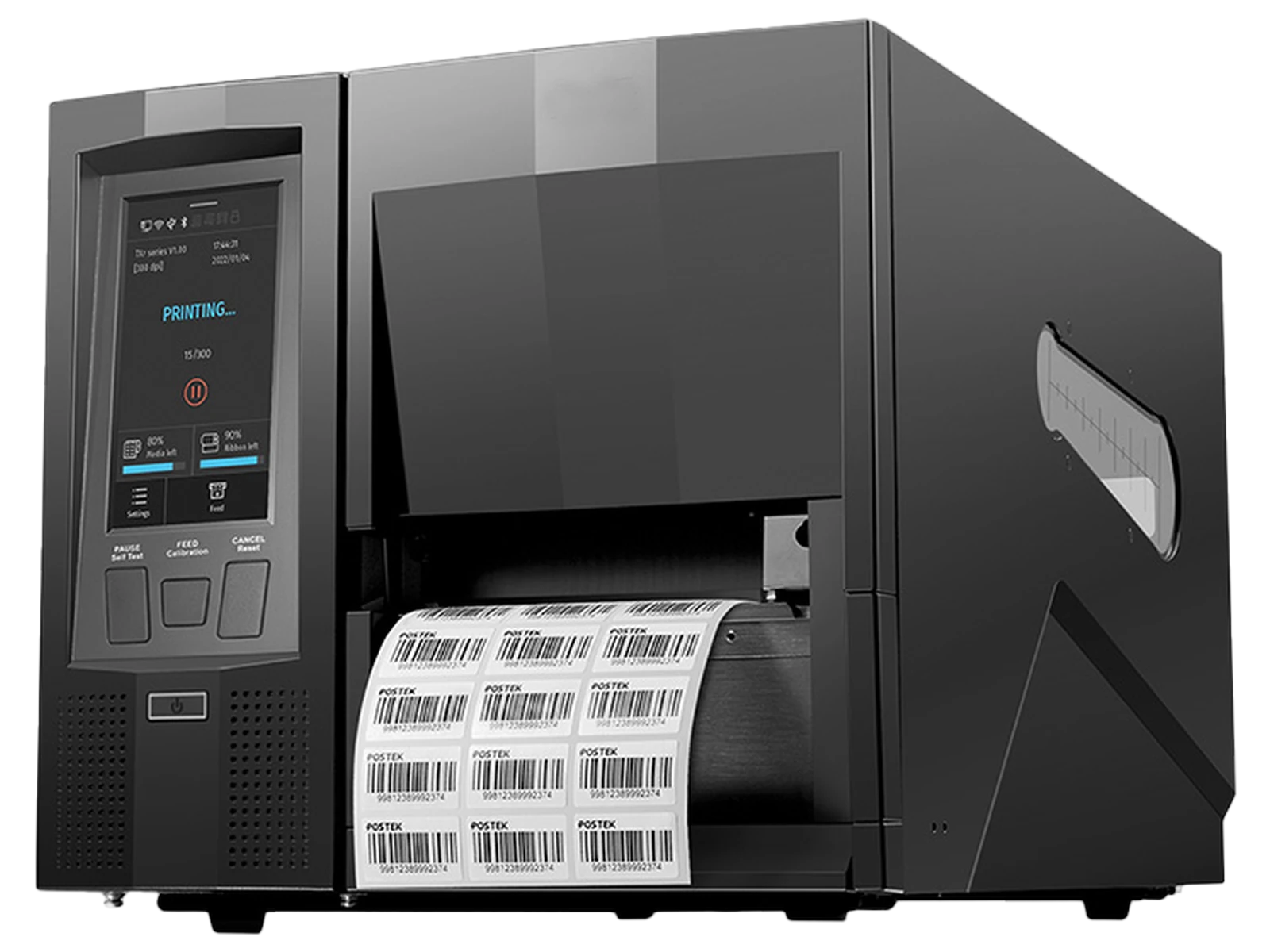
Industrial UHF print-and-encode platform
RLPB-Z Industrial Smart UHF RFID Label Printer
Print visible label content and encode compatible UHF EPC Gen2 tags through an industrial platform with touchscreen job operation and configurable media handling.
- Supports EPC Class 1 Gen 2 / ISO/IEC 18000-63 in European or US regional configurations
- Available with 203 or 300 dpi printing and standard or dedicated on-metal RFID media configurations
- Large-roll and long-ribbon handling supports repeated production label workflows
13.56 MHz HF / NFC printer
Controlled Near-Field Label Issuance
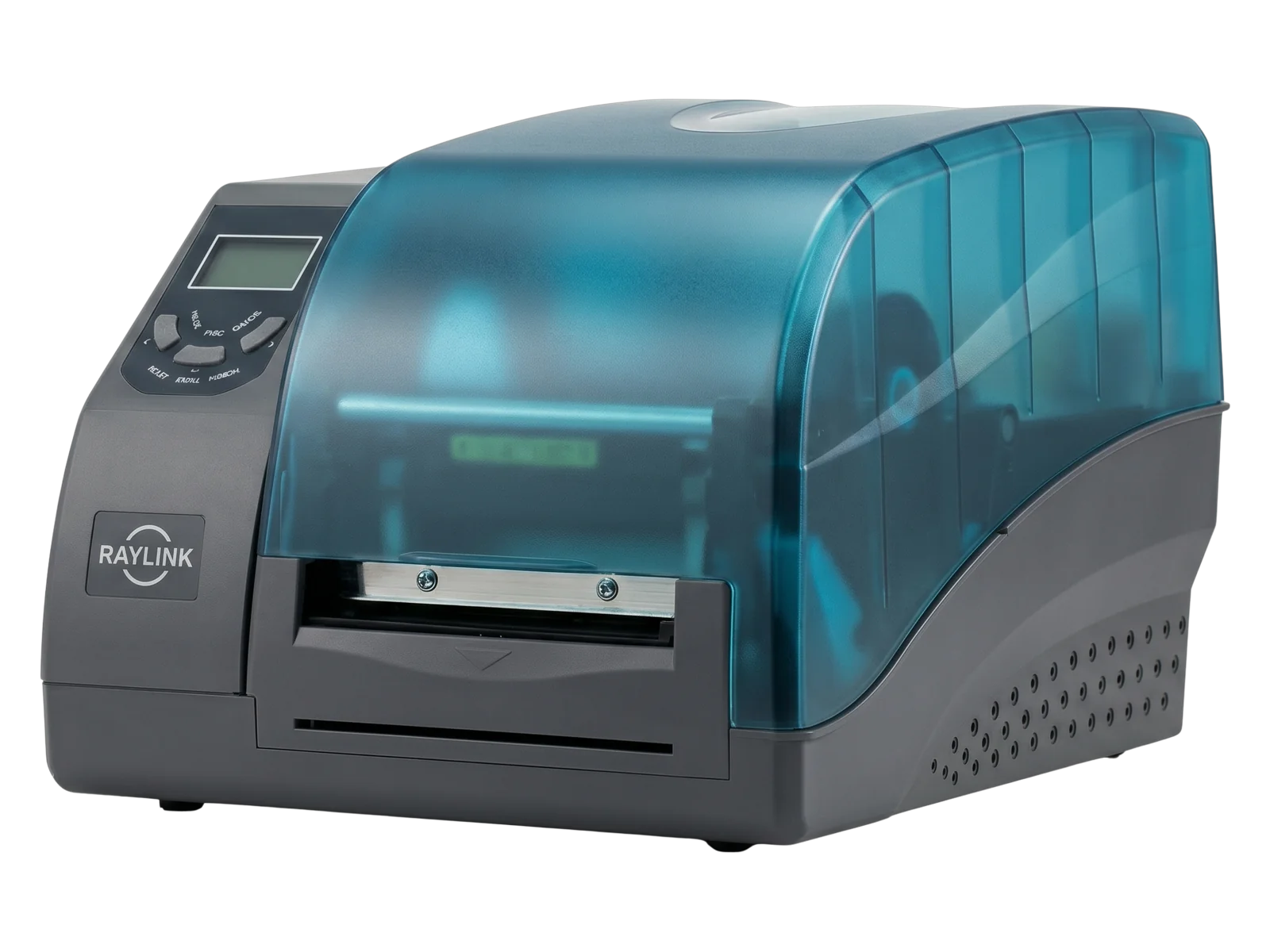
HF / NFC print, encode and failure control
L3000i HF/NFC RFID Label Printer
Print detailed labels and encode compatible 13.56 MHz HF or NFC tags with defined failed-label marking, automatic replacement printing and stop logic.
- Supports ISO/IEC 15693, ISO/IEC 14443 Type A, MIFARE, MIFARE Ultralight and NTAG213 / 215 / 216
- 300 dpi printing at up to 6 ips for product, document and information-dense labels
- Marks failed tags VOID, prints a replacement and stops after three failed attempts
Printer comparison
Compare RFID Printers by Technology and Label Workflow
UHF and HF/NFC printers serve different tag ecosystems. Confirm the RFID frequency and protocol before comparing print resolution, media handling or failure-control features.
| Model | RFID technology | Protocols / chips | Print output | Label and media fit | Failure handling | Best for |
|---|---|---|---|---|---|---|
| RLPB-Z | UHF RFID | EPC Class 1 Gen 2 / ISO/IEC 18000-63 | 203 or 300 dpi | Standard UHF labels and dedicated on-metal media up to 1.6 mm including liner | Confirm the selected RFID, verifier and exception-handling configuration | Apparel, logistics, WIP and industrial asset labels |
| L3000i | 13.56 MHz HF / NFC | ISO/IEC 15693, ISO/IEC 14443 Type A, MIFARE and NTAG213 / 215 / 216 | 300 dpi, up to 6 ips | Four-inch HF/NFC product, document and smart-label formats | VOID marking, automatic replacement and stop after three failed attempts | Smart packaging, books, archives, documents and service labels |
Selection logic
What to Confirm Before Choosing an RFID Printer
Treat the RFID technology, chip, label construction, printed content, encoding result and host workflow as one production configuration.
RFID technology
Confirm whether the project uses UHF EPC Gen2, 13.56 MHz HF or NFC labels before selecting the printer family.
Chip and protocol
Confirm the chip model, protocol family, writable memory, lock functions and encoded data required by the application.
Label construction
Review label width, length, pitch, thickness, liner, inlay position, sensing method and final mounting surface.
Print detail
Select the print resolution according to text size, barcode density, graphics, durability and required production speed.
Failure handling
Define how failed encoding should be detected, marked, replaced, logged or stopped in the selected workflow.
Host and sample validation
Test the printer, production label, software, data source, output mode and downstream reader or smartphone together.
RFID label workflows
Connect Visible Label Content to Encoded RFID Data
Use an RFID printer when the printed identifier, barcode or graphic must remain connected to data written into the RFID chip.
Item and logistics UHF labels
Print and encode retail item, carton, case, pallet and shipment labels for receiving, storage, fulfillment and dispatch workflows.
On-metal assets and WIP labels
Configure UHF printing for tools, equipment, components and production records using the actual thick-media construction.
HF/NFC product and document labels
Create smart-packaging, book, archive, document and service labels for controlled near-field interaction.
FAQ
RFID Printer Questions
What is an RFID printer used for?
An RFID printer prints visible label content and writes data to a compatible RFID chip so the human-readable record and encoded identifier can be produced in one workflow.
What is the difference between a UHF printer and an HF/NFC printer?
A UHF printer encodes EPC Gen2 labels used for longer-range item, logistics and asset workflows. An HF/NFC printer encodes 13.56 MHz tags used for controlled near-field product, document and smartphone interactions.
Can the RLPB-Z print on-metal RFID labels?
A dedicated RLPB-Z configuration supports thick on-metal RFID labels up to 1.6 mm including the liner. The actual label should be submitted for feeding, sensing, printing and encoding validation.
What happens when L3000i encoding fails?
The failed label is marked VOID, a replacement is printed automatically, and the job stops after three failed attempts so the operator can inspect the media and encoding configuration.
Can an RFID printer run repeated jobs without editing each label at a PC?
The RLPB-Z can store supported templates and job files locally for repeated touchscreen operation. The degree of host-free operation depends on the configured data source, software and project options.
What should be tested before production deployment?
Test the actual chip, inlay position, label construction, printed content, encoding data, failure response, output mode, host software and downstream reading workflow.
Project guidance
Need Help Choosing an RFID Printer and Label Configuration?
Send the RFID technology, chip, label dimensions, inlay position, printed content, encoded data, failure-handling requirement and host-software environment.