
Large-Area UHF RFID Desktop Reader
RLD-02 Large-Area UHF RFID Desktop Reader
Register, encode and verify multiple UHF RFID-tagged items on a 400 × 300 mm desktop work surface with adjustable RF power and USB Type-C communication.
Reduce item-by-item scanning, compare the captured RFID list with the expected record and return the result to the connected checkout, asset, library or business system.
*Typical maximum distances under suitable reference conditions. Actual performance depends on the tag design, item material, tag orientation, RF power, item stacking and nearby RFID tags or readers.
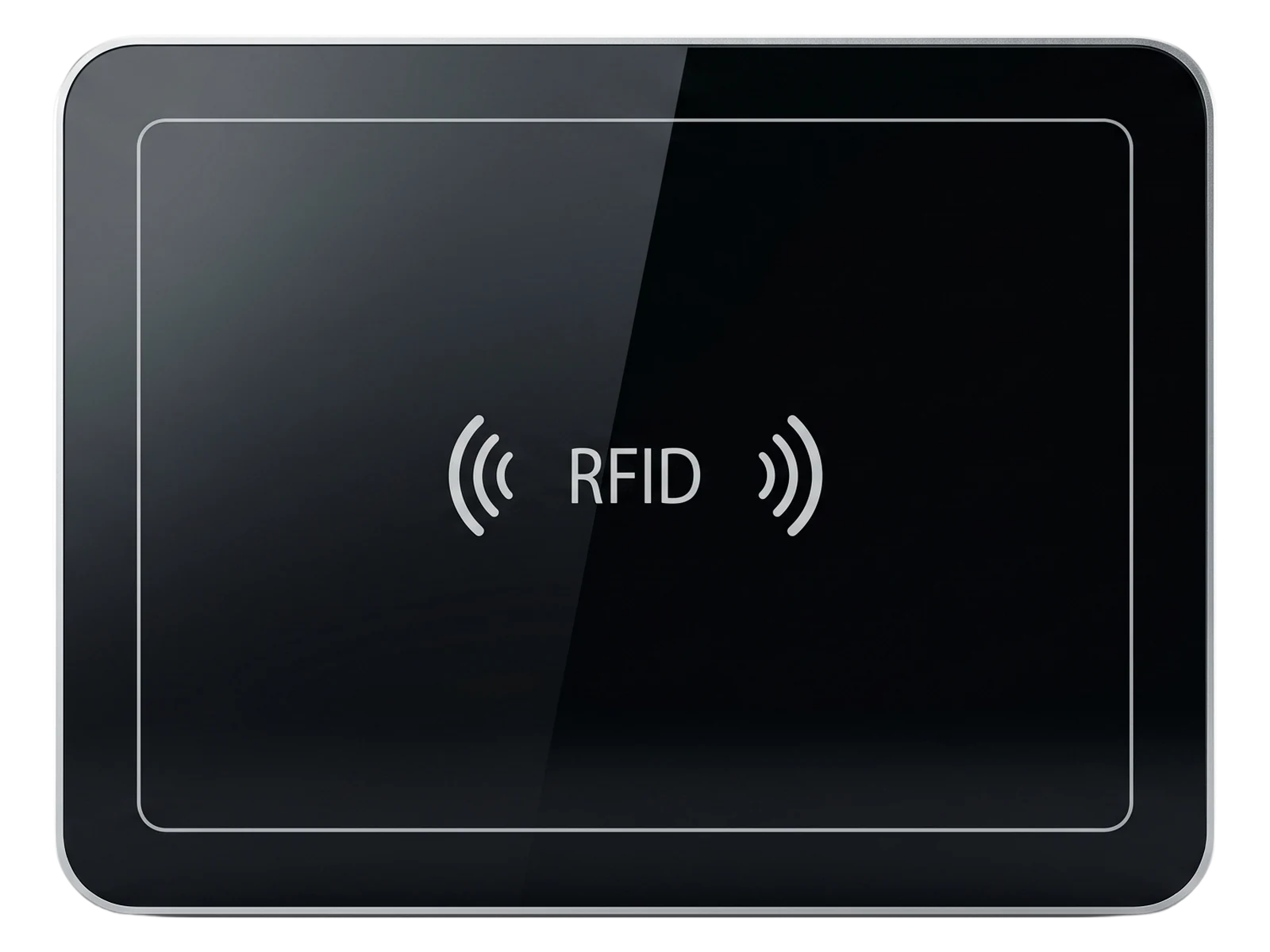
Desktop RFID Workflow
From Item-by-Item Scanning to One Controlled Desktop Read Zone
The RLD-02 brings multi-item capture, record comparison, tag writing and exception handling into one repeatable desktop operation.
Scan and Enter Every Item Separately
Repeated interaction for each book, tool or product
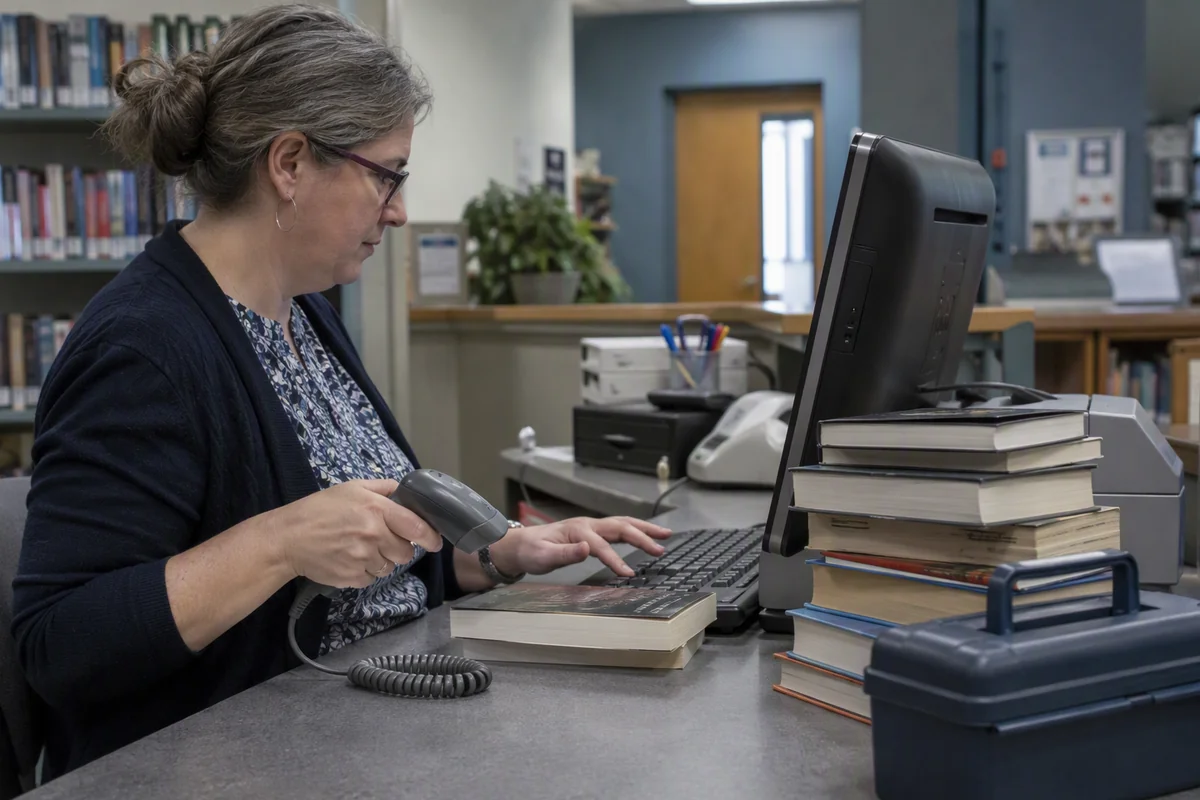
More repeated handling and more opportunities for missed, duplicated or mismatched item records.
Multi-Item Desktop Registration and Verification
One controlled sequence for the items placed in the work area
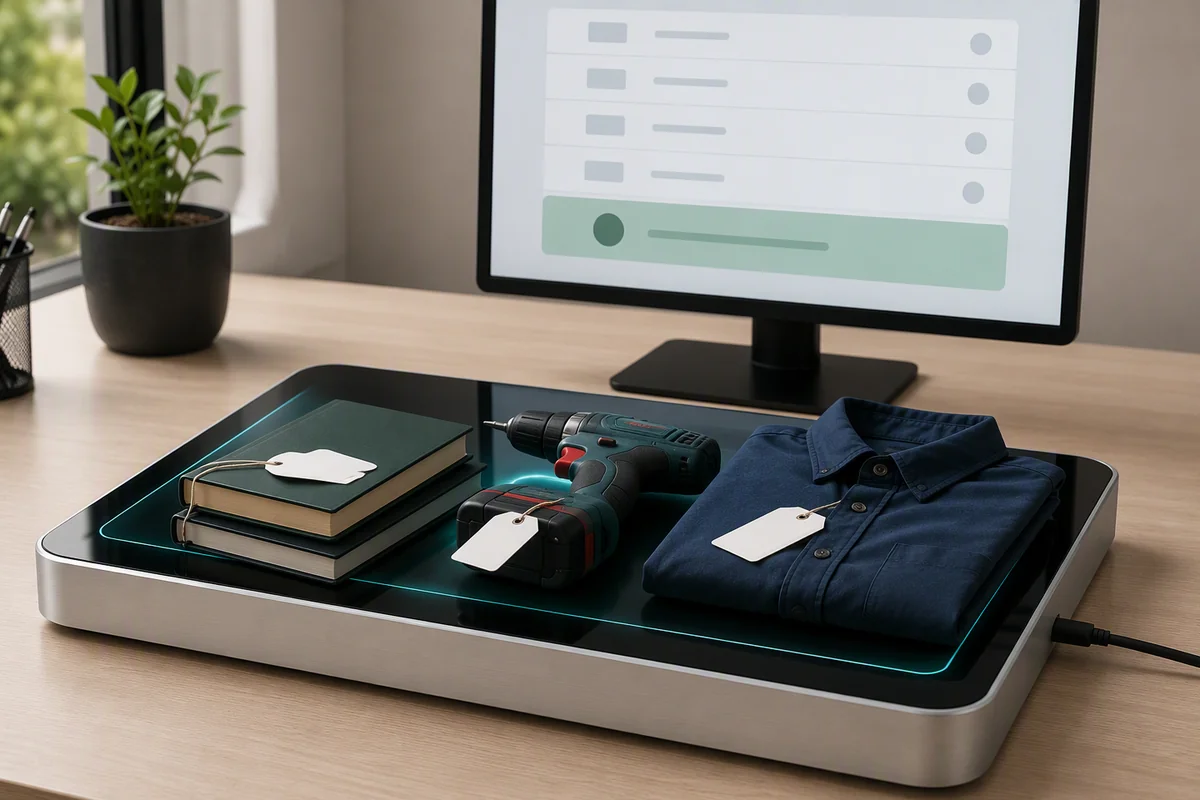
The number of items that can be processed together depends on tag type, orientation, stacking, material, RF settings and software logic. Publish quantified throughput or accuracy claims only after application testing.
Why RLD-02
Designed for Larger Desktop RFID Operations
The larger work surface supports books, documents, folded apparel, tools and groups of small tagged products that do not fit naturally on a compact encoder.
Large Controlled Work Surface
The 400 × 300 mm desktop area gives operators room to place books, files, folded apparel, tools or several small tagged items inside one defined workflow.
Multi-Tag Identification
Collision processing, filtering and RSSI information support controlled identification of multiple tags placed within the desktop read zone.
Read, Write and Verify
Use one workstation for item registration, EPC or data updates, read-back verification and exception handling according to the connected software workflow.
USB Workstation Integration
Connect the reader through USB Type-C and choose virtual serial, keyboard-style output, demo software or SDK-based application control.
Multi-Item Processing
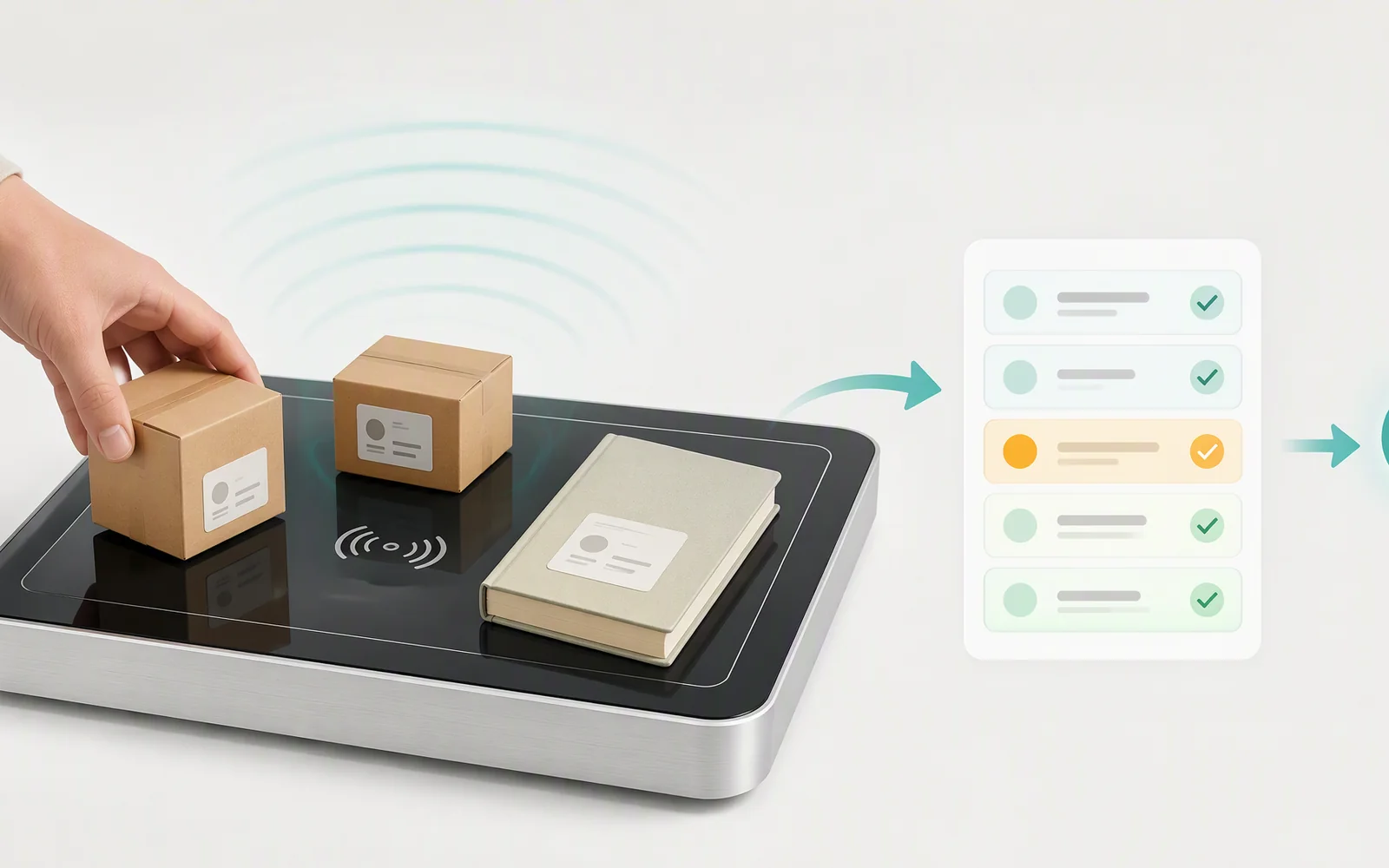
Turn the Items on the Desk into a Verified RFID Record
Build a repeatable workflow that captures the tags inside the work area, compares them with the expected list and separates accepted results from exceptions.
Position books, files, tools, garments or products inside the marked desktop work area.
Read the available EPC or supported tag data and remove duplicate responses in the software workflow.
Match the captured identifiers with an asset list, order, checkout basket, document record or issue/return transaction.
Confirm the transaction or identify missing, extra, unreadable or unexpected tags for operator review.
Desktop Applications
RFID Workflows That Benefit from a Larger Desktop Area
The RLD-02 is designed for controlled countertop and workstation processes, not warehouse-wide inventory or long-range portal reading.
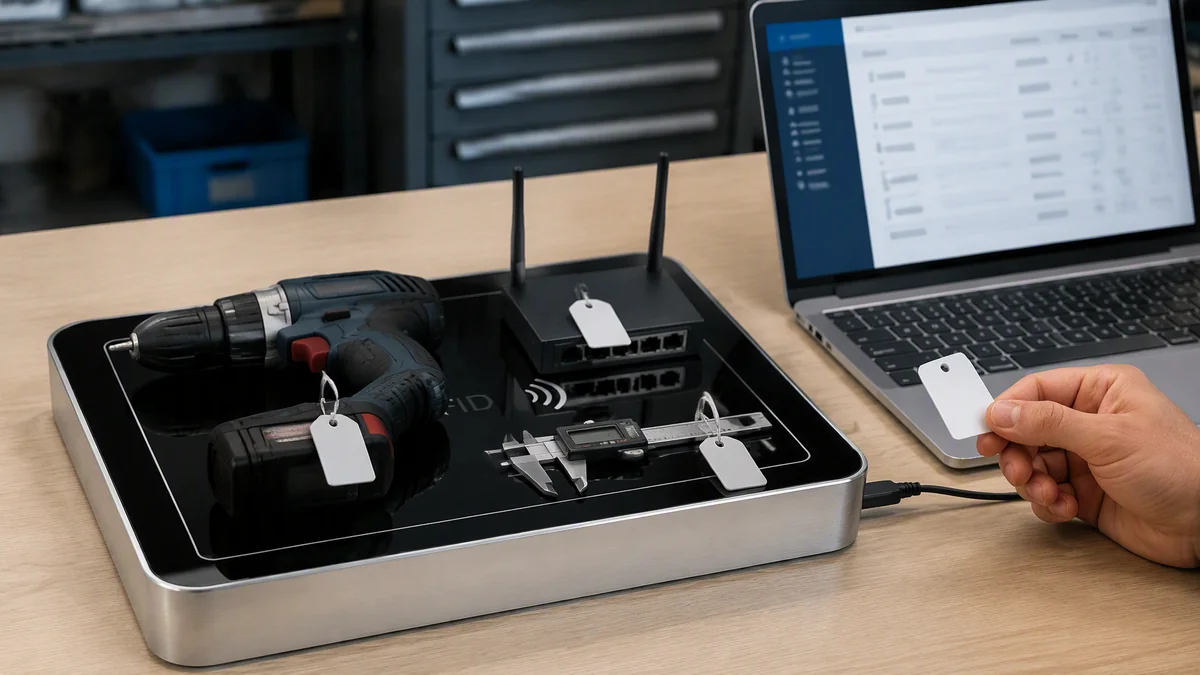
Asset and Tool Registration
Register compact tools, IT equipment, instruments or small assets, bind their RFID identifiers to the asset record and verify the result before storage or issue.
- RFID-to-asset-number binding
- Tool-kit or grouped-item verification
- Check-in, issue and return records
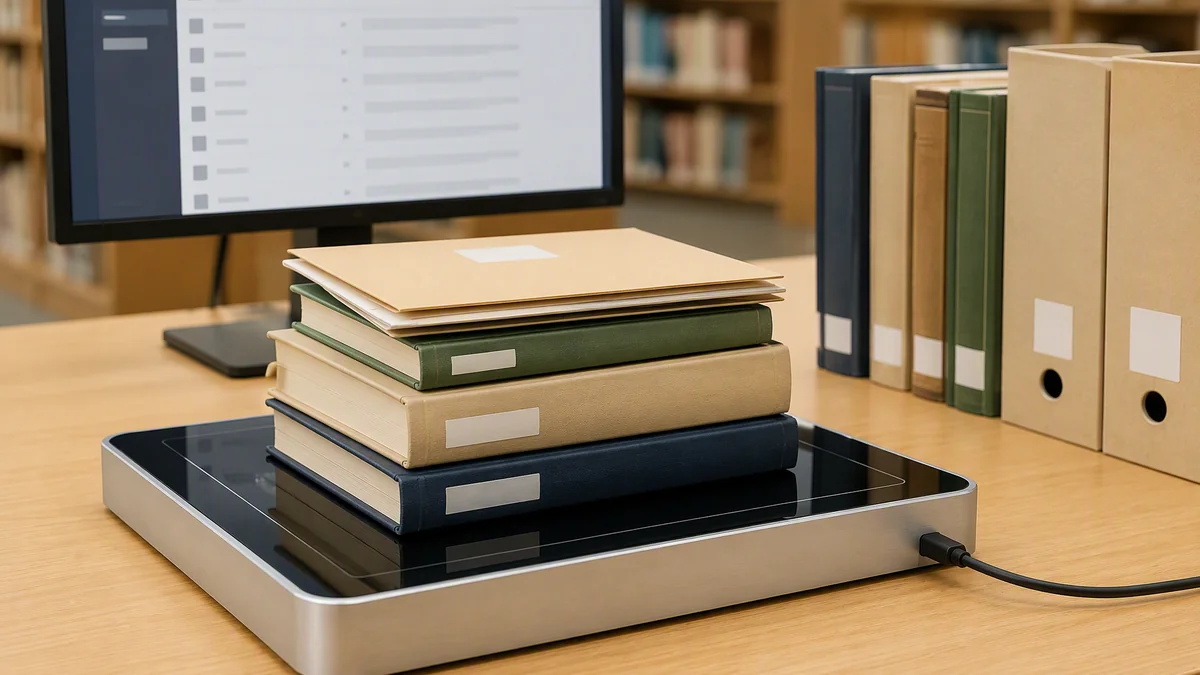
Book, Document and File Processing
Read, register or verify tagged books, archive boxes, document folders and file records on one desktop surface.
- Book or archive registration
- Issue, return and file-transfer processing
- Record matching and missing-item checks
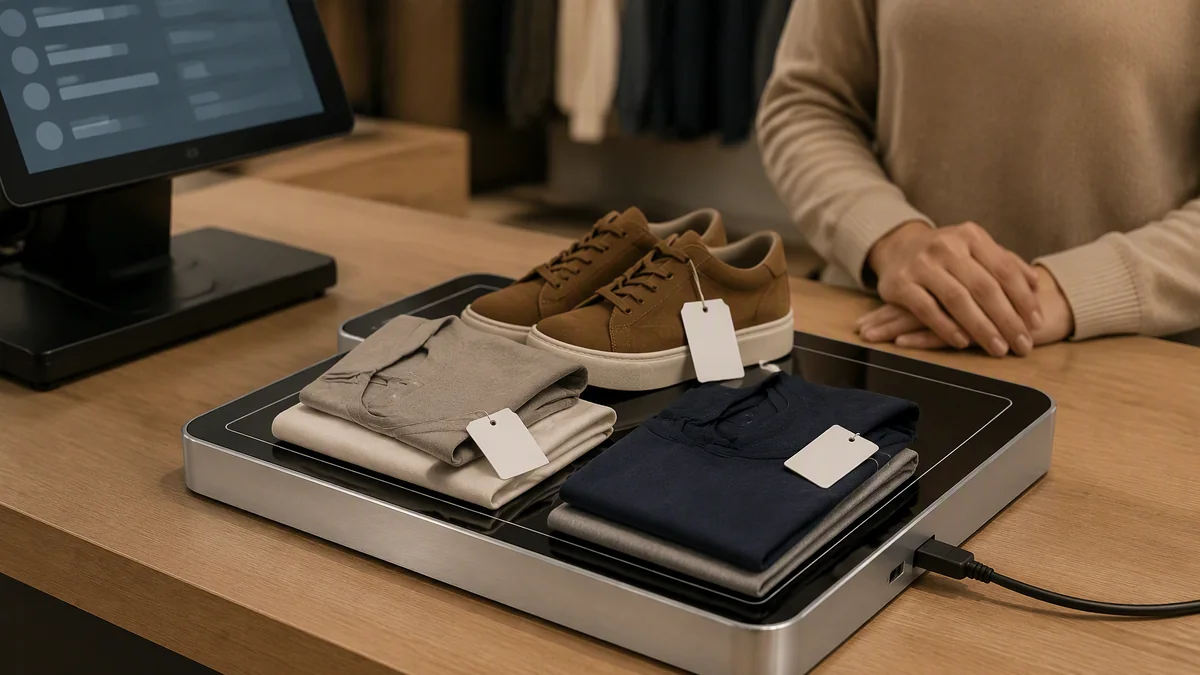
Apparel and RFID-Assisted Checkout
Capture the RFID identifiers of several garments or tagged retail products and return the item list to the POS, order or checkout application.
- Multi-item basket identification
- SKU, quantity and order-list verification
- Checkout, return or packing confirmation
This product supplies RFID item data to the connected software; it is not a payment terminal by itself. Apparel, metal tools, stacked books and adjacent tagged items must be tested under the actual workstation conditions.
Controlled Read Area
A Larger Area That Still Needs Clear Boundaries
More desktop coverage improves item placement and multi-item handling, but power, tag position and nearby inventory still determine which tags enter the transaction.
Mark the active surface, define the expected number of items and keep unprocessed or completed RFID-tagged objects outside the controlled transaction area.
Up to 60 cm Reading
Capture tags placed on or above the desktop area, subject to tag type, material, orientation and power configuration.
Up to 30 cm Writing
Use a closer and more controlled placement when updating tag memory or programming identifiers.
0–26 dBm RF Adjustment
Reduce or extend the practical read area for the selected item mix and workstation layout.
Filtering and RSSI
Use supported tag filtering and signal information to assist the software in selecting and validating the intended items.
Nearby RFID-tagged goods, staff badges, adjacent workstations and completed items can enter the read zone if the installation is not controlled. Validate the actual worktop arrangement and use the lowest practical RF power.
PC and Software Integration
Connect the Reader to Checkout, Asset, Library or Business Software
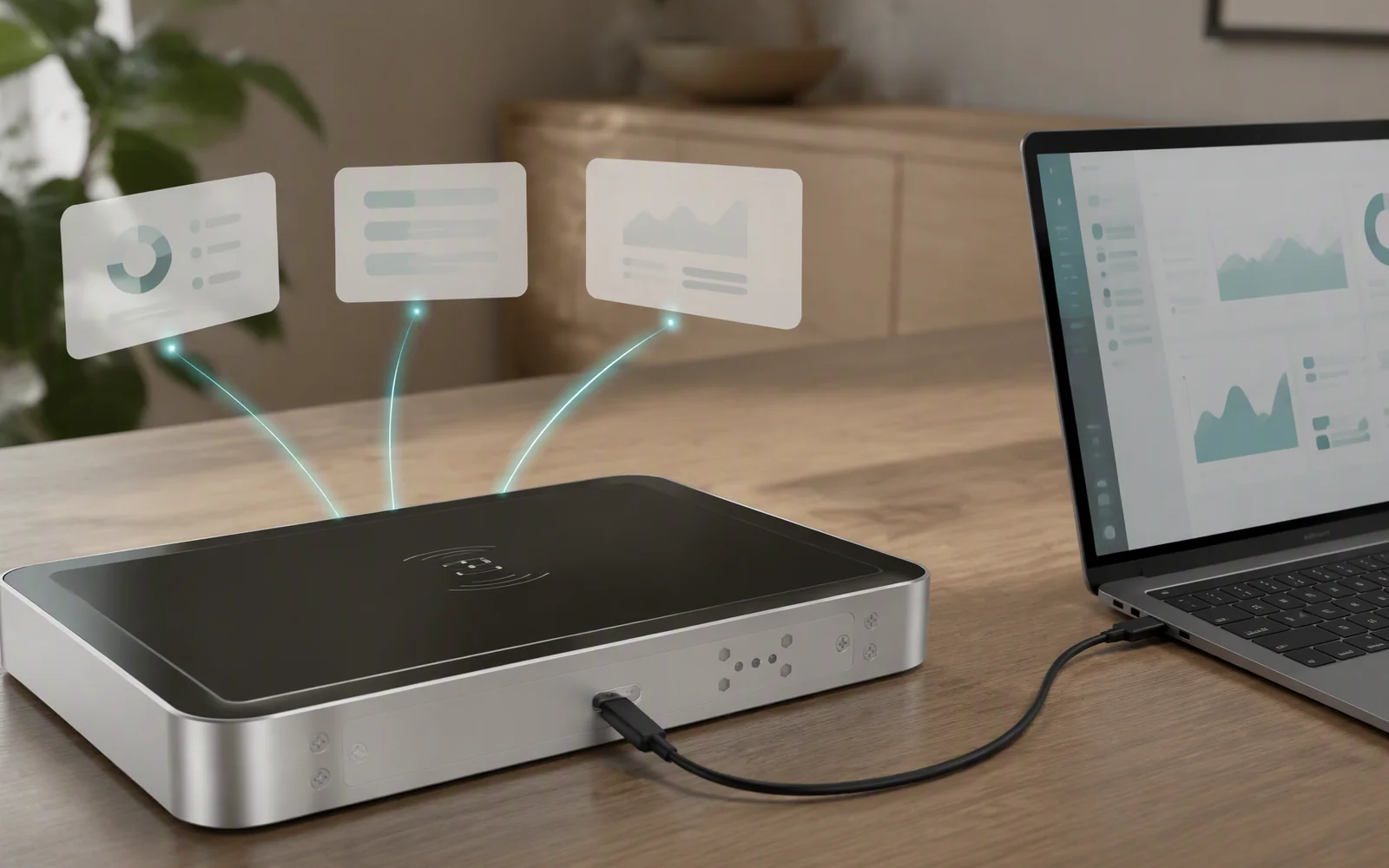
Choose keyboard-style entry for a simple workstation or use virtual serial communication and the SDK to control reads, writes, item-list comparison and exception handling.
Use one physical connection for reader power and computer communication.
Connect compatible software through the documented virtual RS-232 interface.
Send configured RFID data to the active field in supported desktop applications.
Develop a dedicated registration, checkout, issue/return or order-verification application.
Workstation Guidance
Configure the Work Area Around the Item List
The expected item count, placement area, RF power, write rules and exception logic should be designed as one desktop process.
Define the Item Mix
Confirm the tags, item materials, expected quantity and whether products will overlap or stack.
Mark the Active Surface
Show operators where books, garments, tools or products should be placed during each transaction.
Set the RF Power
Use the lowest output level that reliably captures the intended items without extending into adjacent areas.
Separate Other Tags
Keep waiting, completed and rejected RFID-tagged items outside the active desktop zone.
Control Write Operations
Reduce the active area and confirm the selected tag before writing or updating tag memory.
Define Exceptions
Flag missing, extra, unreadable, duplicated or unexpected identifiers for operator review.
Technical Specifications
RLD-02 Specifications and Configuration Details
Confirm the actual multi-tag performance, practical read/write area and software workflow using the intended tags and items before production deployment.
| RF Performance | |
|---|---|
| Frequency Range | 840–960 MHz |
| Air Interface Protocols | ISO 18000-6C / 6B, EPC Class 1 Gen 2 |
| RF Output Power | 0–26 dBm, adjustable |
| Typical Read Range | Up to 60 cm* |
| Typical Write Range | Up to 30 cm* |
| Multi-Tag Handling | Supported; validate the intended tag quantity and item arrangement |
| Tag Filtering | Supported |
| RSSI Detection | Supported |
| Communication and Power | |
| Physical Interface | USB Type-C |
| Communication Mode | Virtual RS-232 |
| Virtual Keyboard Output | Supported |
| Power Supply | USB |
| Software and Development | |
| Demo Software | Available |
| SDK Support | C# and Java |
| Excel Data Workflow | Import/export described in the supplied software documentation; confirm template, fields and exception logging |
| Environmental and Mechanical | |
| Operating Temperature | −20°C to 55°C |
| Storage Temperature | −40°C to 80°C |
| Dimensions | 400 × 300 × 35 mm |
| Material | ABS with aluminum backplate |
| Weight | 2 kg |
*Reference maximum distances are not guaranteed working distances. Actual performance depends on tag construction, product material, orientation, stacking, RF setting, surrounding metal and nearby tagged objects. The supplied document contains a conflicting 30 cm / 15 cm feature statement; this page uses the RLD-02 specification-table values of 60 cm / 30 cm.
Product Views
Mechanical Drawing and Large Desktop Reader Views
Review the 400 × 300 mm footprint, Type-C connector position, top work area and underside structure when planning the counter or workstation.
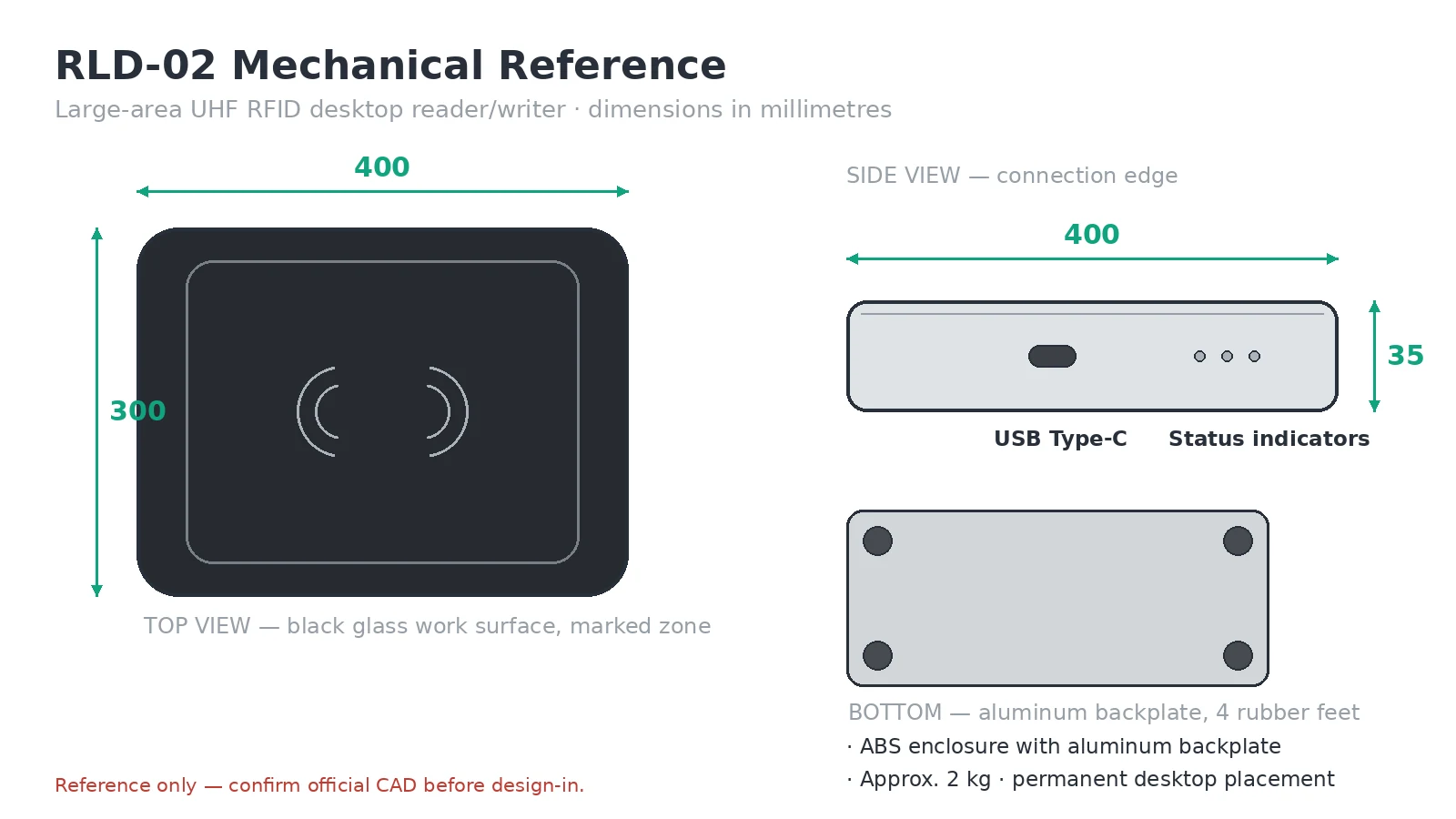
Mechanical Drawing
Top Work Surface
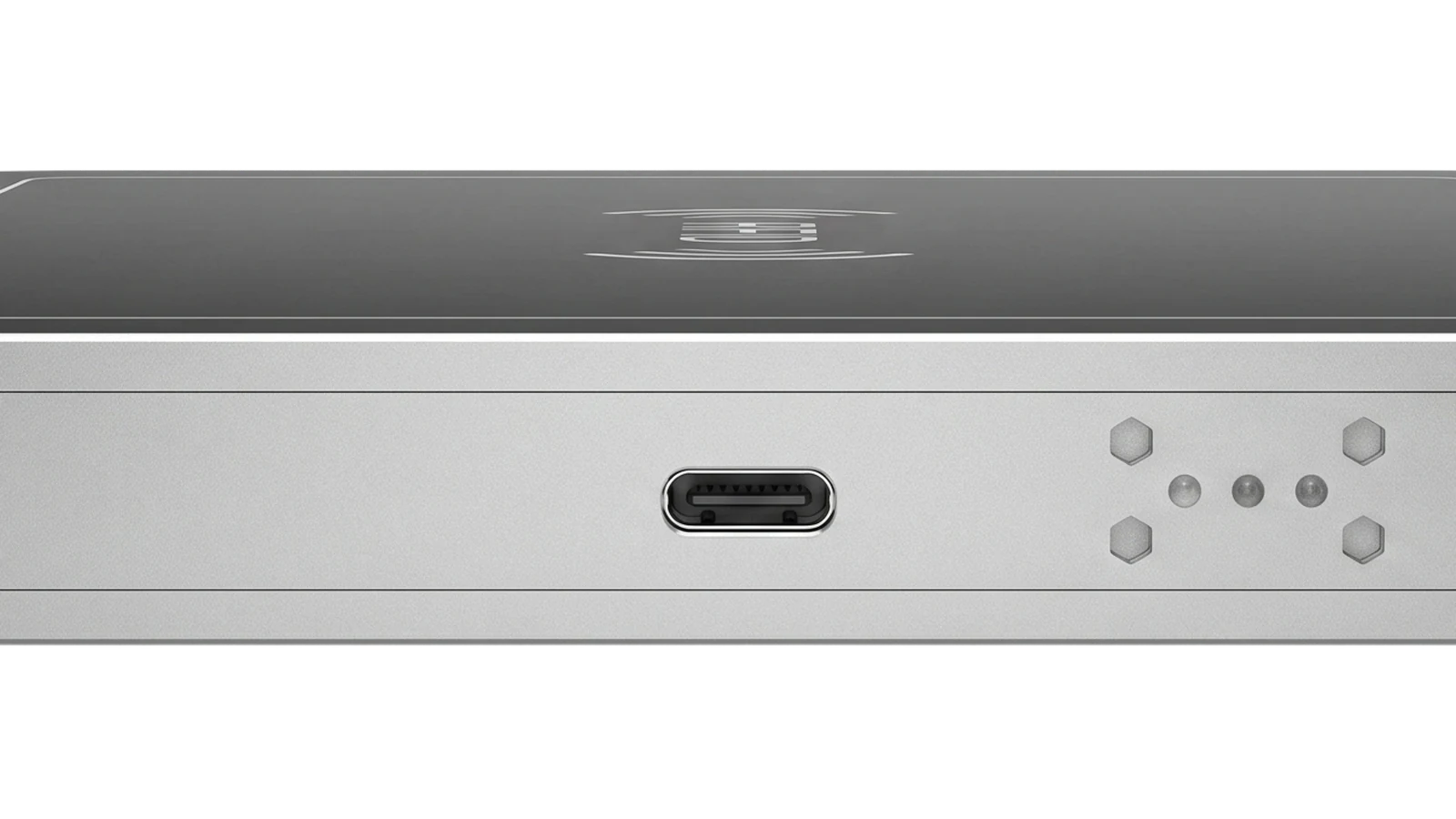
Type-C and Status View
Technical Resources
Resources for Evaluation and Workstation Integration
Request the files needed to evaluate multi-item reads, test tag writing and connect the RLD-02 to the intended checkout, registration or business software.
Product Data Sheet
Review RF, communication, environmental and mechanical specifications.
Request Data SheetDemo and Processing Software
Evaluate multi-tag reading, writing, RF adjustment and record-processing functions.
Request Demo SoftwareSDK and Communication Resources
Develop a registration, checkout, order-verification or issue/return application using the available C# and Java resources.
Request SDKExcel Data Template
Confirm the supported fields and record format for tag encoding, item registration or transaction review.
Request Excel TemplateFAQ
RLD-02 Large-Area UHF RFID Desktop Reader FAQ
What is the RLD-02 used for?
The RLD-02 is designed for controlled desktop UHF RFID processes such as multi-item registration, asset and tool intake, book or document processing, apparel identification, order verification and RFID-assisted checkout.
How is the RLD-02 different from the RLD-01?
The RLD-02 has a larger 400 × 300 mm work surface and longer reference read/write distances. It is better suited to several small items, books, files, folded apparel and grouped tools, while the RLD-01 is optimized for compact single-tag encoding and verification.
Can it read multiple tags at the same time?
It supports multi-tag handling, filtering and RSSI information. The practical number of tags depends on tag type, product material, placement, stacking, power and software settings and must be validated for the application.
Can it be used for retail checkout?
It can provide the captured RFID item list to compatible POS or checkout software. It is not a payment terminal and does not independently calculate prices, take payment or guarantee that every stacked item will be captured.
Is it suitable for clothing and garments?
Yes, for a controlled number of tagged garments or folded apparel placed on the surface. Test the actual label positions, overlapping items and surrounding stock before deployment.
Can it process books, documents and archive files?
Yes, when those items use compatible UHF RFID tags. Traditional HF library tags are a different technology and are not interchangeable with this UHF reader.
What is the maximum read range?
The RLD-02 specification table lists a reference maximum of up to 60 cm. Actual distance depends on tag construction, material, orientation, RF power and nearby objects.
What is the maximum write range?
The specification table lists a reference maximum of up to 30 cm. Reliable writing normally requires a closer and more controlled placement than reading.
Does it need a separate power adapter?
The current specification lists USB as the power supply and USB Type-C as the physical connection.
Which SDKs are available?
The current technical documentation lists C# and Java development support. Confirm the final SDK package, operating-system support and API functions before development.
How should nearby tags be controlled?
Use the lowest practical RF power, mark the active surface and keep waiting, completed and adjacent tagged products outside the transaction zone. Add shielding or greater separation when required by the workstation layout.
Can it replace a warehouse portal reader?
No. The RLD-02 is a desktop workstation for controlled countertop processing. Warehouse portals, conveyor checkpoints and large-scale inventory operations require a different antenna and reader arrangement.
Workstation Configuration
Configure the RLD-02 for Your Multi-Item Desktop Workflow
Send the tag type, item material, expected quantity, transaction process, software environment and read/write requirements for technical review.