
UHF RFID Desktop Reader
RLD-01 UHF RFID Desktop Reader and Tag Encoder
Encode, update and verify UHF RFID tags at a controlled desktop workstation with near-field reading, adjustable RF power and USB Type-C communication.
Build more consistent tag-to-item records, reduce repetitive data entry and detect encoding errors before tags enter the next process.
*Typical maximum distances under suitable reference conditions. Actual read and write performance depends on the tag design, orientation, mounting material, RF power setting and nearby objects.
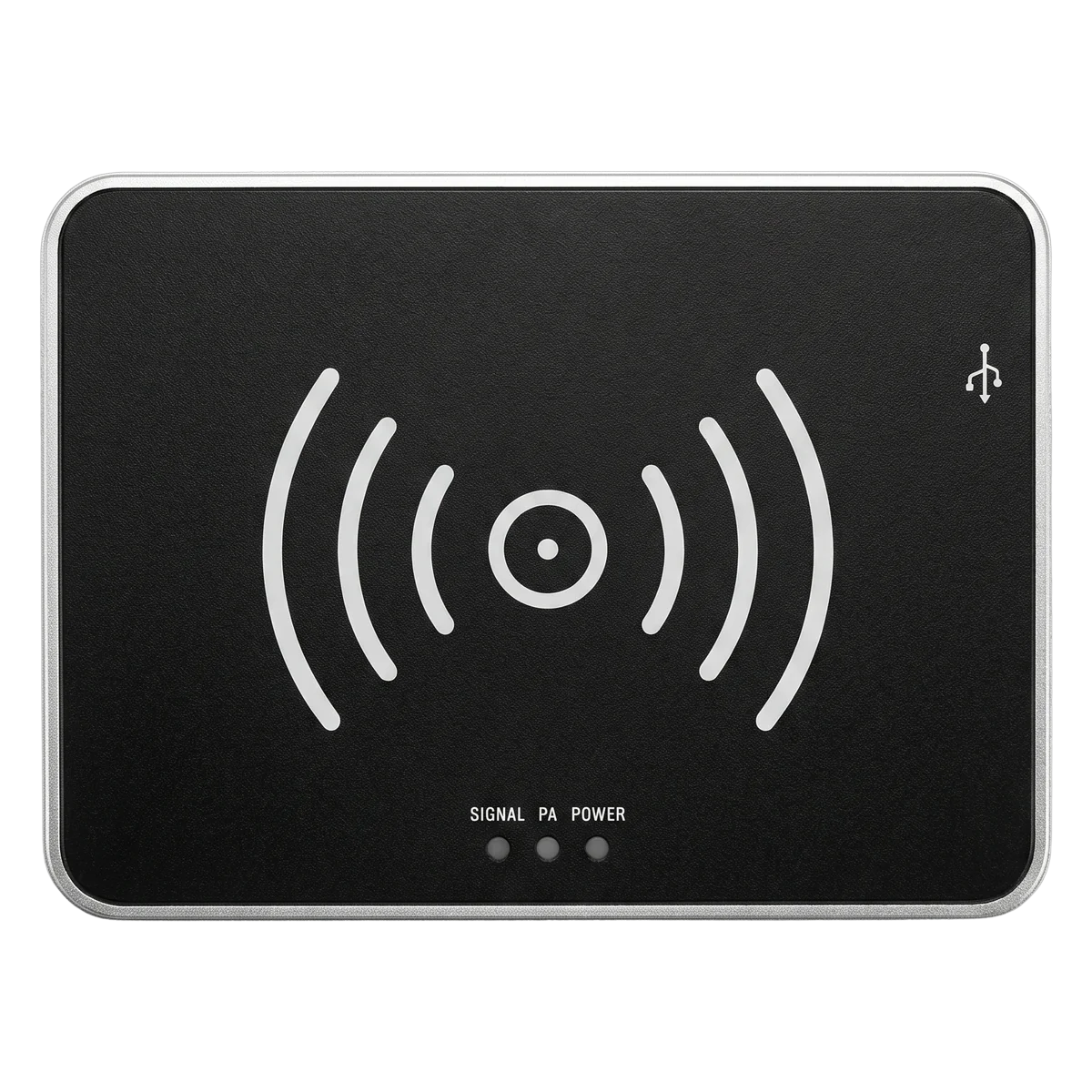
Desktop RFID Workflow
From Disconnected Data Entry to a Verified RFID Tag
The RLD-01 brings tag reading, programming, verification and record entry into one repeatable desktop operation.
Separate Encoding and Record Entry
Multiple manual steps for every tag
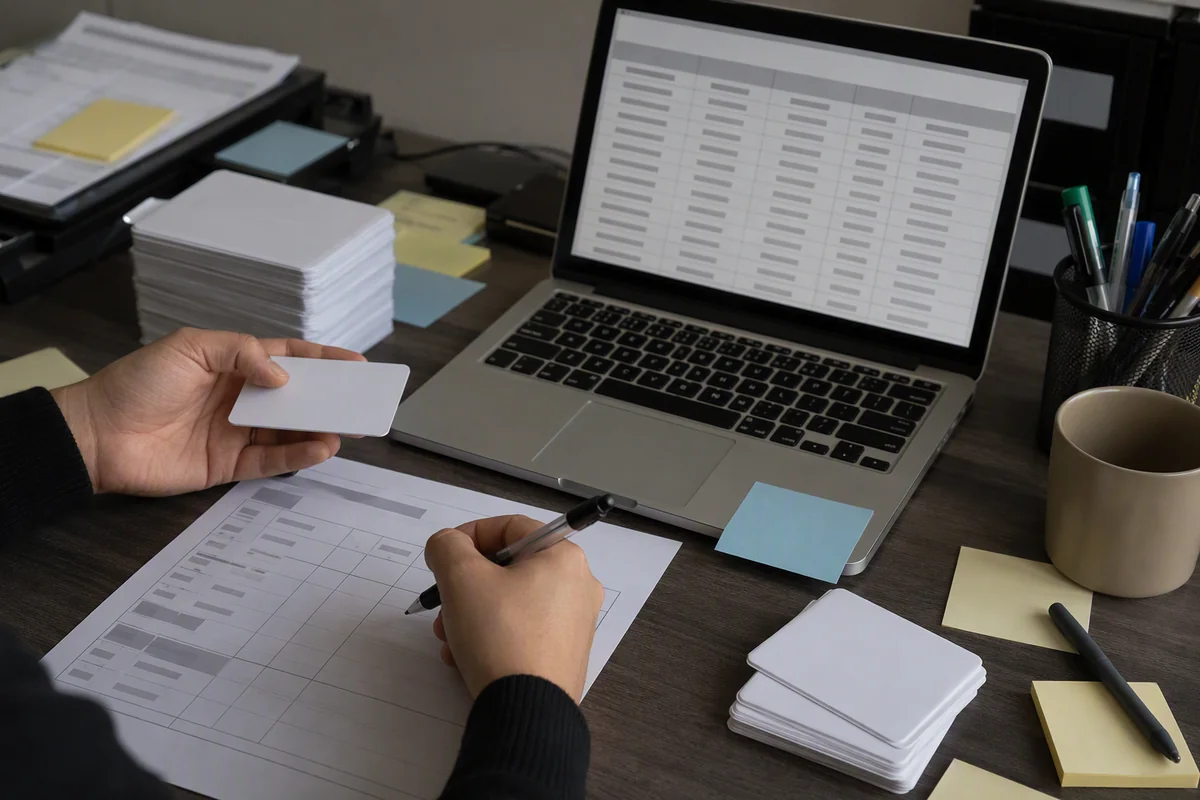
More repeated copying and more opportunities for mismatched or unverified records.
Controlled Encode-and-Verify Workstation
A repeatable sequence for each tag or record
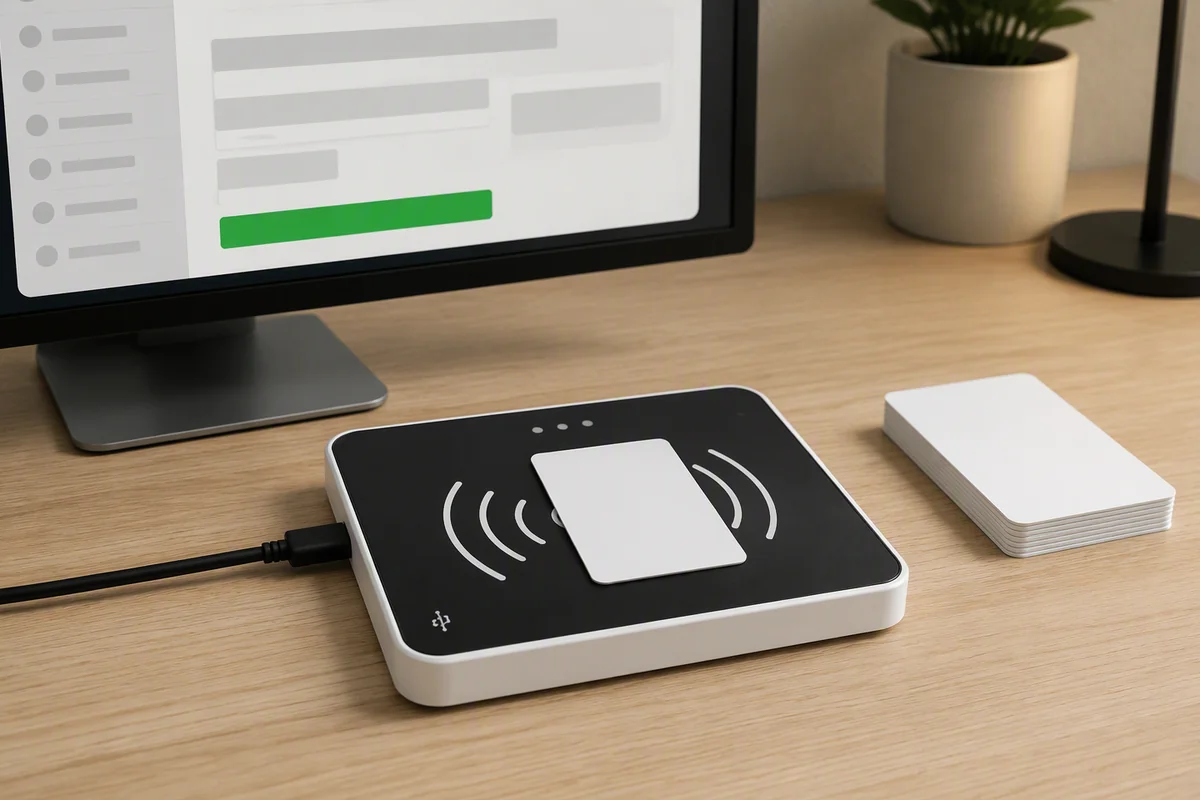
Workflow improvements depend on the selected tag, encoding software, verification rules and operator process. Publish quantified time or accuracy improvements only when supported by project data.
Why RLD-01
Designed for Controlled Desktop RFID Operations
The product is optimized for short-range tag programming and registration rather than long-range portal or warehouse inventory reading.
Controlled Near-Field Zone
The integrated near-field antenna concentrates reading and writing around the workstation surface, helping reduce unintended interaction with nearby tags.
One USB Connection
Use USB Type-C for both power and communication without adding a separate power supply or network connection to the desk.
Single or Sequential Processing
Process an individual tag or work through a prepared sequence of records using compatible tag-encoding software and data files.
Flexible Software Integration
Use virtual serial communication, keyboard-style data entry, demo software or the available C# and Java development resources.
Tag Commissioning Process
Move from Source Data to a Verified RFID Tag
Build a repeatable encode–verify sequence before a tag, product or record enters the next operational step.
Enter the required identifier or import compatible records from the encoding software.
Confirm that the tag placed in the desktop zone is responding before programming begins.
Program the required EPC or other supported memory according to the application workflow.
Verify the returned data against the intended record before accepting the operation.
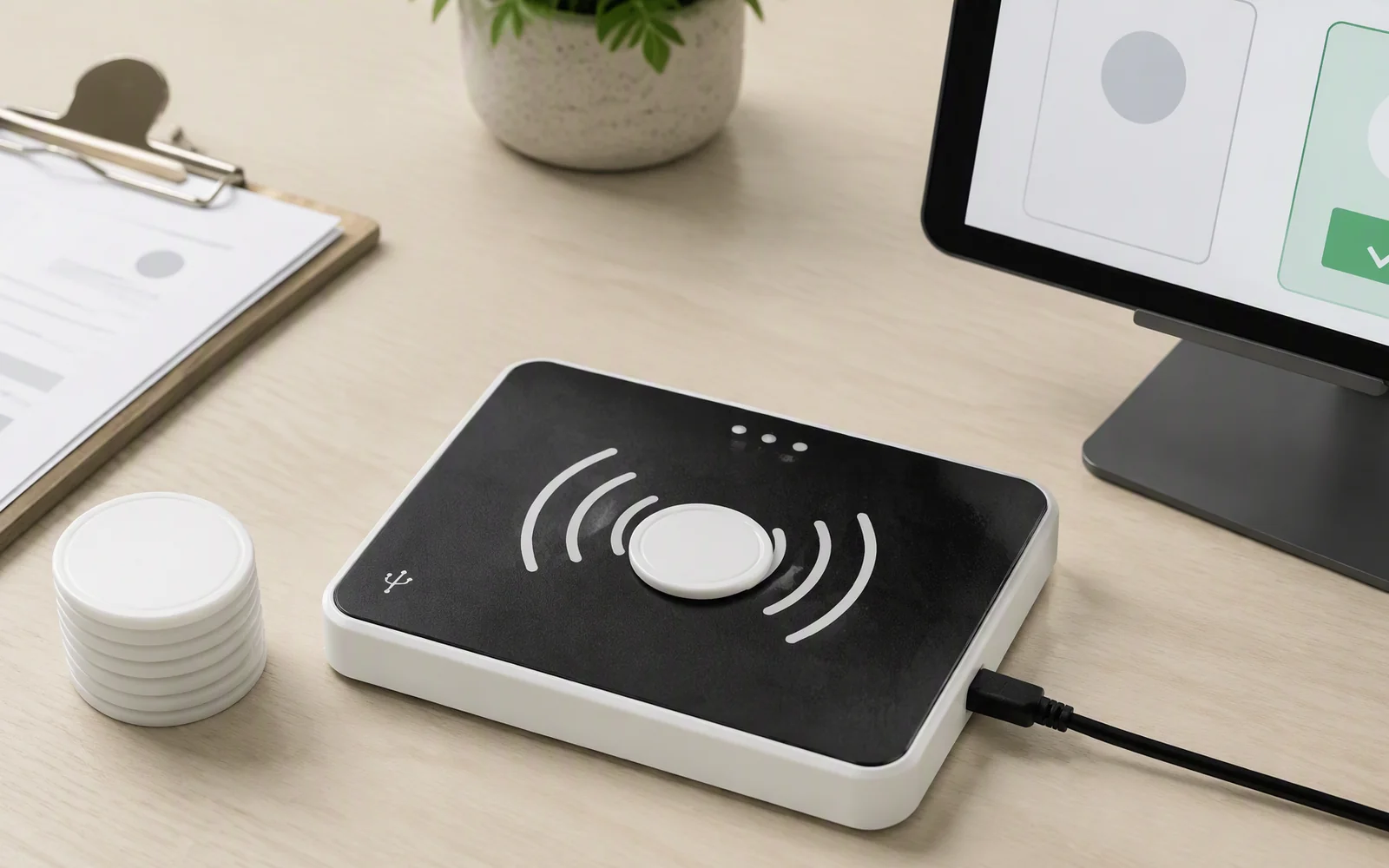
Desktop Applications
RFID Workflows That Fit a Compact Workstation
The 150 × 110 mm reader is best suited to individual tags, cards, documents, small assets and manual single-item production processes.
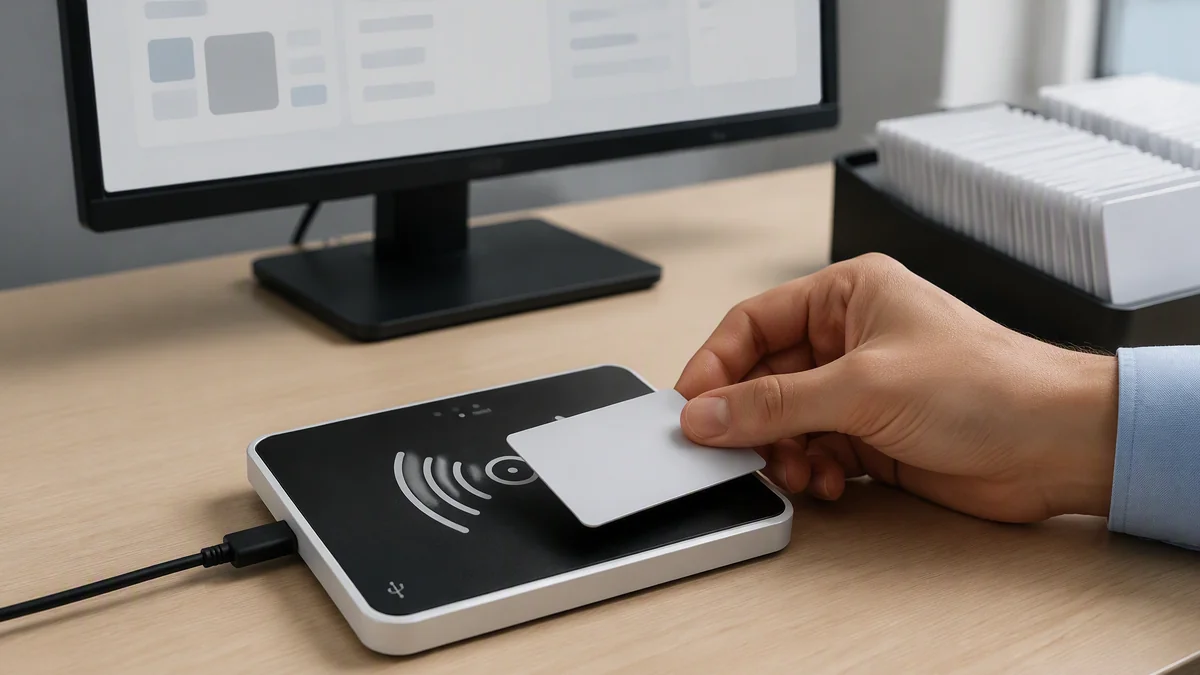
RFID Tag Encoding and Issuance
Initialize new UHF RFID tags, write the required identifiers and verify the result before the tags are issued to production, packaging or registration workflows.
- EPC programming and data update
- Write verification and tag testing
- Sequential processing from prepared records
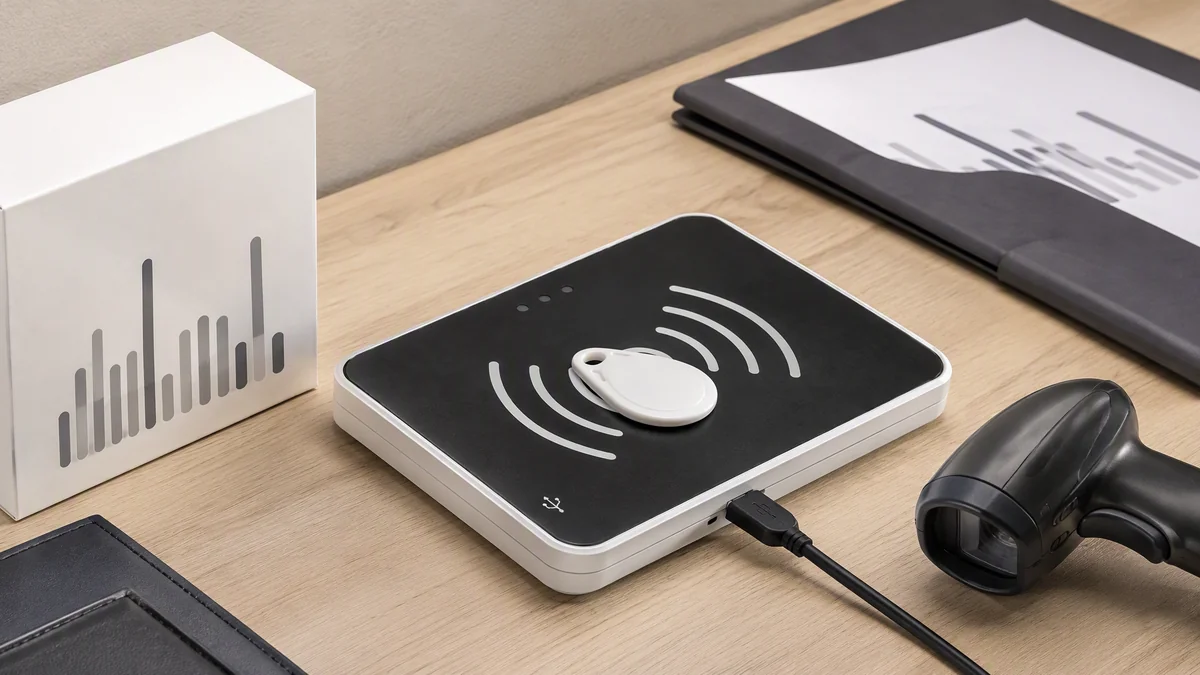
Product, Document and Small-Asset Registration
Bind an RFID identifier to a product serial number, barcode, document record, library item, card, small tool or compact asset.
- RFID-to-barcode or serial-number binding
- Document and library item registration
- Small-tool and compact-asset enrollment
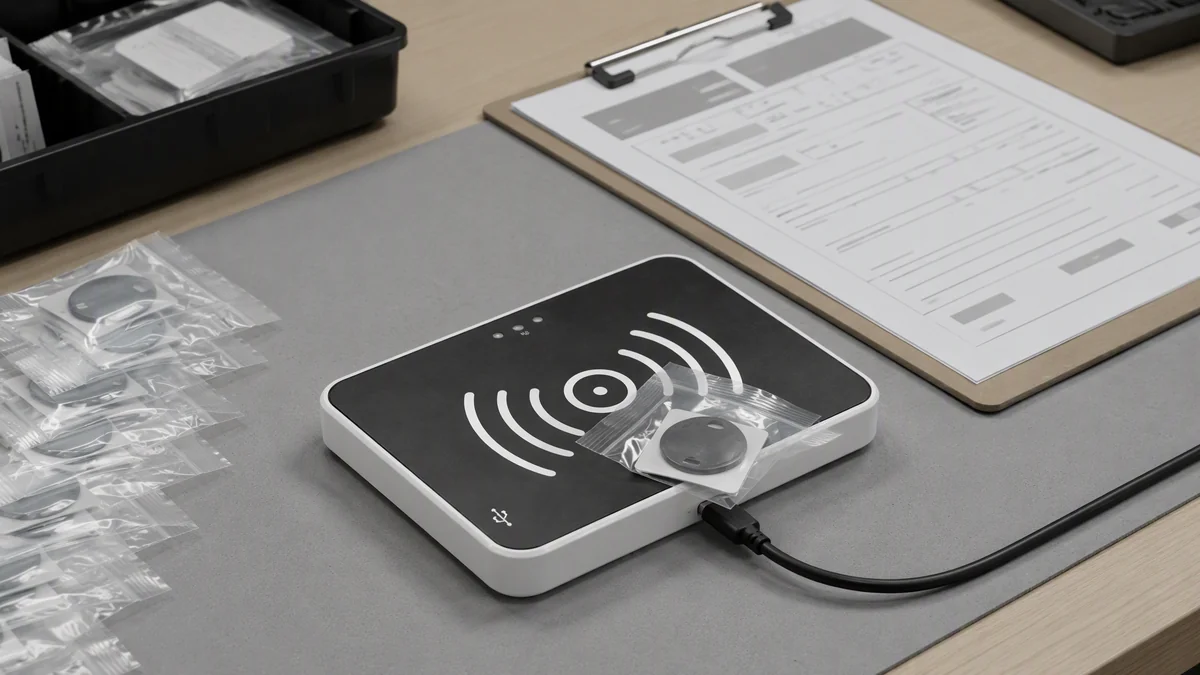
Production Verification and Rework
Read, rewrite or verify a tag at a manual workstation before packaging, release, repair or return to the production process.
- RFID and barcode matching
- Packaging or work-order verification
- Label replacement and rework encoding
The RLD-01 is not intended for warehouse-wide inventory, portal-scale tag capture, large textile piles or high-speed long-range conveyor reading.
Controlled Read Area
Short Range by Design
The objective is not to read as far as possible. The objective is to work reliably with the intended tag at a defined desktop position.
Use the lowest practical RF power that completes the required read or write operation while keeping nearby tags outside the active workflow.
Up to 30 cm Reading
Identify the tag placed in the intended desktop area before a programming or registration operation.
Up to 15 cm Writing
Keep tag programming close to the active surface and the intended tag.
0–26 dBm RF Adjustment
Tune the practical working area for the selected tag and workstation layout.
Tag Filtering and RSSI
Use supported filtering and signal information as part of a controlled tag-selection workflow.
The stated distances are reference maximums rather than fixed operating distances. Validate the actual tag, position, power and surrounding objects before deployment.
PC and Software Integration
Connect the Reader to the Existing Workstation
Choose a simple data-entry method for a basic workstation or use the SDK to build a controlled encoding and verification application.
Use one physical connection for device power and computer communication.
Connect compatible software through the documented virtual RS-232 interface.
Send configured tag data to the active field in compatible desktop applications.
Develop dedicated tag-programming, registration or verification workflows using the available resources.
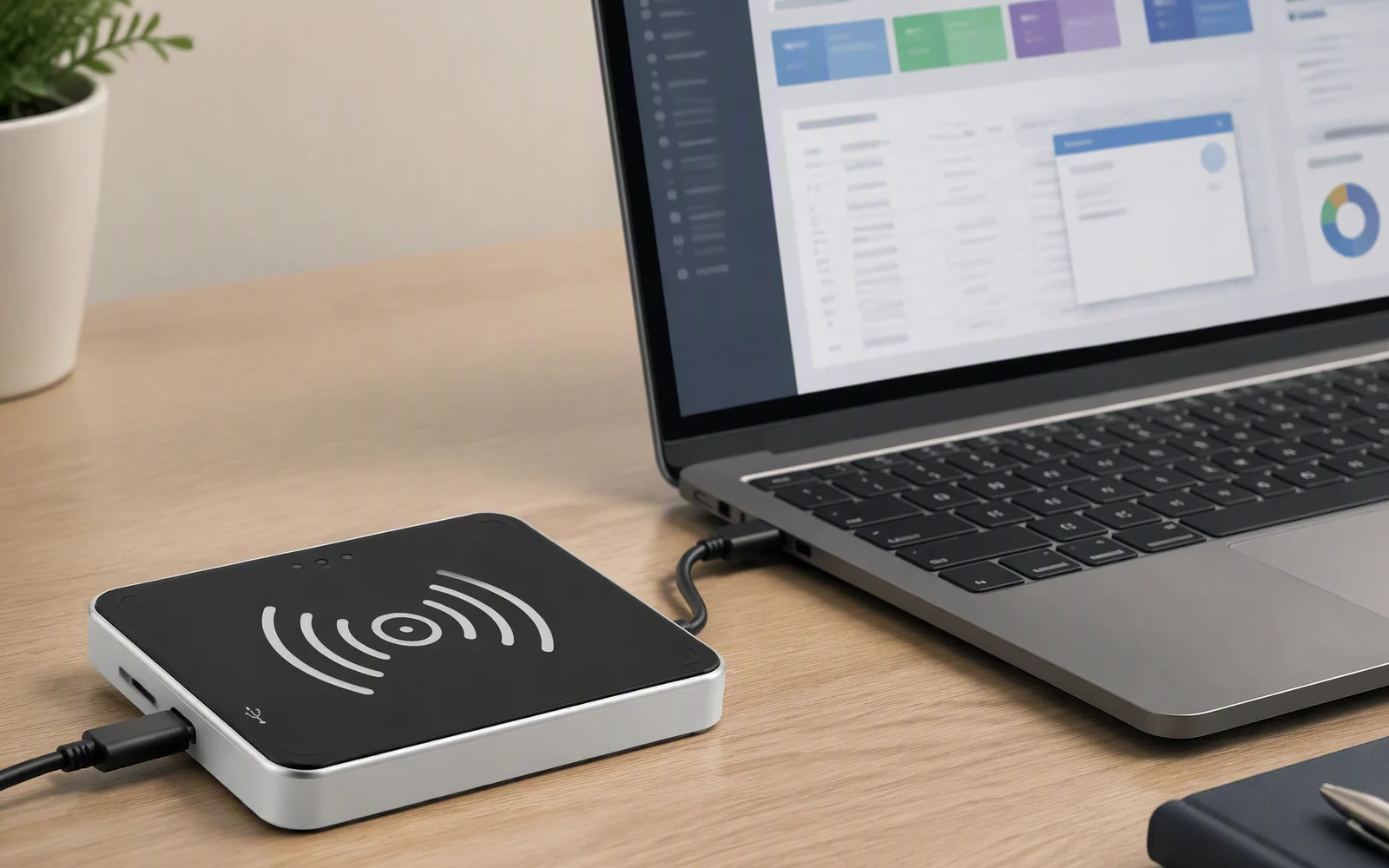
Workstation Guidance
Configure the Process Around the Intended Tag
The reader, tag position, software record and acceptance rule should be designed as one workstation process.
Confirm the Tag
Identify the tag chip, antenna size, writable memory and any supported security functions.
Mark the Placement Area
Define where the operator should place the tag, card, document or small tagged object.
Set the RF Power
Use the lowest output level that reliably completes the required read or write operation.
Separate Nearby Tags
Keep unprocessed tags, finished tags and tag rolls outside the active workstation area.
Define Verification
Specify which returned data must match the source record before the operation is accepted.
Record Exceptions
Log unreadable tags, write failures, duplicate identifiers and records requiring manual review.
Technical Specifications
RLD-01 Specifications and Configuration Details
Confirm the tag protocol, software workflow and practical read/write distance using the actual tag before production use.
| RF Performance | |
|---|---|
| Frequency Range | 840–960 MHz |
| Air Interface Protocols | ISO 18000-6C / 6B, EPC Class 1 Gen 2 |
| RF Output Power | 0–26 dBm, adjustable |
| Typical Read Range | Up to 30 cm* |
| Typical Write Range | Up to 15 cm* |
| Tag Filtering | Supported |
| RSSI Detection | Supported |
| Communication and Power | |
| Physical Interface | USB Type-C |
| Communication Mode | Virtual RS-232 |
| Virtual Keyboard Output | Supported |
| Power Supply | USB |
| Software and Development | |
| Demo Software | Available |
| SDK Support | C# and Java |
| Excel Data Workflow | Supported by compatible encoding software; confirm template and fields |
| Environmental and Mechanical | |
| Operating Temperature | −20°C to 55°C |
| Storage Temperature | −40°C to 80°C |
| Dimensions | 150 × 110 × 19 mm |
| Material | ABS with aluminum backplate |
| Weight | 0.3 kg |
*The practical read and write area depends on the selected tag, object, orientation, power setting and workstation environment. Security functions also depend on the selected tag chip and implemented software logic.
Product Views
Mechanical Drawing and Desktop Reader Views
Review the footprint, Type-C connector position and underside structure when planning the workstation layout.
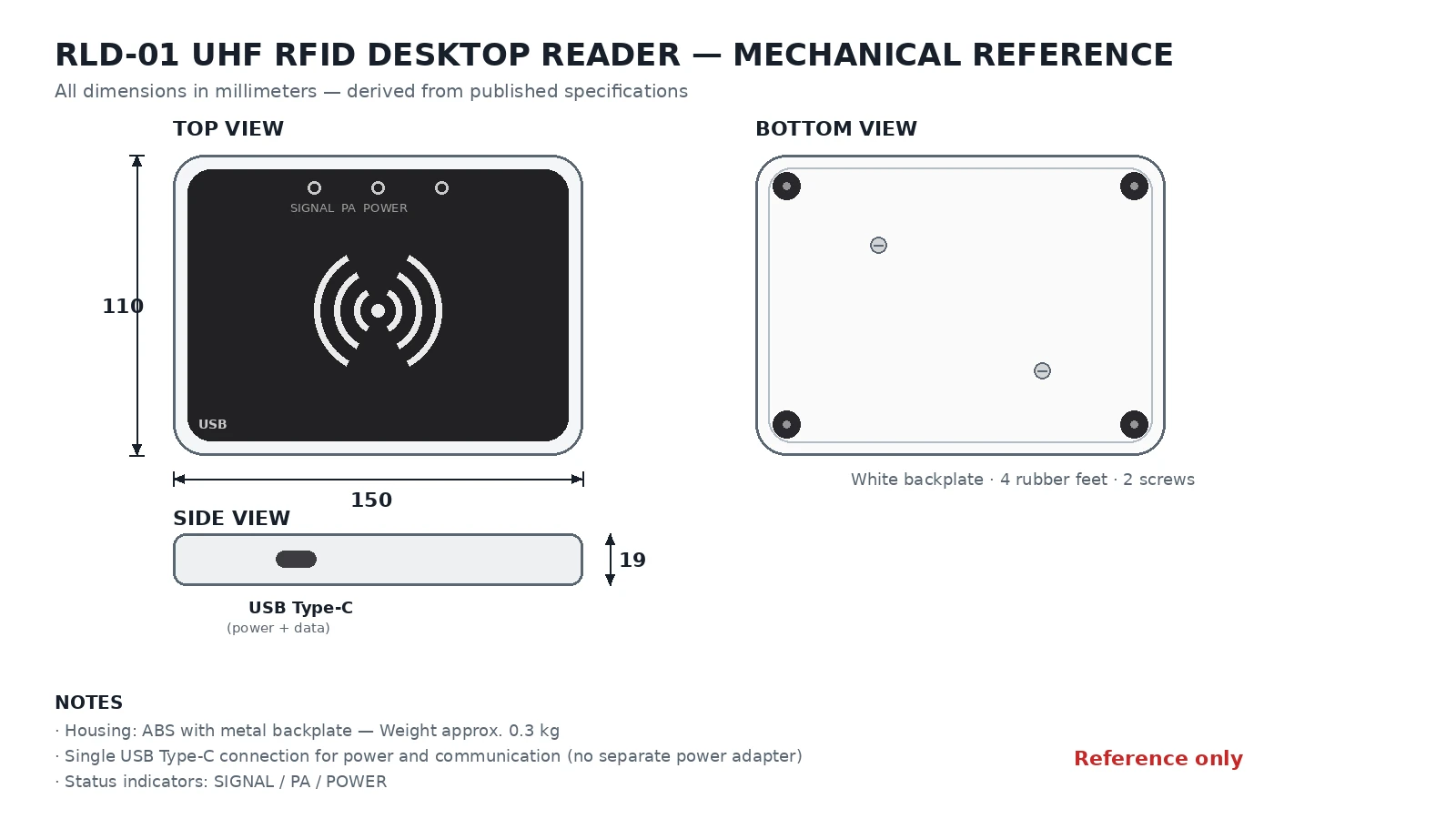
Mechanical Drawing
Front and Type-C View
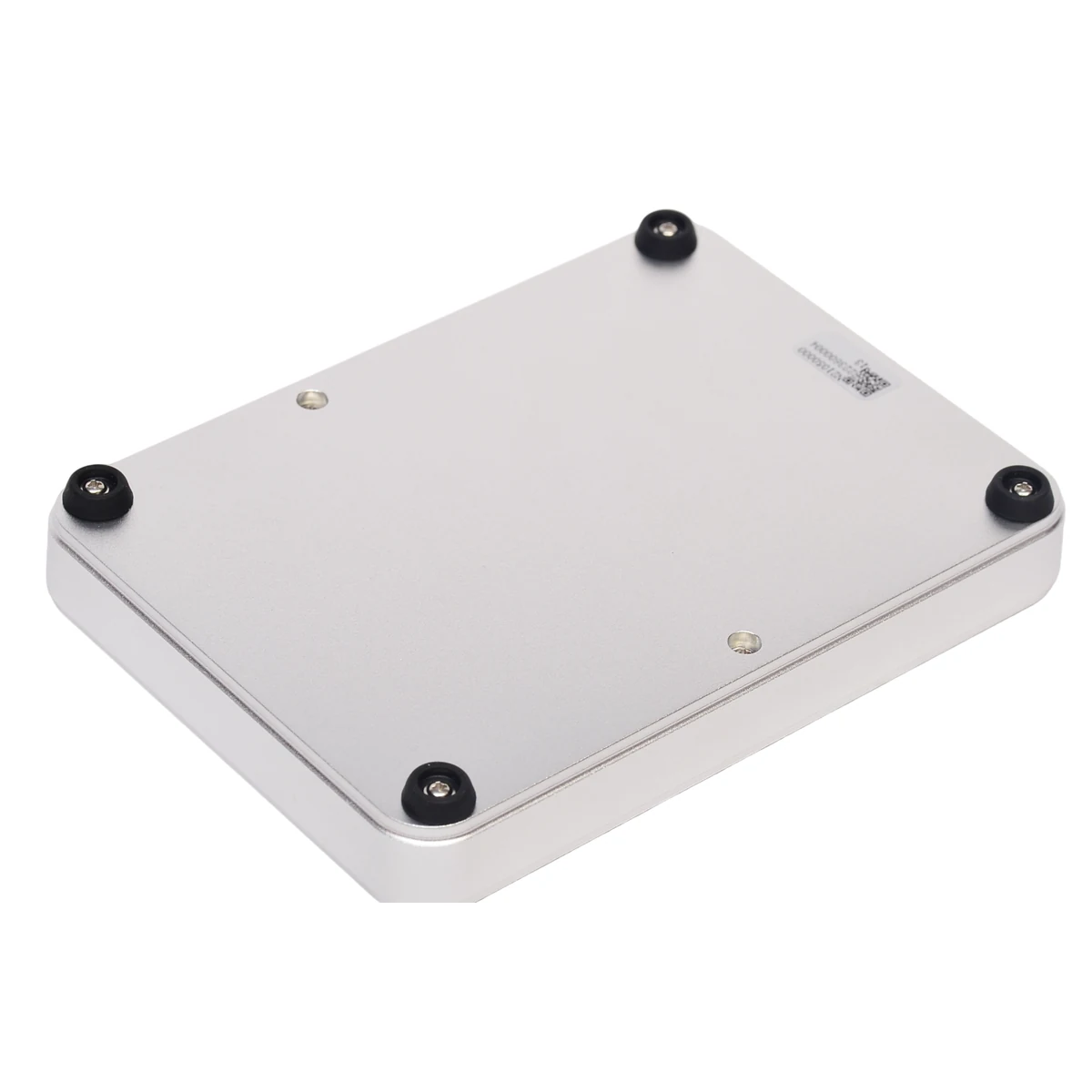
Rear View
Technical Resources
Resources for Evaluation and Workstation Integration
Request the files needed to evaluate the reader, test tag encoding and connect the RLD-01 to the intended software environment.
Product Data Sheet
Review RF, communication, environmental and mechanical specifications.
Request Data SheetDemo and Encoding Software
Evaluate basic tag reading, writing, RF adjustment and data-processing functions.
Request Demo SoftwareSDK and Communication Resources
Develop a custom tag-programming, registration or verification application using the available C# and Java resources.
Request SDKExcel Data Template
Confirm the supported record fields and file format for preparing sequential tag-encoding tasks.
Request Excel TemplateFAQ
RLD-01 UHF RFID Desktop Reader FAQ
What is the RLD-01 used for?
The RLD-01 is designed for desktop UHF RFID tag encoding, data update, tag-to-item binding, record entry and short-range verification.
Is it only an RFID card issuer?
No. It can also read, update and verify UHF RFID tags, bind identifiers to products or records, and enter configured tag data into connected software.
Can the RLD-01 read multiple tags?
It supports multi-tag handling and tag filtering, but the compact near-field design is intended for controlled desktop operations rather than warehouse-scale bulk inventory.
What is the maximum read range?
The typical maximum read range is up to 30 cm. Actual distance depends on tag design, orientation, material, RF setting and nearby objects.
What is the maximum write range?
The typical maximum writing distance is up to 15 cm under suitable reference conditions. Use a closer and controlled placement when reliable programming is required.
Can it write EPC data?
The reader supports UHF RFID tag reading and writing under EPC Class 1 Gen 2 and related supported protocols. Available memory and security functions depend on the selected tag chip.
Does it require a separate power adapter?
No. The RLD-01 receives power and communicates through its USB Type-C connection.
Can it enter RFID data into Excel or a web form?
The documented virtual keyboard function can send configured tag data to the active field in compatible desktop applications. Confirm the configurable fields, prefix, suffix and mode-switching behavior for the final workflow.
Which SDKs are available?
The current technical documentation lists C# and Java development support.
Is it suitable for linen, garment or warehouse bulk processing?
Its compact surface is better suited to individual tags, cards, documents, small assets and single-item production workflows. Larger textile or portal-scale operations require a different reader arrangement.
Workstation Configuration
Configure the RLD-01 for Your Tag Encoding Workflow
Send the tag chip, data to be written, expected daily volume, software environment and verification rules for technical review.