
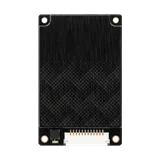
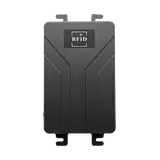
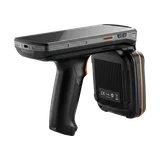
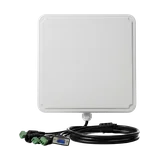
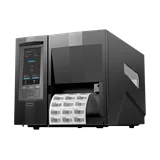
Desktop UHF read/write stations
UHF RFID Desktop Readers
Raylink UHF RFID desktop readers provide controlled short-range tag encoding, registration, verification and batch reading at desks, packing stations, print-apply workstations and service counters.
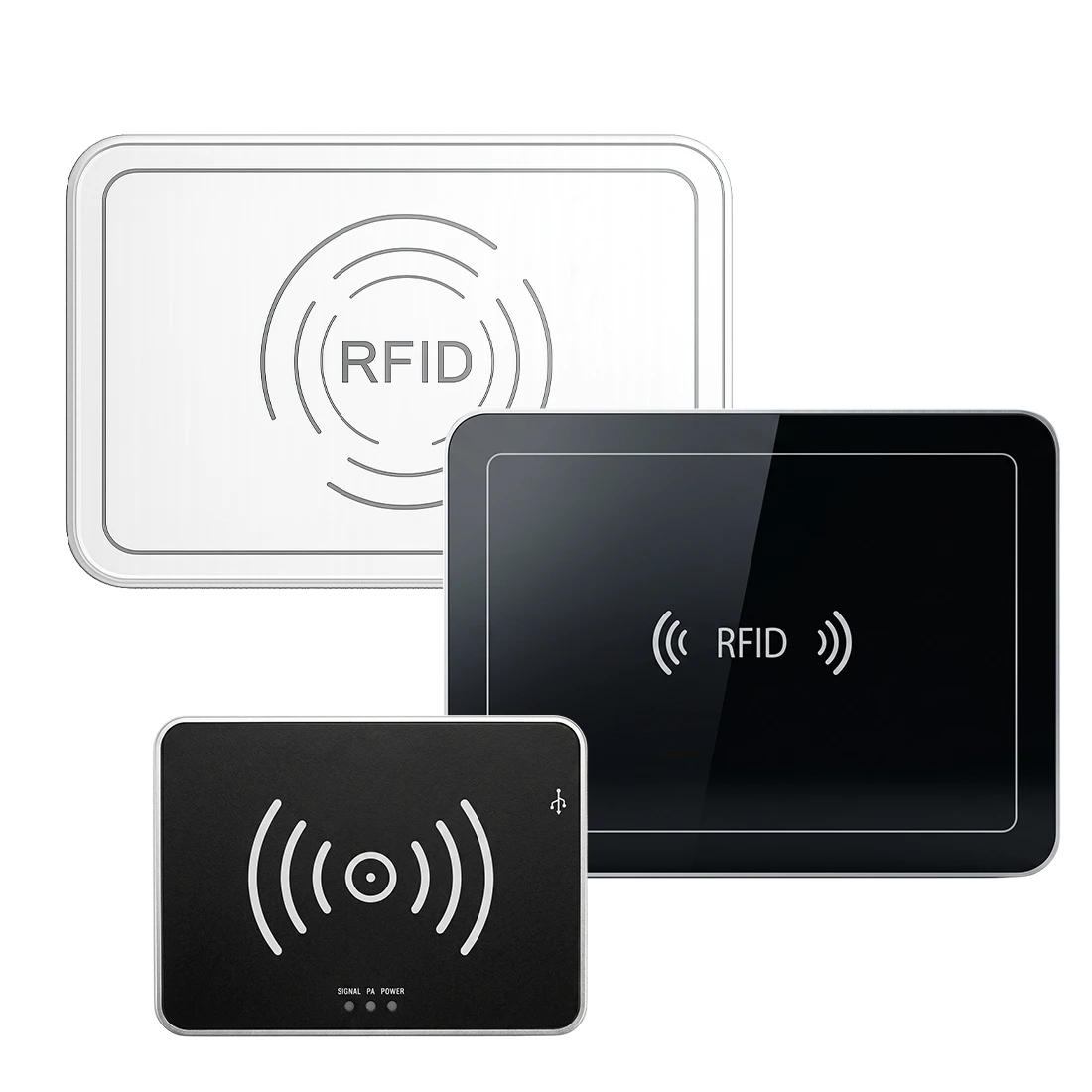
Desktop reader models
Match the work surface to the tagging workflow
Choose the desktop reader by work-surface size, single-tag or batch workflow, read/write boundary, host interface and software integration—not by read range alone.
Product lineup
UHF RFID Desktop Reader Models
Start with the tagging workflow, then compare work surface, read/write range, RF output, host interface and software integration. All models support 840–960 MHz regional frequencies and ISO 18000-6C / 6B (EPC Gen2) UHF tags.
Reader models
Desktop Readers for Encoding, Verification and Batch Reading
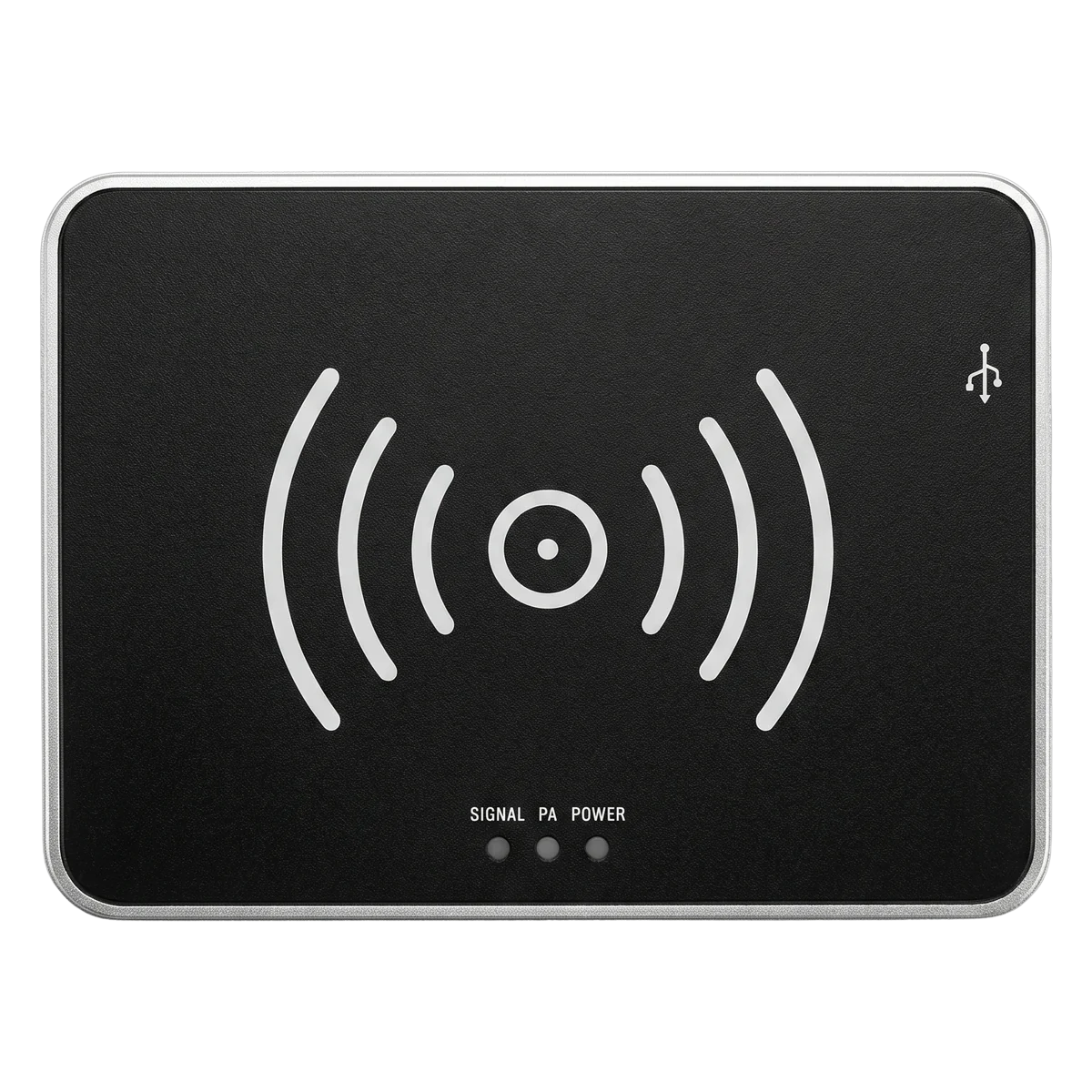
Compact near-field tag encoder
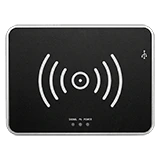
RLD-01 Compact UHF RFID Desktop Reader
RLD-01 is a compact USB-powered desktop reader for single-tag encoding, registration and verification at office desks, reception counters and packing stations.
- Read range up to 30 cm and write range up to 15 cm keep operation inside a close, controlled zone
- USB Type-C connection with virtual RS-232 and keyboard-wedge modes for direct software input
- 150 × 110 × 19 mm ABS and aluminum housing fits crowded desks and service counters
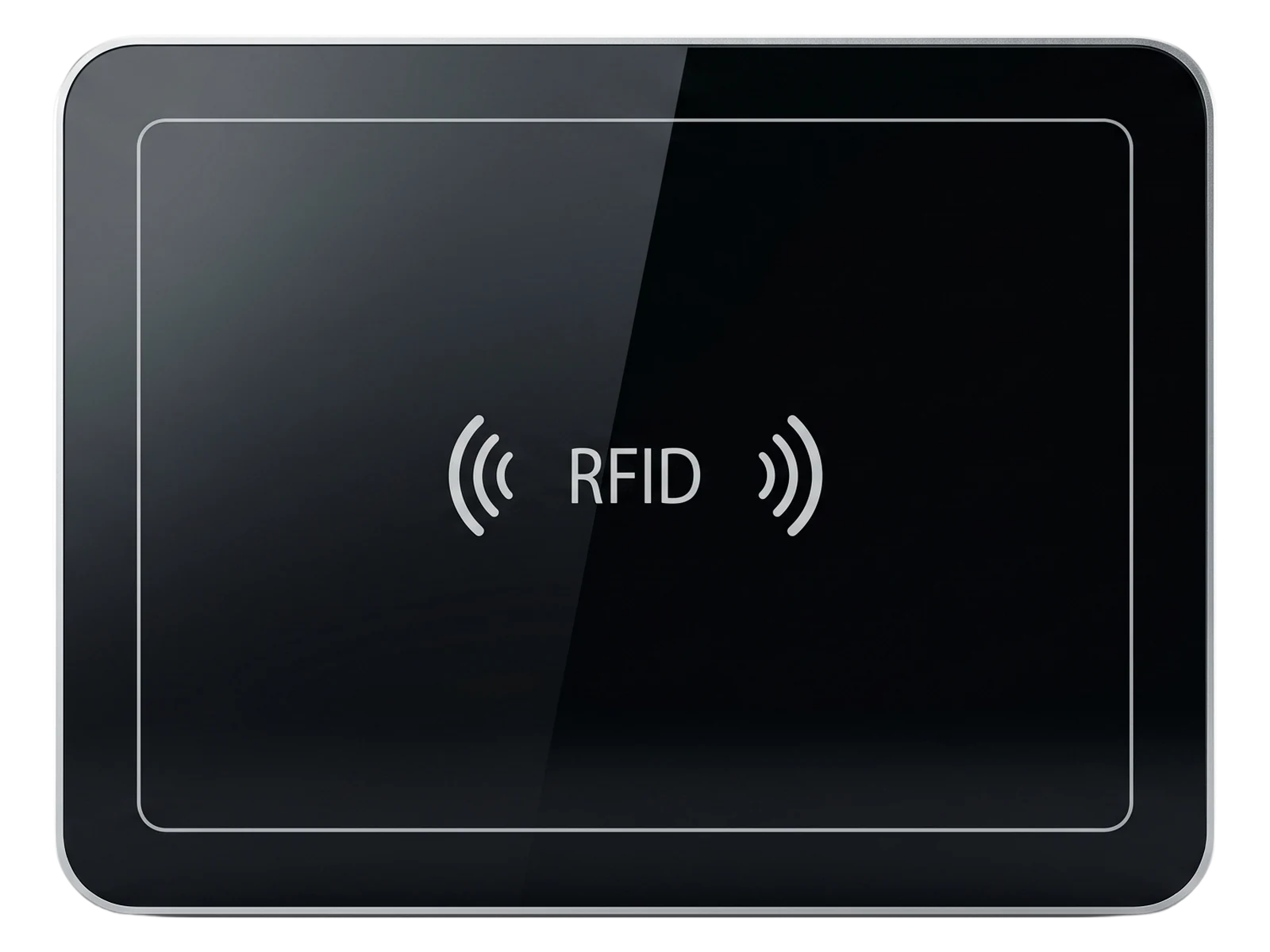
Large-area batch reading surface
RLD-02 UHF RFID Desktop Reader
RLD-02 provides a 400 × 300 mm reading surface for batch identification when tagged documents, samples, tools or retail items are placed on the pad together.
- Multi-tag batch reading across the full 400 × 300 mm work surface
- Read range up to 60 cm and write range up to 30 cm with 0–26 dBm adjustable RF output
- USB Type-C interface with demo software and C# / Java SDK for fast system integration
Industrial desktop read/write station
RLD-03 Industrial UHF RFID Desktop Reader
RLD-03 combines a tempered-glass work surface, higher RF output and industrial interfaces for workstations that integrate with PCs, PLCs or network systems.
- 0–33 dBm adjustable RF output with tag filtering and RSSI reporting
- RS232 and RJ45 interfaces for industrial hosts and network integration
- 400 × 300 × 35 mm aluminum-alloy body with a tempered-glass top for demanding workstations
Model comparison
Compare UHF RFID Desktop Readers by Workflow
Work surface, RF output and host interface define how each desktop reader fits the tagging workflow. Compare the intended station behavior before selecting a model.
| MODEL | WORK SURFACE | READ-WRITE RANGE | RF OUTPUT | INTERFACE | BEST FOR |
|---|---|---|---|---|---|
| RLD-01 | 150 × 110 mm pad | Read ≤ 30 cm · Write ≤ 15 cm | 0–26 dBm | USB Type-C (virtual RS-232 / keyboard wedge) | Single-tag encoding and verification at the desk |
| RLD-02 | 400 × 300 mm surface | Read ≤ 60 cm · Write ≤ 30 cm | 0–26 dBm | USB Type-C | Batch reading of tagged items placed on the pad |
| RLD-03 | 400 × 300 mm tempered glass | Read ≤ 60 cm · Write ≤ 30 cm | 0–33 dBm | RS232 + RJ45 | Industrial workstations and host system integration |
Selection logic
What to Confirm Before Choosing a UHF RFID Desktop Reader
Confirm the tagging workflow, work surface, host connection and software path before choosing a desktop reader model.
Tagging workflow
Confirm whether the station encodes single tags, verifies items one by one or reads batches of tagged objects together.
Work surface
Match the pad size to the tagged items and to the available desk, counter or workstation space.
Read/write boundary
Keep the effective read zone inside the work surface so nearby tags are not captured by accident.
Host interface
Choose USB Type-C for direct PC connection or RS232 / RJ45 for industrial hosts and network integration.
Software integration
Confirm demo software, keyboard-wedge input and the C# / Java SDK against the target application workflow.
Operating environment
Review desktop material, nearby metal, temperature range and the actual tags before scaling the station.
Desktop workflows
Build the Desktop Station Around the Tagging Task
A desktop reader converts a desk or counter into a controlled RFID checkpoint when the surface, interface and software match the task.
Encoding and registration desks
Use the compact RLD-01 to register and encode tags one at a time at office desks, libraries, reception counters and service points.
Batch reading and verification
Use the RLD-02 reading surface to capture groups of tagged documents, samples or items in a single placement for counting and verification.
Integrated industrial workstations
Use the RLD-03 with RS232 or RJ45 hosts where the desktop reader becomes part of a production, print-apply or quality station.
FAQ
UHF RFID Desktop Reader Questions
What is a UHF RFID desktop reader used for?
It reads and writes UHF RFID tags at close range on a desk or counter—typically for tag encoding, registration, verification and batch identification of items placed on the reading surface.
What is the difference between RLD-01, RLD-02 and RLD-03?
RLD-01 is a compact USB encoder for single tags. RLD-02 adds a 400 × 300 mm surface for batch reading over USB Type-C. RLD-03 keeps the large surface and adds 0–33 dBm output with RS232 and RJ45 industrial interfaces.
Can a desktop reader write tags as well as read them?
Yes. All three models encode EPC data within their write range—up to 15 cm for RLD-01 and up to 30 cm for RLD-02 and RLD-03—following ISO 18000-6C / 6B (EPC Gen2).
Which interface should I choose?
Choose USB Type-C when the reader connects directly to a PC application or needs keyboard-wedge input. Choose RS232 or RJ45 when the reader integrates with industrial hosts, PLCs or a network.
Which tags and frequencies are supported?
The readers operate at 840–960 MHz and support ISO 18000-6C / 6B (EPC Gen2) UHF tags. Confirm the regional frequency version for the deployment country.
What should be tested before deploying a desktop reader?
Test the actual tags and items on the real desk: metal surfaces, item spacing, tag orientation and the software workflow all affect the read result before scaling the station.
Project guidance
Need help choosing a UHF RFID desktop reader?
Send the tagging workflow, item type, batch size, desk environment, host system and software requirements. Raylink can review the appropriate desktop reader model and validation path.