
RFID module families
RFID Modules
Raylink RFID modules help developers and equipment builders add UHF RFID capability to smart cabinets, kiosks, production equipment, compact readers, and industrial IoT devices.
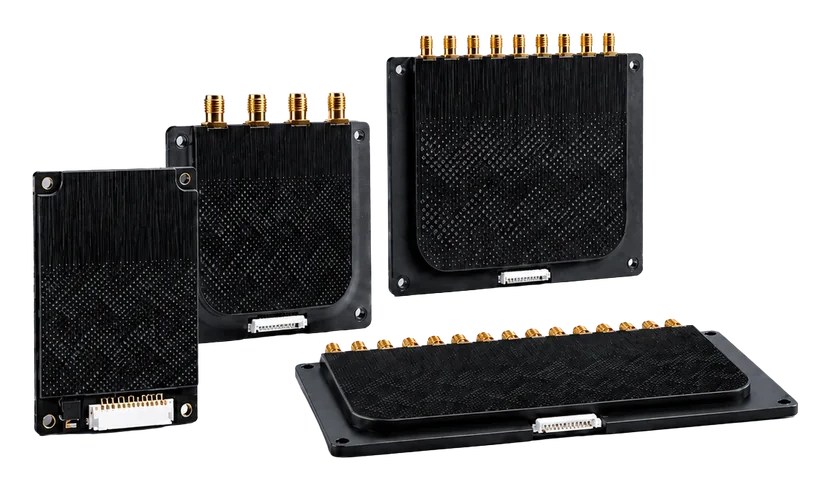
RFID MODULE FAMILIES
RFID module options for embedded reader projects
Choose the right RFID module for your embedded reader project. Start with the required antenna count, then match enclosure constraints, host interfaces, firmware capabilities, and backend software integration to your application.
Product lineup: RFID Modules
Compare by antenna port count, device fit, and integration path before opening a quotation request.
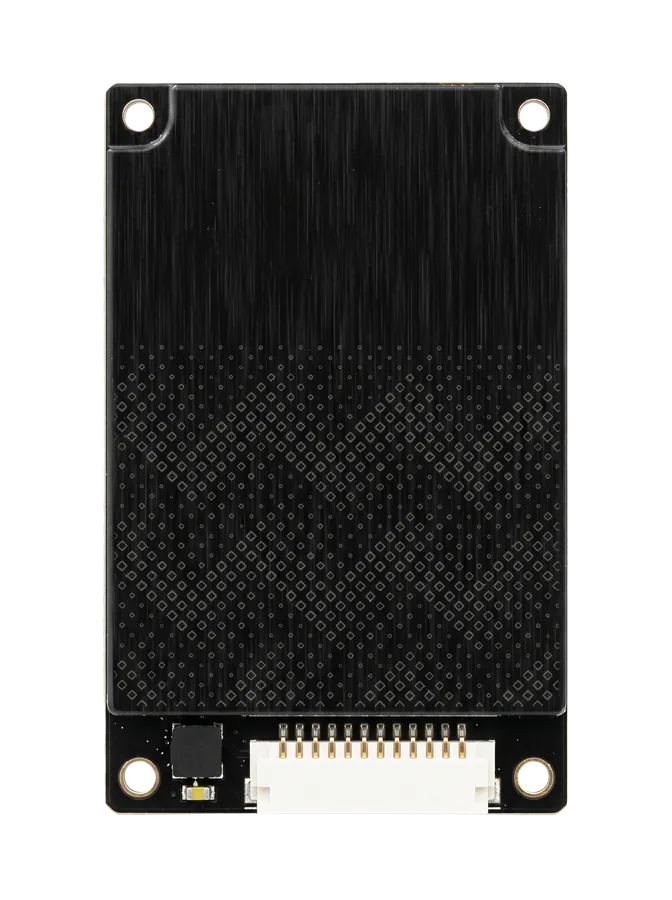
Compact embedded module
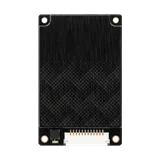
1 Port Module
Use a single-port RFID module when a compact OEM device, kiosk, cabinet, or reader needs one controlled antenna point.
- For compact device integration
- Good starting point for one read position
- Supports application-specific validation
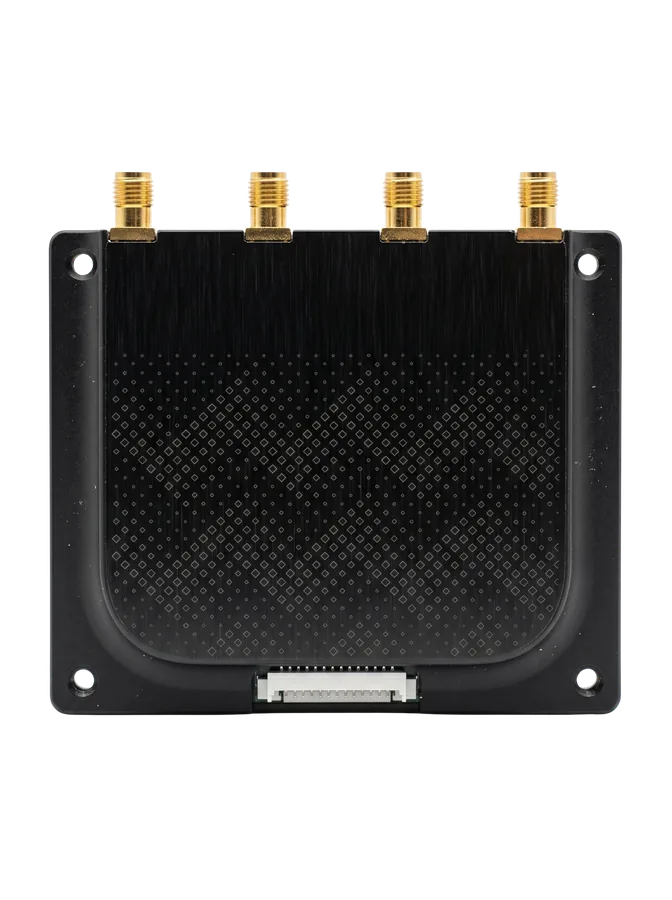
Multi-antenna module
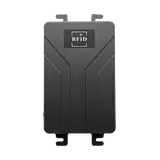
4 Ports Module
Review a 4-port module when the device needs multiple antenna positions for cabinets, stations, or controlled process points.
- For several antenna points
- Useful for cabinets and workstations
- Fits projects needing controlled read coverage
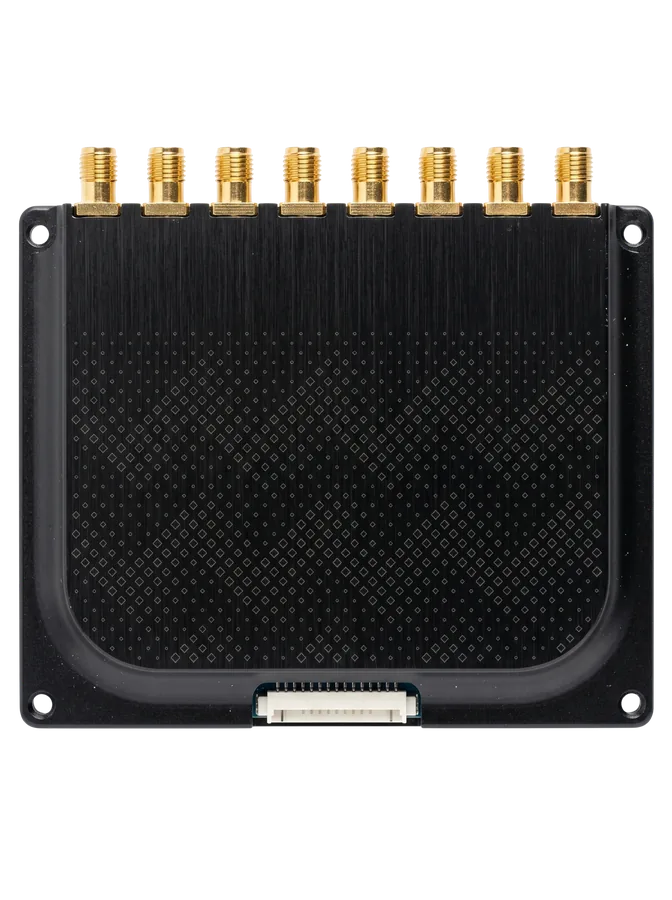
Expanded antenna coverage
8 Ports Module
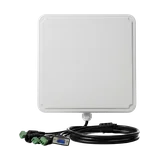
Use an 8-port module when the project needs broader antenna coverage across shelves, lanes, cabinets, or equipment zones.
- For larger read-zone layouts
- Supports multi-point antenna planning
- Recommended when layout review matters
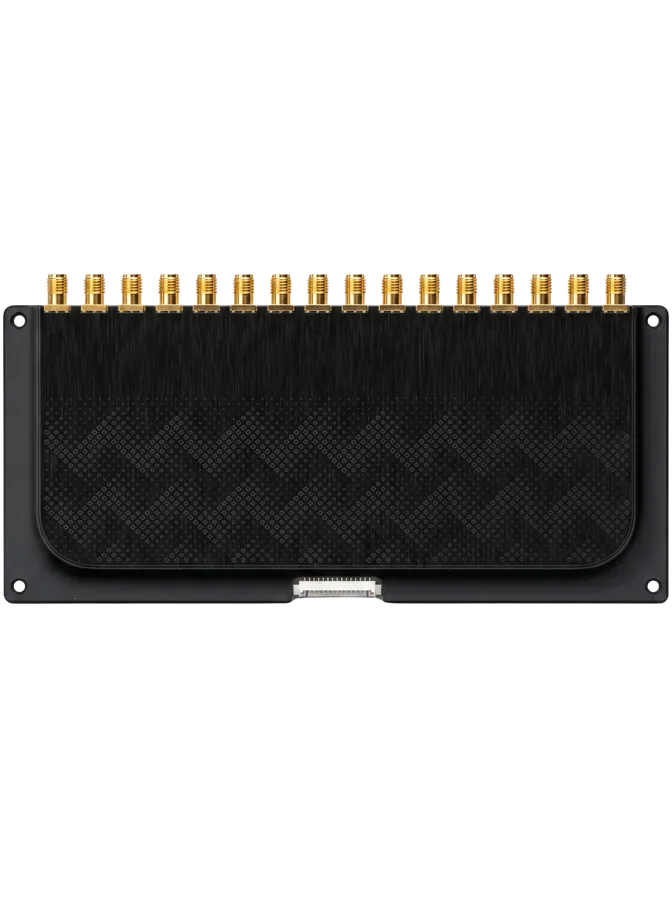
Dense read-zone module
16 Ports Module
Consider a 16-port module for dense antenna layouts where one embedded controller must support many read points.
- For multi-point antenna systems
- Useful in cabinets and dense equipment layouts
- Requires careful read-zone and software planning
Module comparison
Which RFID module should I choose?
Use port count as the first filter, then confirm the device role, antenna layout, read boundary, and host integration before quotation.
| Module family | Antenna ports | Best for | Typical device | What to confirm |
|---|---|---|---|---|
| 1 Port Module | 1 | One controlled read point | Smart cabinet, kiosk, compact reader | Device space, antenna position, host interface |
| 4 Ports Module | 4 | Several antenna positions | Cabinet, workstation, process station | Read-zone separation, cable routing, tag movement |
| 8 Ports Module | 8 | Broader multi-point coverage | Shelves, lanes, equipment zones | Antenna layout, read boundary, software filtering |
| 16 Ports Module | 16 | Dense antenna systems | Multi-zone cabinets, industrial systems | Controller load, read sequencing, deployment validation |
Selection logic
What to confirm before choosing an RFID module
Confirm the device role, antenna count, tag behavior, read boundary, and integration path before choosing a 1, 4, 8, or 16-port module.
Device role
Clarify whether the module goes into a cabinet, kiosk, reader enclosure, machine, or custom controller.
Antenna count
Map each required read point before deciding between 1, 4, 8, and 16 port module families.
Tagged object
Review item material, tag placement, movement, and nearby surfaces before confirming the RFID path.
Read boundary
Define where tags should be captured and where nearby tags should be ignored.
Host integration
Identify the software, middleware, or controller that needs to receive tag reads and device events.
Pilot validation
Validate module, antenna, tag, enclosure, and software behavior before full deployment.
Where modules fit
RFID modules are built for embedded reader projects
They are most useful when RFID capability must live inside another device instead of a finished external reader.
Smart cabinets
Support item visibility inside tool cabinets, medical cabinets, retail cabinets, and asset storage systems.
OEM readers
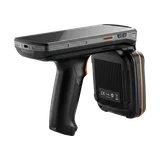
Help equipment builders design compact readers or embedded RFID terminals for specific workflows.
Automation equipment
Connect RFID capture to machines, stations, conveyors, and industrial process points after validation.
FAQ
RFID module questions for embedded projects
What is an RFID module used for?
An RFID module adds UHF RFID read capability inside another device, such as a cabinet, kiosk, compact reader, production station, or automation controller.
How do I choose between 1, 4, 8, and 16 ports?
Start with the number of antenna points required in the device. Then confirm enclosure space, cable routing, read boundary, firmware requirements, and software integration.
What should I prepare before requesting module guidance?
Prepare the device concept, antenna quantity, tagged object, target read distance, enclosure constraints, host interface, and backend software workflow.
Can Raylink review the module with antenna and tag requirements?
Yes. Share the device layout and use case so the module, antenna, tag, enclosure, and software path can be reviewed together before pilot validation.
Project guidance
Need help choosing an RFID module for your device?
Send your device concept, antenna quantity, tagged object, read-zone requirements, and integration target. Raylink can review the module path before quotation.