
LIBRARY CIRCULATION & INVENTORY
Support book circulation, shelf inventory and controlled exits with the right RFID architecture.
Choose the tag technology, service-point readers, mobile inventory workflow and exit system around the library’s existing collection and software environment.
Encode and associate the book or media identity with the library record.
Use mobile capture to support collection audits and item search.
Add RFID to staffed or self-service circulation points.
Use gate reads as one part of the library’s circulation and security process.
OPERATIONAL FIT
Map the RFID architecture to each circulation step
Library systems vary widely. Confirm the existing tag technology, standards, library-management software and security workflow before selecting any Raylink hardware.
Book tagging and encoding
Associate the physical item with the library record at a controlled preparation or service point.
Shelf inventory and item search
Use a mobile reader to review collection areas and locate exceptions.
Checkout and return
Capture circulation events at staffed or self-service points according to the library software workflow.
Exit monitoring
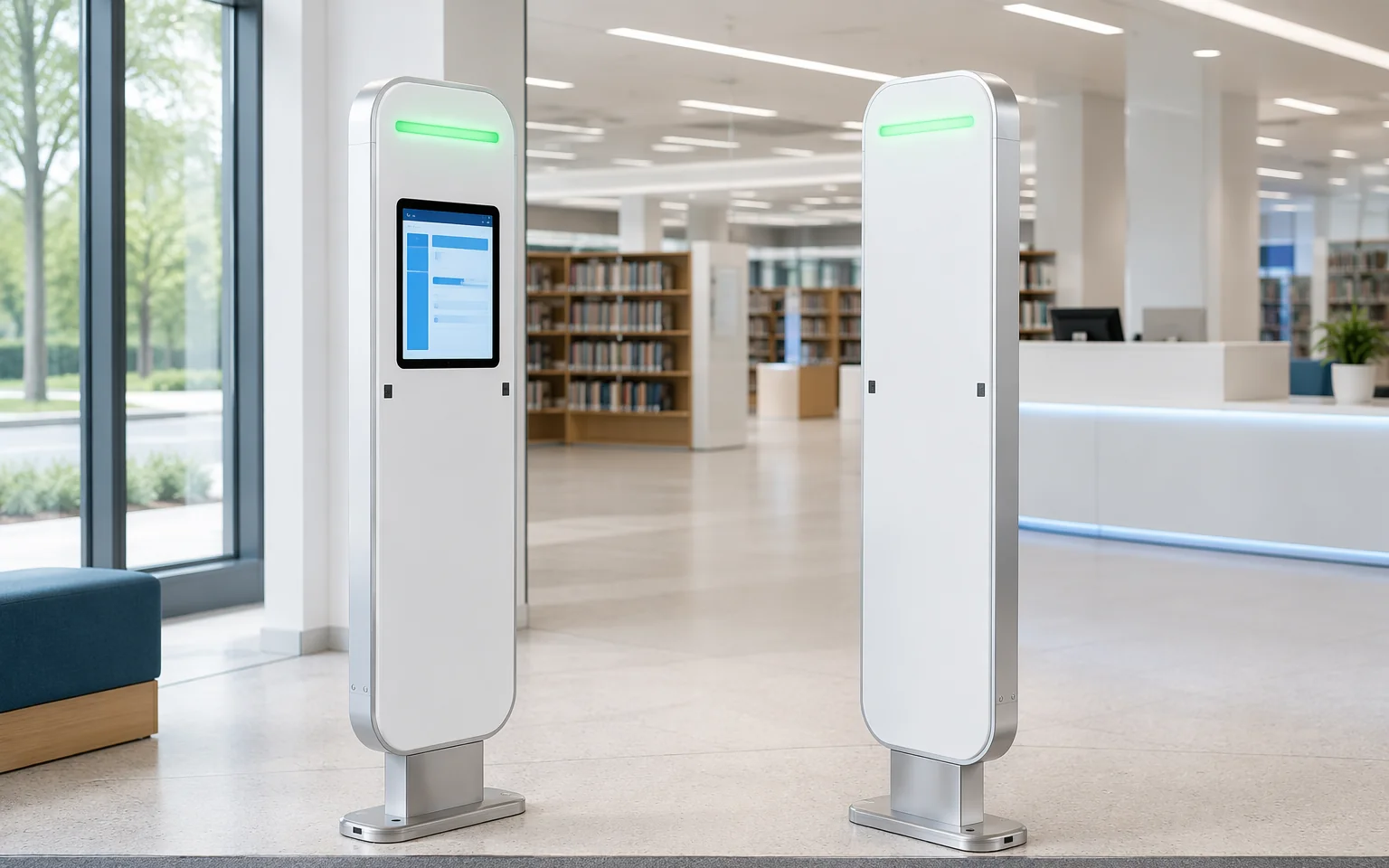
Add a controlled gate read where the library needs circulation verification or security integration.
WORKFLOW ARCHITECTURE
Connect the book identity to the library system
Select the RFID standard
Confirm HF/NFC or UHF, existing tags, encoding rules and interoperability requirements.
Prepare the collection item
Attach and encode the tag, then link it to the bibliographic or item record.
Capture circulation events
Use desktop, handheld, kiosk or gate equipment at the defined workflow point.
Update the library platform
Pass accepted checkout, return, inventory or exception events to the LMS / ILS.
DEPLOYMENT DECISIONS
Confirm the RFID standard before choosing the reader
Many library ecosystems use HF RFID, while UHF can be used in selected inventory, logistics or specialized workflows. The reader, tag, security model and LMS integration must belong to the same architecture.
Technology and standard
Confirm HF/NFC or UHF, tag memory, security functions and existing installed base.
Book and media format
Test tag placement on books, media cases, metalized covers and small items.
Service-point workflow
Define encoding, checkout, return, self-service and staff override processes.
Shelf and gate geometry
Validate collection density, shelf materials, aisle width and exit-lane behavior.
LMS / ILS integration
Confirm protocol, item status, security state, patron workflow and exception ownership.
Do not publish this page as a generic “UHF library system” promise unless the target project is confirmed as UHF. Library RFID deployments may use HF or UHF, and hardware must match the installed tags, security functions and LMS / ILS integration.
RELATED HARDWARE
Match the device to the library circulation point
Hardware is shown by workflow role. Final model, antenna, tag and interface selection should follow sample or site validation.
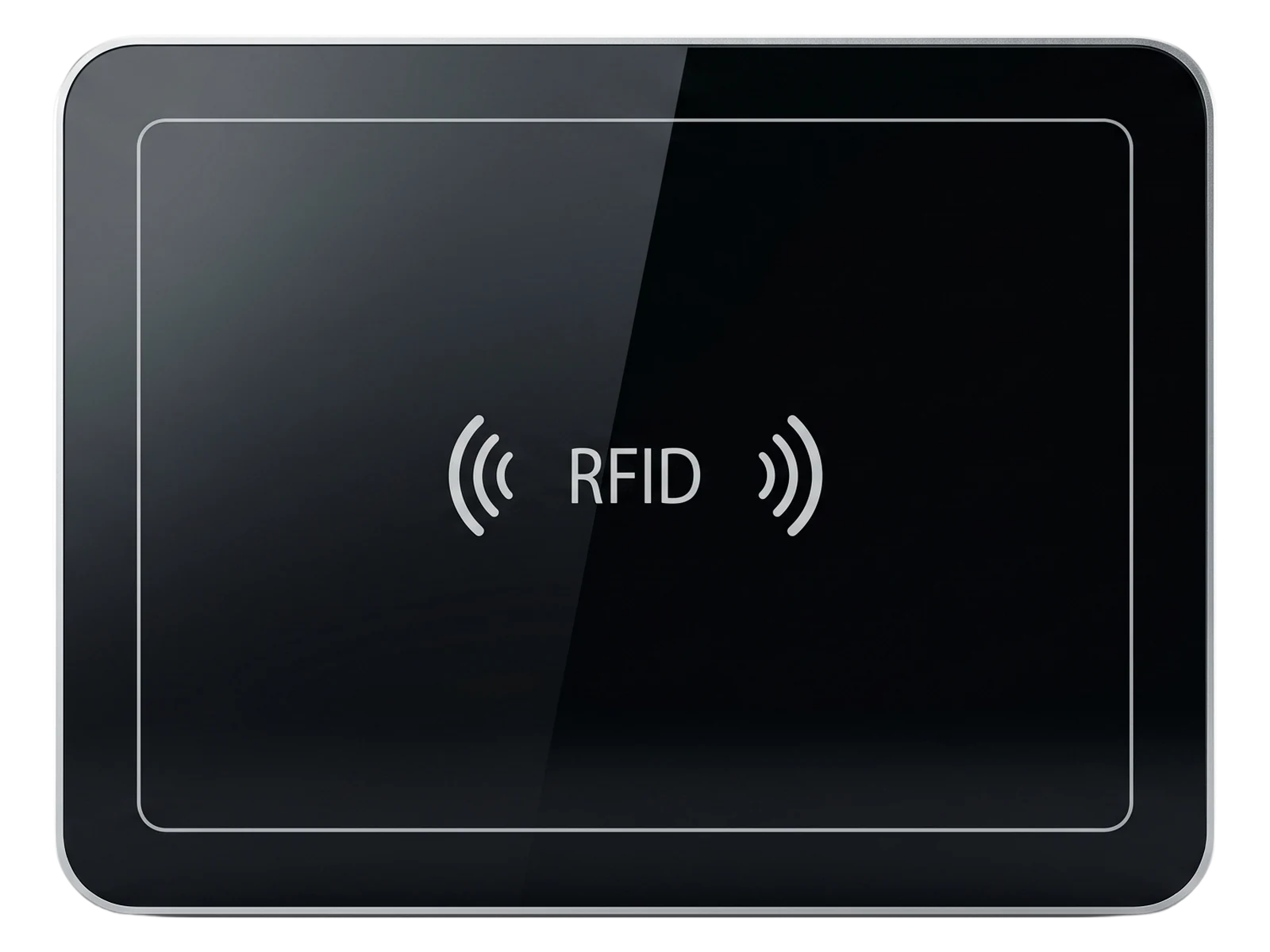
Desktop RFID readers
Open the product family for models, specifications and technical resources.
For tag preparation, encoding, staffed checkout and return stations.
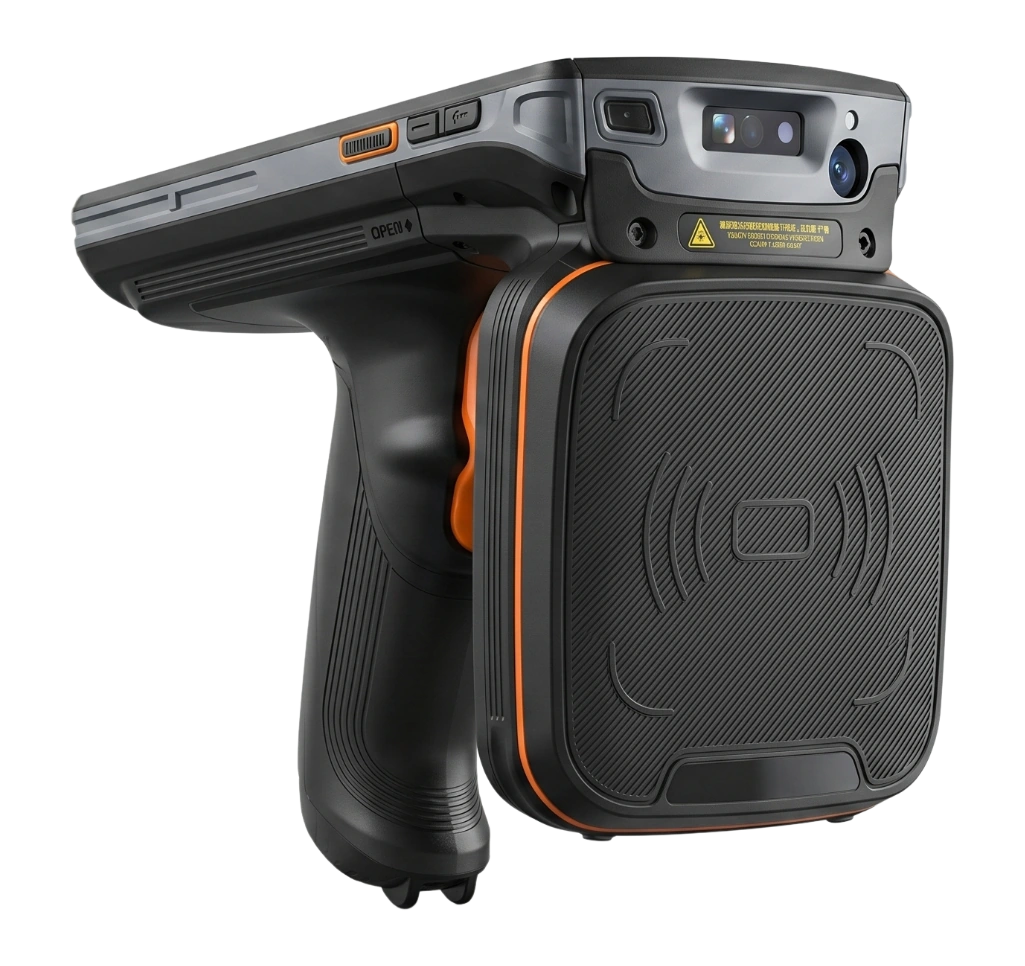
Handheld RFID readers
Open the product family for models, specifications and technical resources.
For shelf inventory, item search and collection audits.
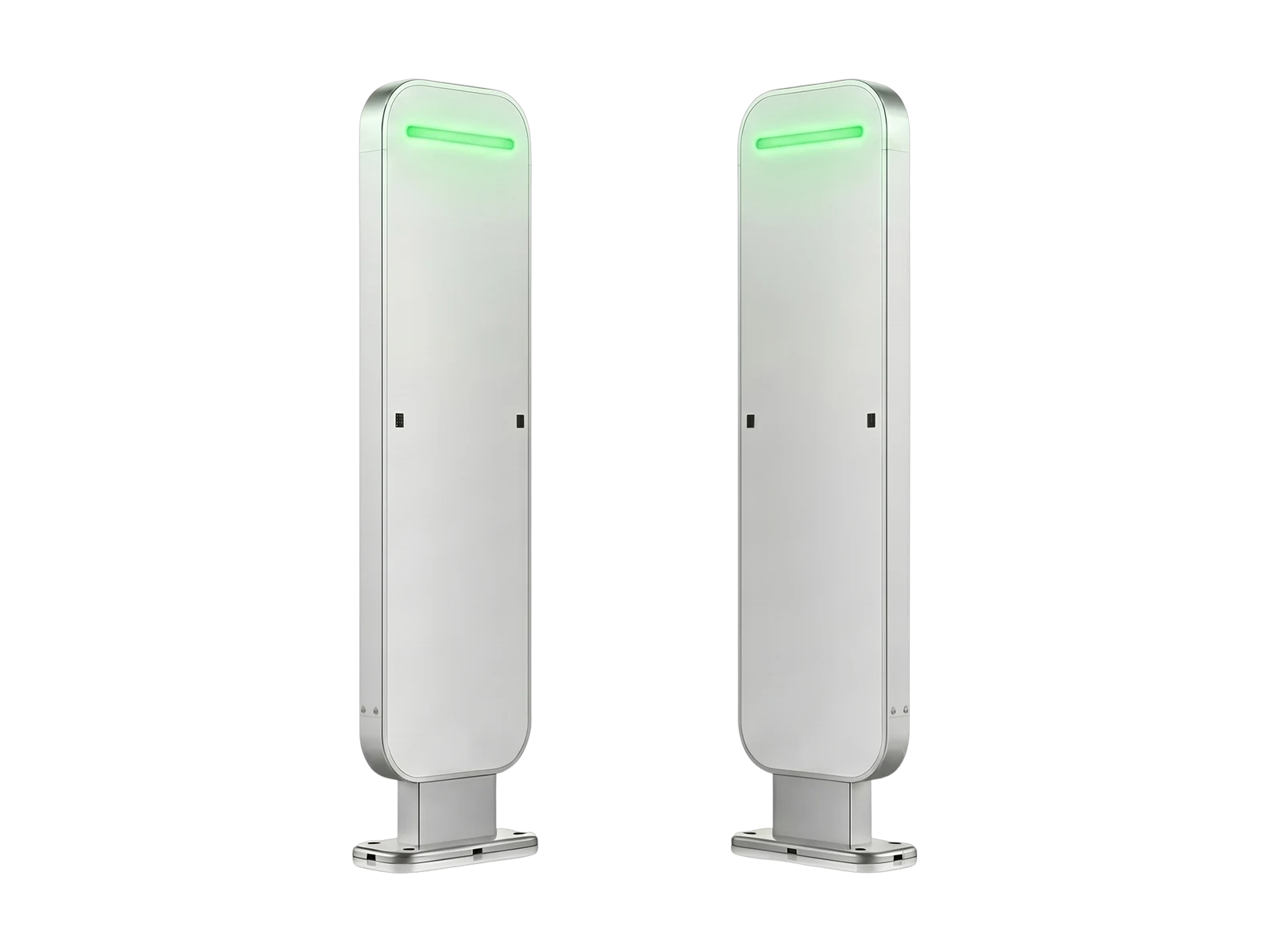
RFID gate readers
Open the product family for models, specifications and technical resources.
For managed exits and circulation verification where the architecture supports it.
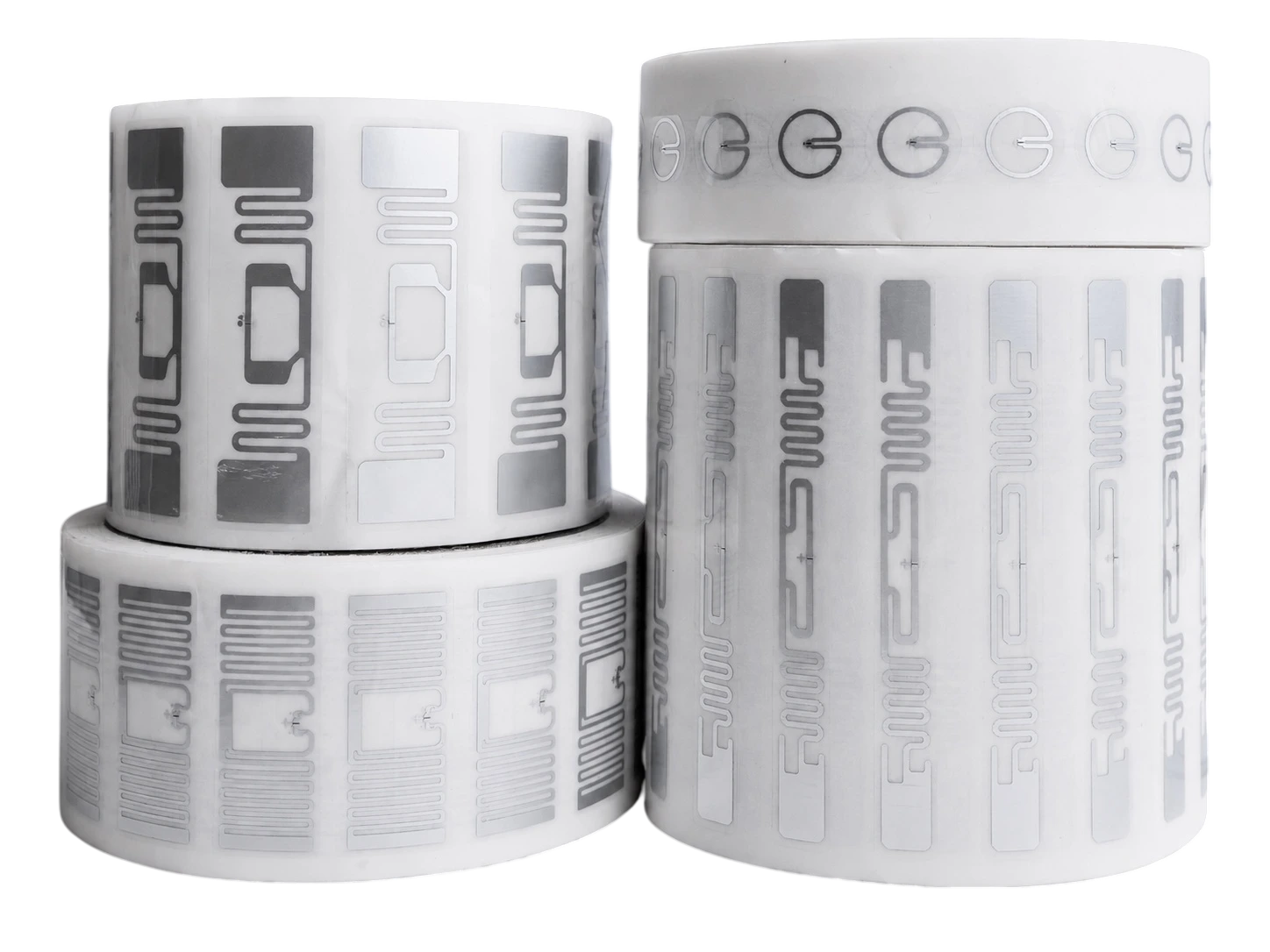
RFID tags and labels
Open the product family for models, specifications and technical resources.
For item-level identity selected to match the library standard and collection format.
PILOT & ACCEPTANCE
Pilot one collection area and one circulation workflow
Use real books, shelving, service points and LMS records. Prove tag interoperability, shelf reads, checkout / return logic and gate behavior before converting the full collection.
Current tags, frequency, standards and LMS / ILS.
Books, media, covers, shelving and realistic item density.
Encoding, inventory, checkout, return and gate exceptions.
New tagging, legacy items, data mapping and staff procedures.
FAQ
Questions to resolve before deployment
Do all libraries use UHF RFID?
No. Many library systems use HF RFID, while UHF is used in selected inventory, logistics or specialized architectures. Confirm the installed standard before selecting hardware.
Can one reader work with both HF and UHF library tags?
Normally these are different radio technologies and require compatible readers and tags. Do not assume cross-compatibility.
What should be tested in a library pilot?
Test representative books and media, shelf density, tag placement, service-point software, gate behavior and staff exception workflows.
Can RFID completely replace barcode in a library?
That depends on the library system and migration plan. Barcode may remain during transition, for legacy items or as a backup identifier.
PROJECT REVIEW
Confirm the library standard before requesting reader recommendations.
Share the existing tag frequency, standards, book and media formats, service points, shelf layout, exit lanes and LMS / ILS integration. Raylink can review whether its hardware fits the project.