
WAREHOUSE & LOGISTICS
Verify inventory movement from receiving to outbound shipping
Build controlled RFID workflows for dock doors, cycle counting, returnable assets and shipment verification without treating every warehouse zone as the same read problem.
Confirm tagged pallets, cartons or assets at a controlled entry point.
Use handheld bulk capture for inventory audits and item search.
Compare physical movement with the expected shipment before departure.
Filter raw reads and pass accepted inventory events to the customer system.
OPERATIONAL FIT
Apply RFID where warehouse movement needs confirmation
A warehouse project should identify the exact operational decision behind each read point: receive, count, locate, verify, dispatch or return.
Inbound receiving
Capture tagged goods or returnable assets as they pass a controlled dock or portal.
Cycle counting and search
Use handheld readers to count tagged inventory and locate exceptions without line-of-sight scanning.
Outbound shipment verification
Compare the tags leaving a dock with the expected shipment, pallet or route.
Returnable transport items
Track pallets, cages, totes and containers through issue, movement and return workflows.
WORKFLOW ARCHITECTURE
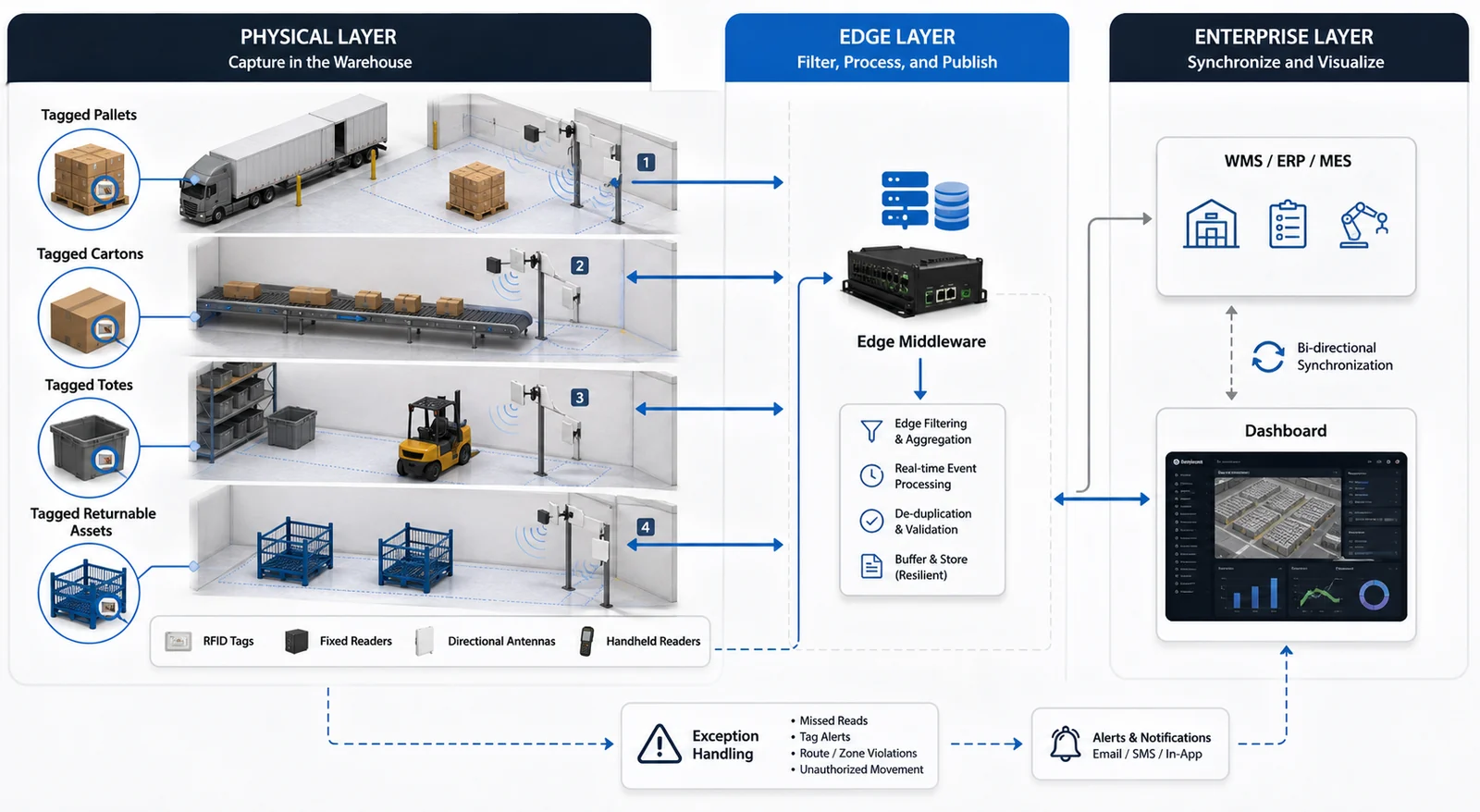
Connect physical movement with the WMS event
Tag the inventory or RTI
Select the tag around packaging, material, read distance and lifecycle.
Capture at the read point
Use a handheld, dock portal, forklift or controlled antenna layout.
Filter and validate
Remove duplicates and compare the observed tags with the expected transaction.
Update WMS or ERP
Post the accepted receiving, movement, shipment or exception event.
DEPLOYMENT DECISIONS
Design warehouse RFID around dock geometry and read-zone isolation
Adjacent doors, forklifts, metal racks, liquids and dense pallet loads can change RF behavior. A successful portal is not only a reader—it is a defined physical zone plus event logic.
Dock-door overlap
Test adjacent doors, staging lanes and goods waiting near the read zone.
Tag population
Confirm whether the project tracks items, cartons, pallets, totes or mixed levels.
Material density
Validate metal, liquids, stacked cartons and closed containers in the real load configuration.
Movement behavior
Test forklifts, manual carts, conveyor speed and stop / reverse conditions.
Transaction model
Define receiving, shipping, exception and duplicate-event rules with the WMS team.
RELATED HARDWARE
Match the reader format to each warehouse read point
Hardware is shown by workflow role. Final model, antenna, tag and interface selection should follow sample or site validation.
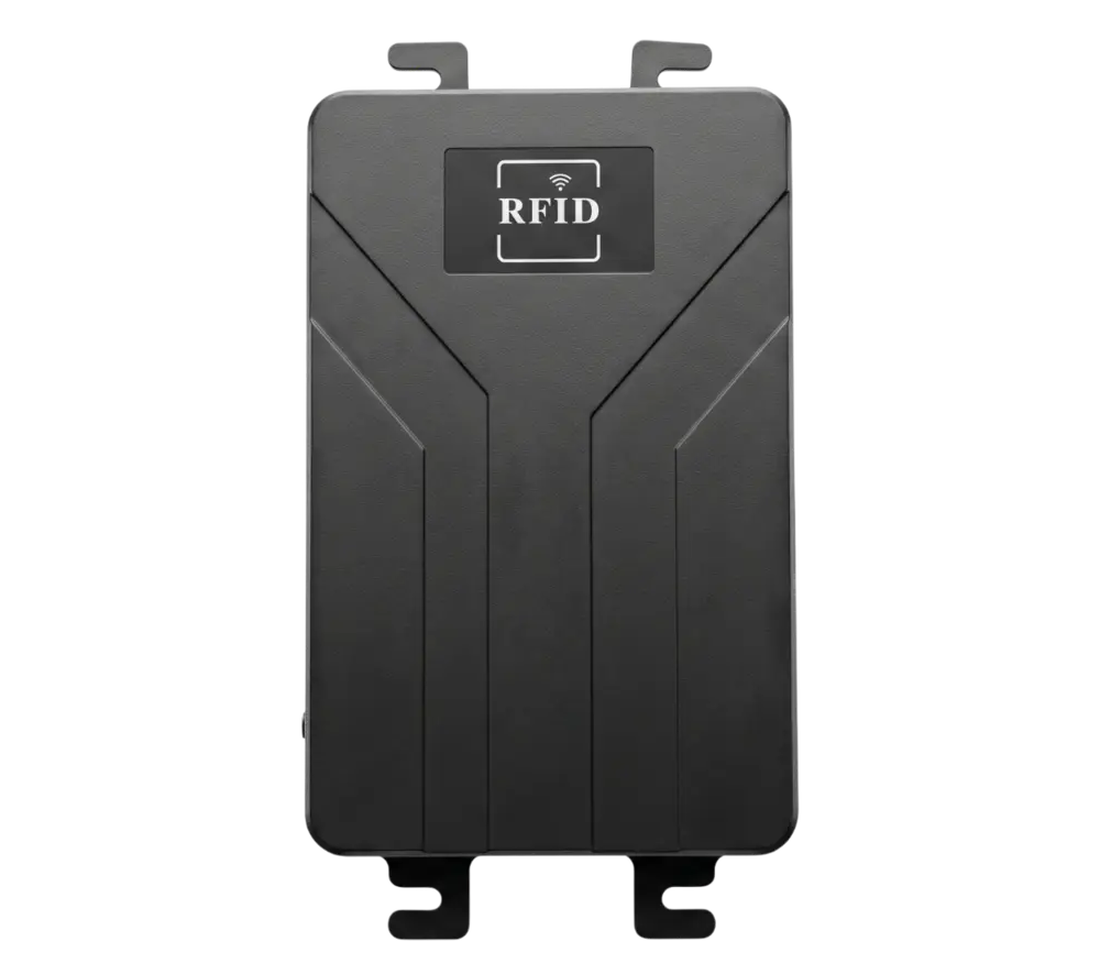
Fixed RFID readers
Open the product family for models, specifications and technical resources.
For dock doors, portals, conveyors and multi-antenna warehouse zones.
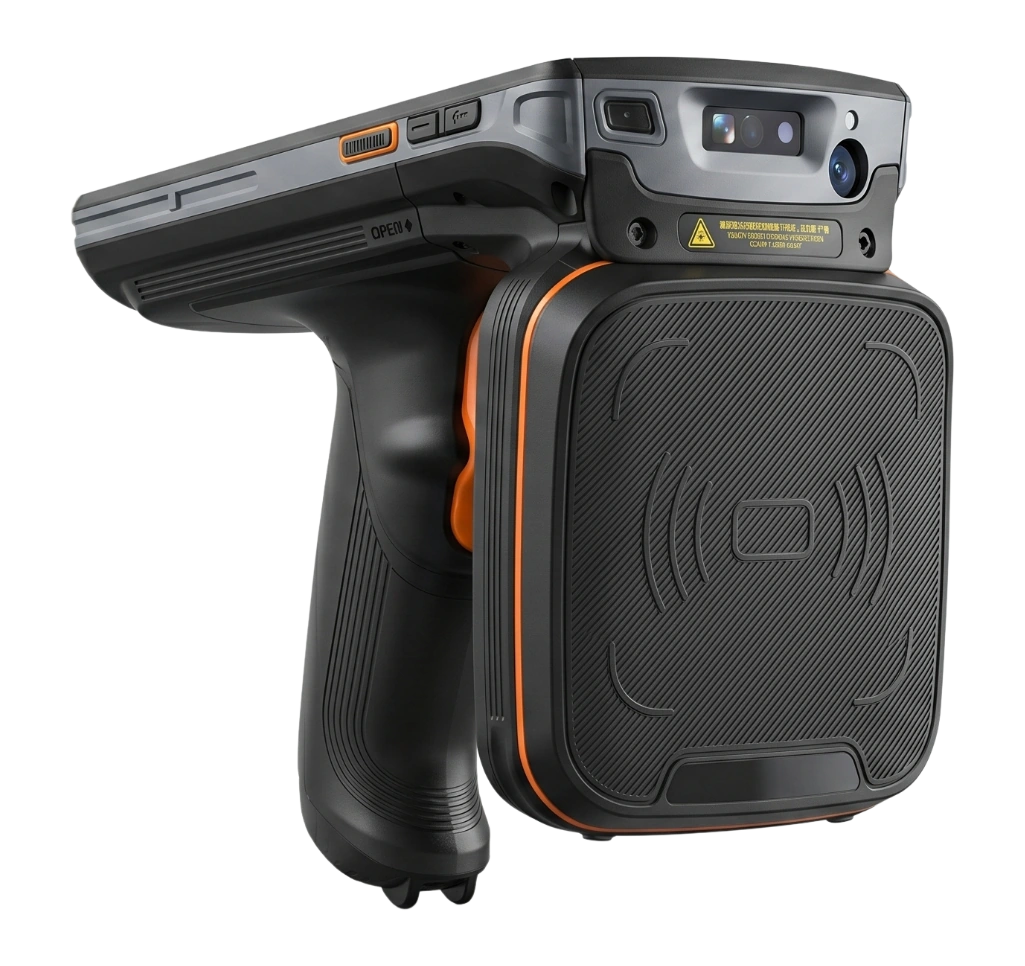
Handheld RFID readers
Open the product family for models, specifications and technical resources.
For cycle counting, item search, exceptions and temporary storage areas.
Integrated readers and antennas
Open the product family for models, specifications and technical resources.
For compact read points, lane checkpoints and simplified installations.

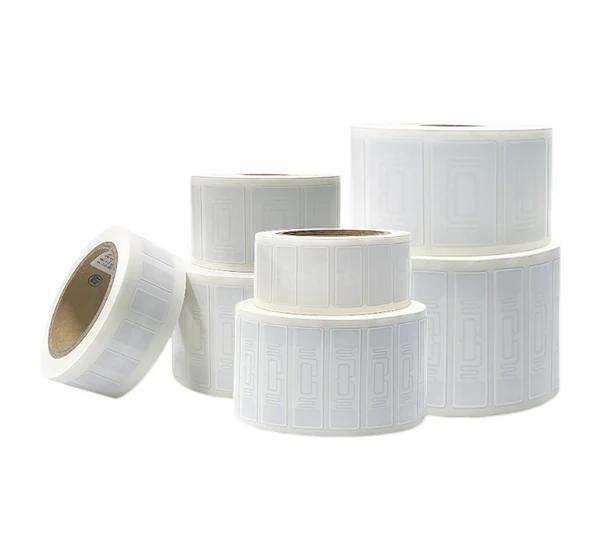
Warehouse RFID tags
Open the product family for models, specifications and technical resources.
For cartons, pallets, totes, metal assets and returnable transport items.
PILOT & ACCEPTANCE
Prove one dock or inventory workflow first
A controlled pilot should measure required reads, unwanted reads, exception handling and WMS event accuracy with the real goods and movement pattern.
One or two dock doors, one inventory area or one RTI workflow.
Actual pallets, cartons, containers, metals and liquids.
Required detection, adjacent-zone limits and exception rules.
Expected transaction, payload and reconciliation process.
FAQ
Questions to resolve before deployment
When is RFID better than barcode in a warehouse?
RFID is useful for bulk capture, automated checkpoints and non-line-of-sight workflows. Barcode remains useful for low-cost single-item confirmation and exceptions.
Can RFID read through closed cartons?
It can in many packaging conditions, but performance depends on the product material, packing density, tag position and reader geometry. Test the real carton or pallet.
Can RFID connect to an existing WMS?
Yes. The integration layer can send structured receiving, movement, shipment or exception events, but the WMS team must define the transaction model.
How should a warehouse pilot be scoped?
Start with one dock or one inventory workflow, use real loads and define both required-read and unwanted-read limits before expanding.
PROJECT REVIEW
Start with one warehouse decision: receive, count, verify or dispatch.
Share the tagged level, material, dock or aisle layout, movement pattern, expected transaction, regional frequency and WMS interface. Raylink can review the reader, antenna and tag direction.