
HF / NFC RFID Label Printer
L3000i HF/NFC RFID Label Printer
Print human-readable information, barcodes and 13.56 MHz RFID data in one label-production workflow for smart packaging, document management, product identification and controlled near-field applications.
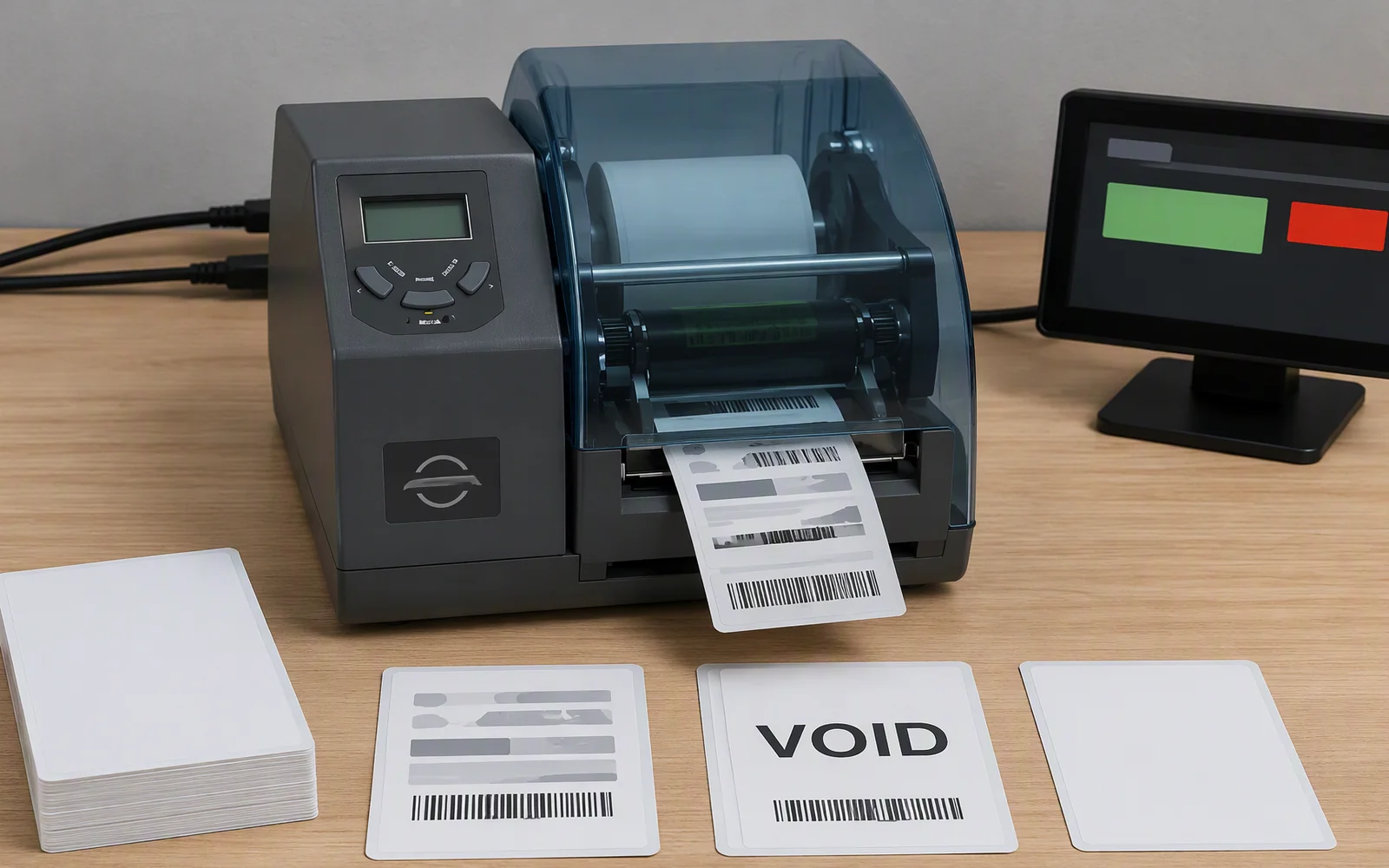
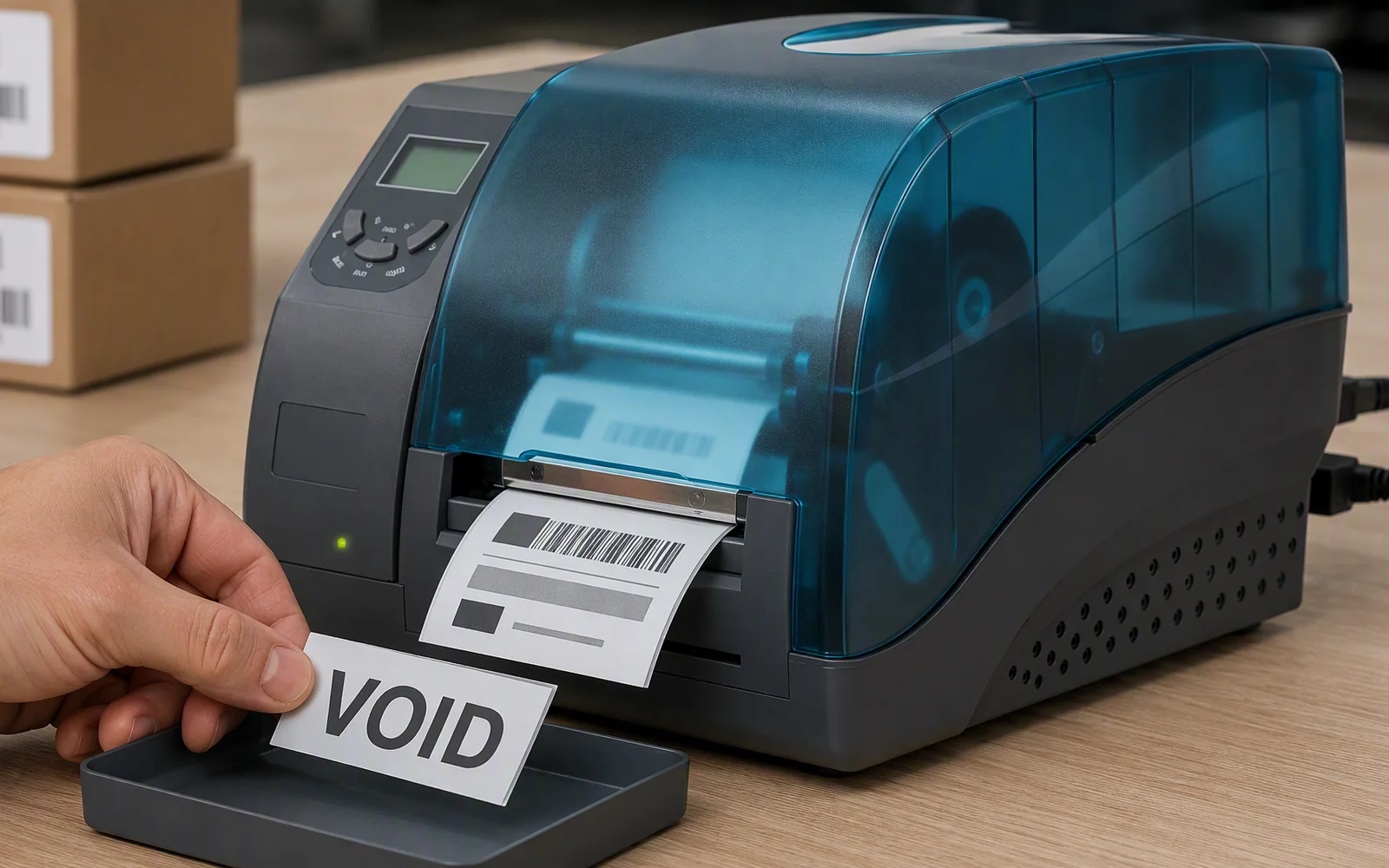
Check the encoding result, mark failed tags with VOID, automatically print a replacement label and stop the job after three failed encoding attempts for operator review.
HF/NFC compatibility depends on the chip, memory layout, inlay position, label dimensions, liner, encoded data and host software. Submit the actual tag sample for printing, feeding, encoding and failure-handling validation before production deployment.
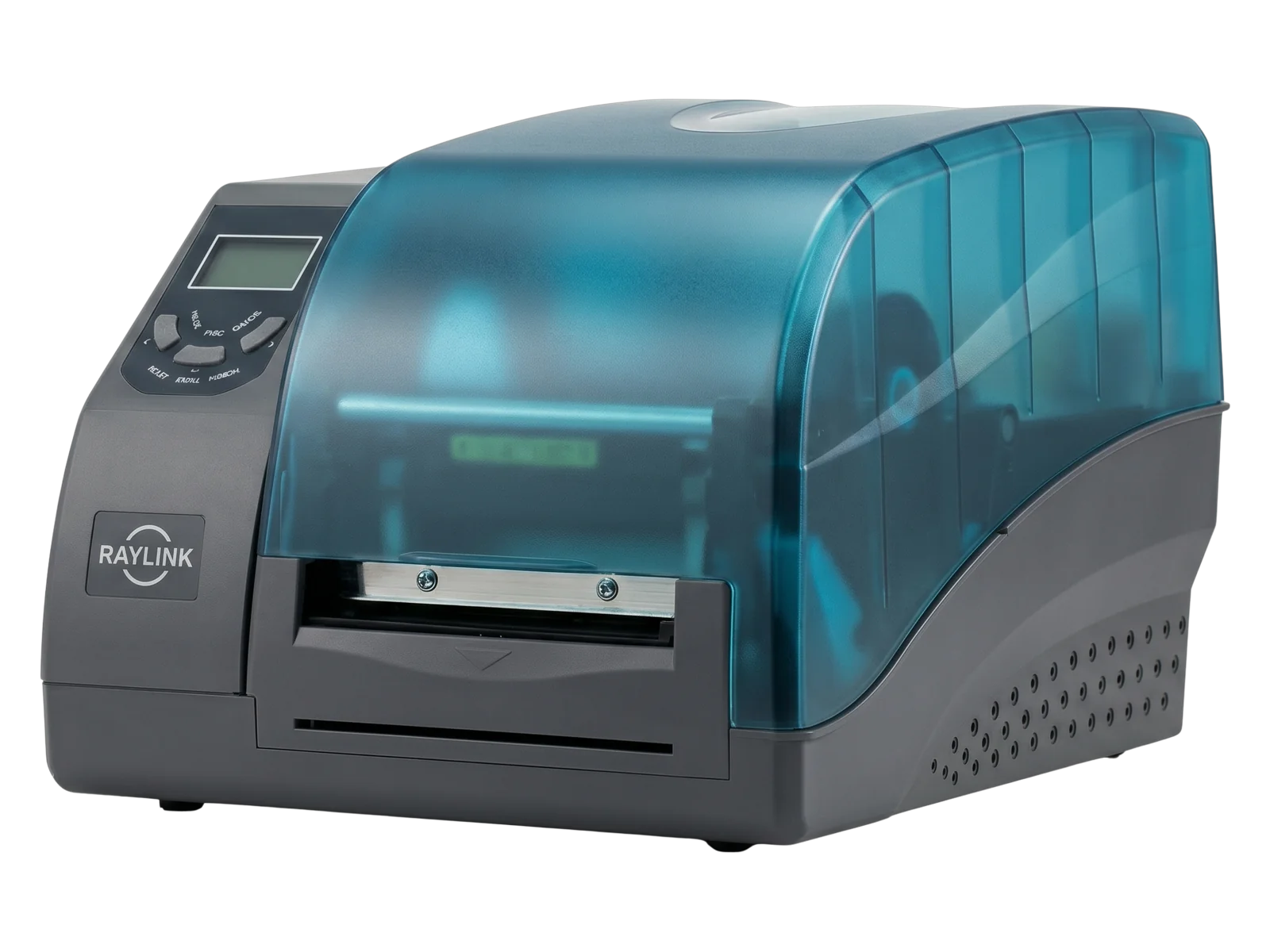
Controlled RFID Label Issuance
Move from Separate Printing and Encoding to One Checked Workflow
Combine visible label printing, HF/NFC chip encoding, result checking and failed-tag handling in one device instead of moving labels between separate printers, encoders and manual inspection steps.
Print, Encode and Match in Different Steps
More transfers between the label file, printer and RFID encoder
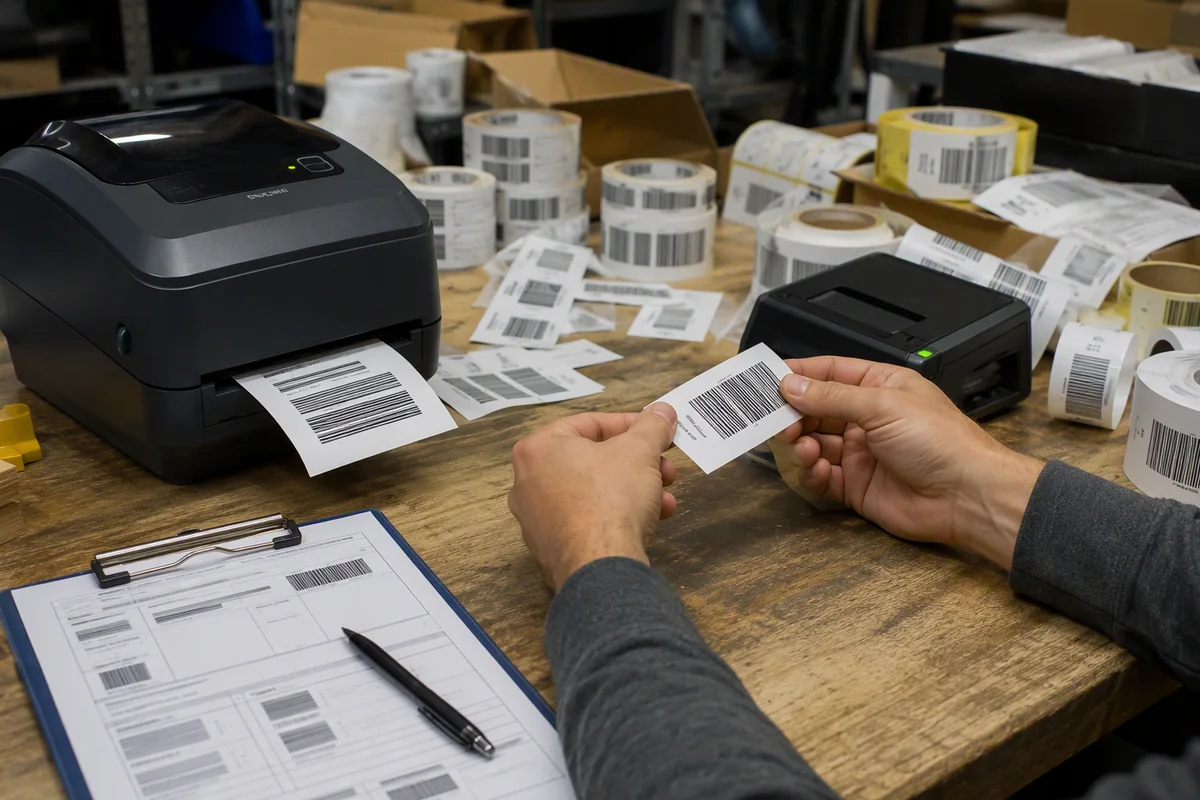
The printed identifier and chip data are handled in separate operations, while failed tags depend on manual identification and replacement.
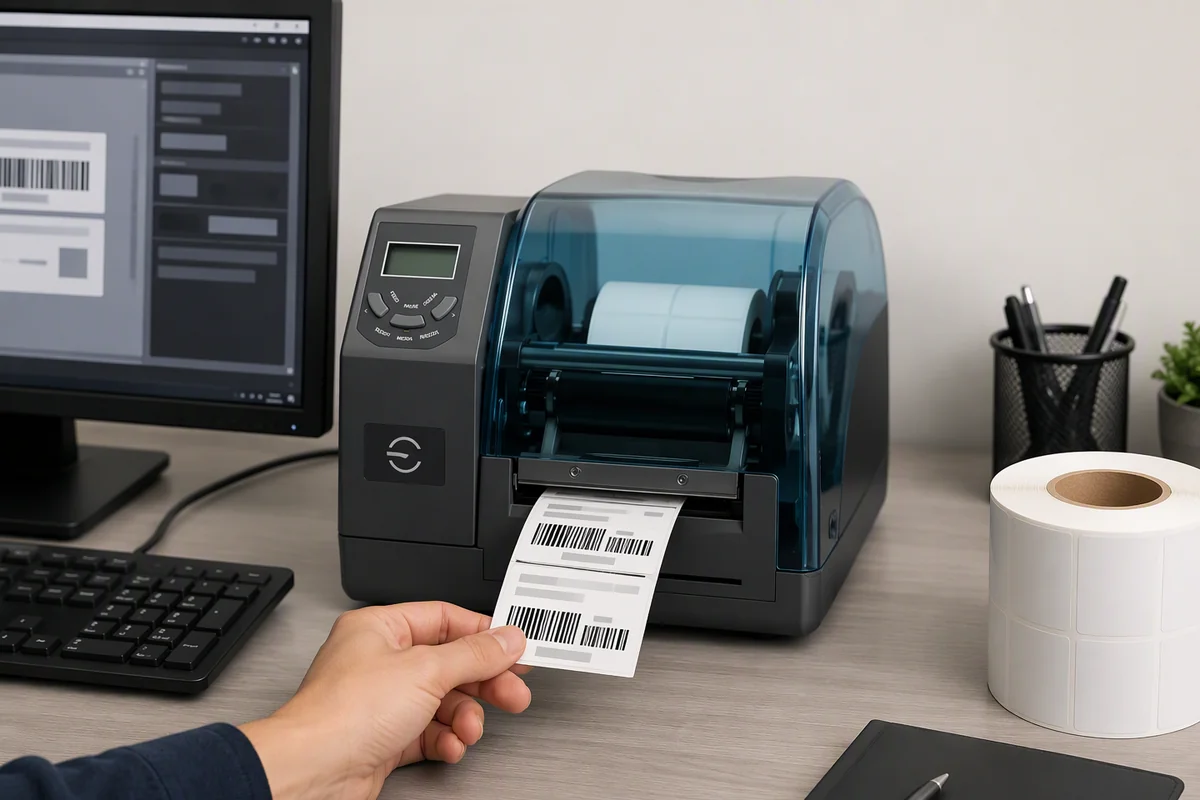
Print, Encode, Check and Control Failures
One job links visible content, 13.56 MHz data and output control
Why L3000i
Designed for HF and NFC Printing, Encoding and Quality Control
The L3000i combines 300 dpi label printing, 13.56 MHz tag encoding and defined failed-tag handling for controlled product, document and smart-label issuance.
Print and Encode in One Process
Print text, graphics, 1D barcodes and 2D codes while writing the corresponding record to a compatible HF or NFC RFID chip.
Failed-Tag VOID Marking
When encoding fails, the printer marks the affected label VOID so the operator can identify and remove it from usable output.
Automatic Replacement Printing
After a failed label is identified, the same job record is used to print a replacement without restarting the complete task manually.
Three-Failure Stop Rule
The job stops after three failed encoding attempts so the operator can inspect the tag, media position and RFID configuration.
Encode-and-Check Workflow
From Label Data to a Usable HF/NFC RFID Tag
Keep the printed information, chip data and failed-label response inside one repeatable label-production job.
Receive the template and variable content from the connected application, database or label-design software.
Print product data, document IDs, serial numbers, text, barcodes, QR codes and other required graphics.
Write the required identifier, URL or application data to the selected compatible HF or NFC tag.
Confirm whether the chip-writing operation completed successfully before the label is released.
Mark the failed label VOID, print a replacement and stop the job after three failed attempts.
HF and NFC Tag Support
Configure the Printer Around the Selected 13.56 MHz Tag
Final compatibility depends on the protocol, chip family, writable memory, security settings, inlay position and physical label construction.
Designed for controlled near-field label applications rather than UHF EPC Gen2 tracking.
Supports compatible high-frequency label families using the confirmed protocol groups.
Current compatibility includes MIFARE, MIFARE Ultralight and NTAG213, NTAG215 and NTAG216.
Confirm feeding, sensing, print position, encoding result, VOID marking and reprint behavior with the production label.
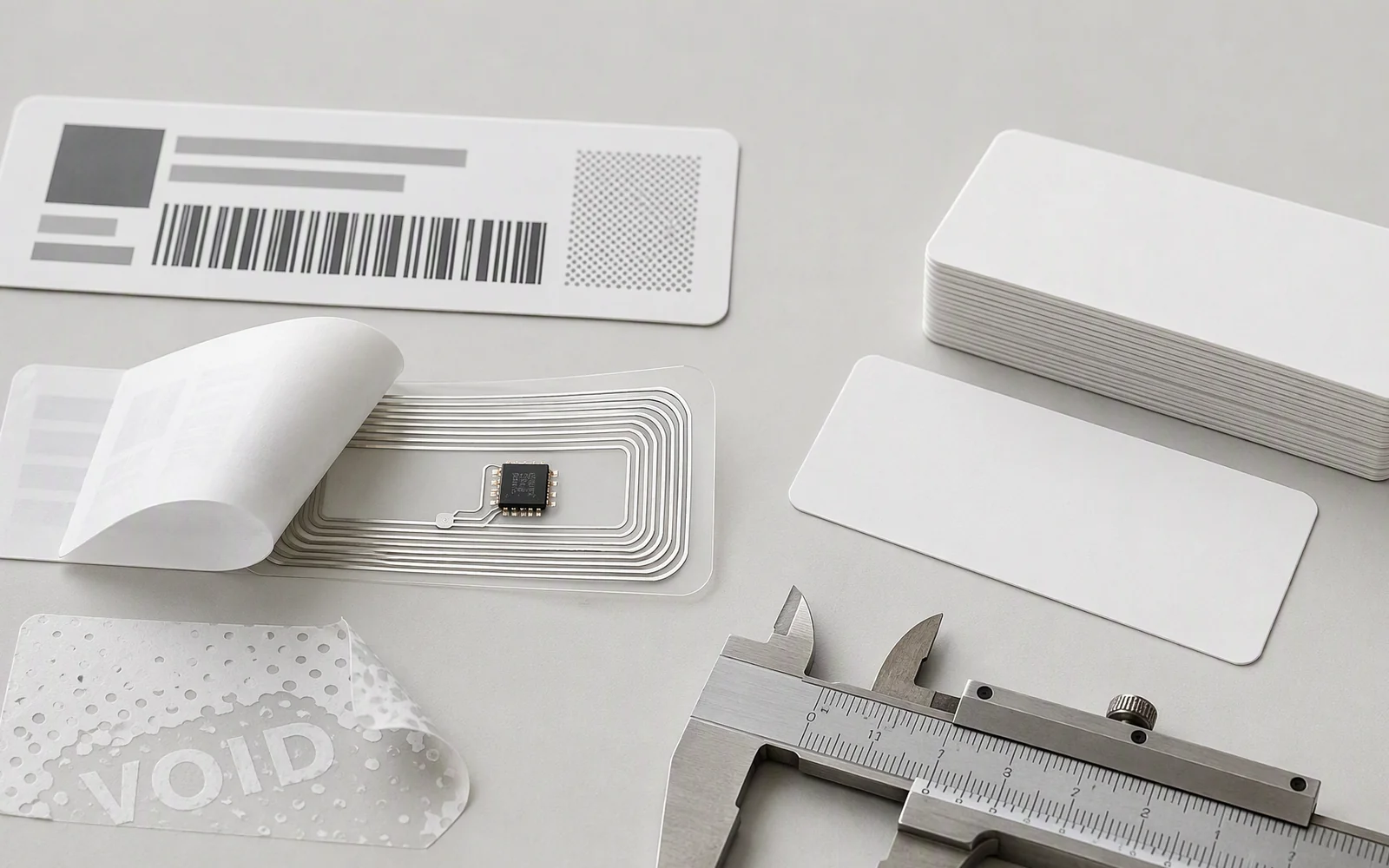
HF / NFC RFID Applications
Label Workflows Built Around Controlled Near-Field Interaction
Use HF or NFC labels where the reader, smartphone or operator intentionally approaches the selected tag instead of identifying many distant items at once.
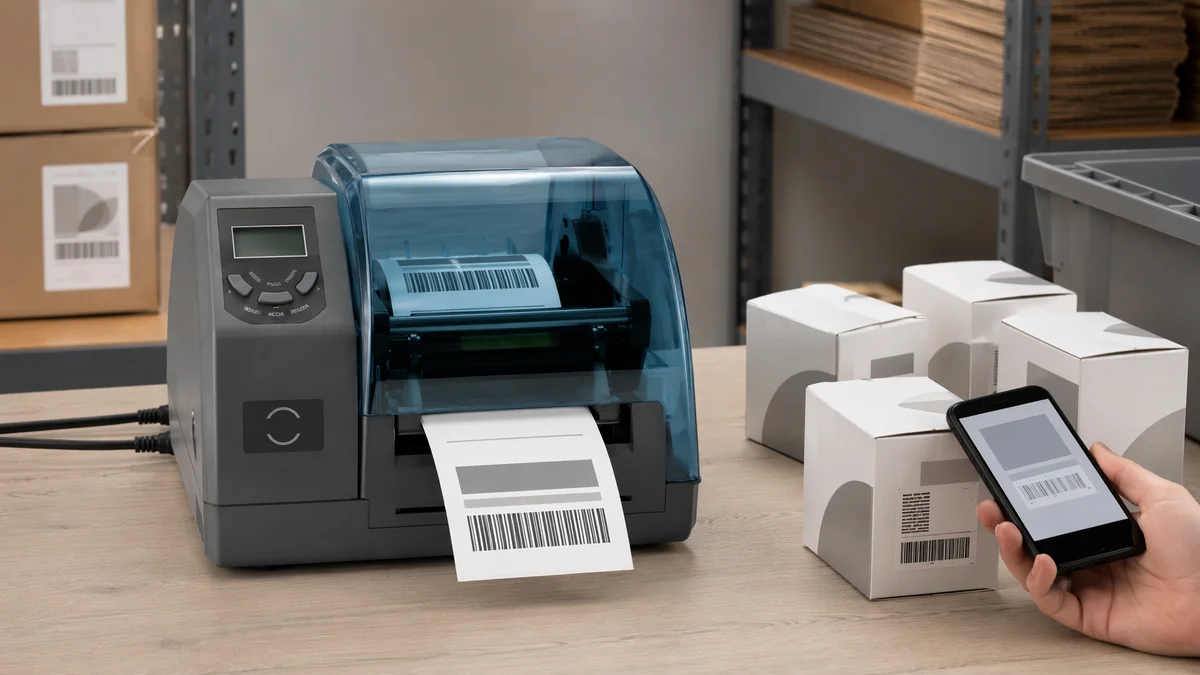 NFC Smart Packaging
NFC Product and Packaging Labels
Print product information and encode compatible NFC tags that connect the physical package to registration, instructions, digital manuals, warranty or after-sales content.
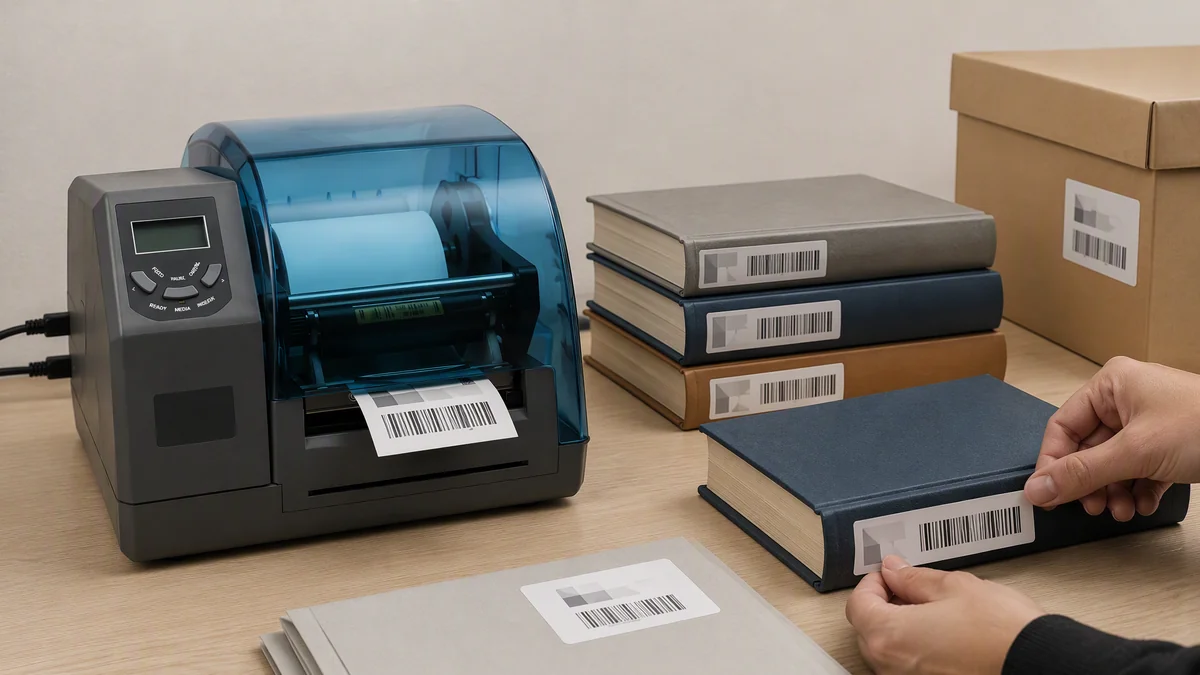 Documents and Archives
Book, Archive and Document Labels
Print visible identifiers and encode compatible HF tags for books, document folders, archive boxes and controlled check-in, check-out or record-binding workflows.
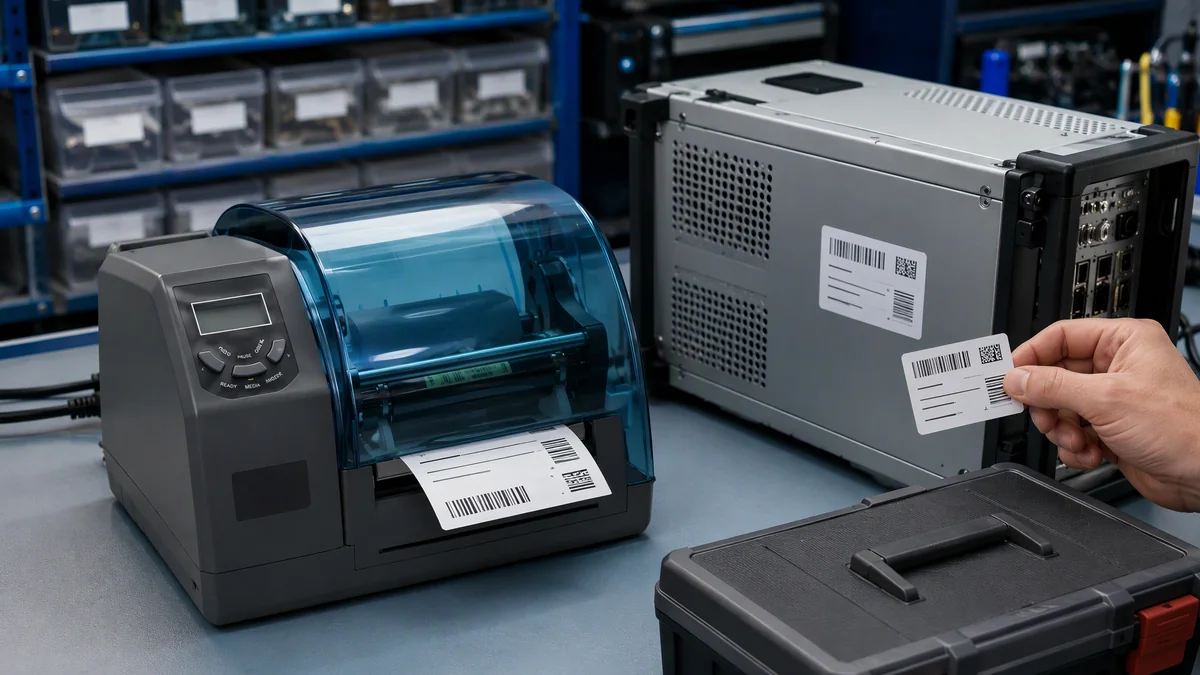 Product Identity and Service
Product Identification and Service Labels
Create HF or NFC labels linking products, equipment and components to serial numbers, maintenance records, configuration data or controlled service information.
Basic NFC chip support does not by itself guarantee anti-cloning. Authentication claims must be based on the selected secure chip, encoded data structure and application-side verification method.
Failed-Tag Control
Keep Encoding Failures Visible and Out of Usable Output
Apply a defined response when the RFID chip cannot be encoded so failed labels do not continue through the workflow unnoticed.
Confirm the RFID chip-writing status before releasing the label as usable output.
Print a visible VOID mark directly on the failed label so the operator can identify and remove it.
Use the same job record to produce a replacement label without manually restarting the complete job.
Pause the task for review after three failed encoding attempts to prevent continued media consumption.
Printing and Media Performance
300 dpi Output for Detailed HF and NFC Labels
The four-inch print platform balances fine text and barcode quality with medium-volume label production and common thermal-transfer media formats.
300 dpi Detailed Output
Suitable for small text, compact barcodes, QR codes, Data Matrix codes and information-dense product or document labels.
Up to 152.4 mm/s
Print at up to 6 ips for a balance of output quality and medium-volume HF/NFC label production.
Up to 106 mm Wide
Supports common four-inch product, packaging, book, document and industrial identification label formats.
Direct Thermal or Thermal Transfer
Select direct thermal for shorter-life labels or thermal transfer for more durable output requiring ribbon-based printing.
Host Connectivity
Connect the Printer to Label, Document and Product Data Systems
Use serial, Ethernet or USB connections according to the label-design software, production system and workstation architecture.
RS-232
Connect the printer to legacy applications, industrial computers or dedicated label-issuing workstations using serial communication.
10/100 Mbps Ethernet
Integrate network printing with centralized label, product, document or business applications.
USB Device 2.0
Connect directly to a host computer for configuration, label printing and RFID encoding control.
USB Host
Connect supported external devices or storage according to the selected workflow and software configuration.
Wi-Fi and Bluetooth are optional configurations. Confirm the required interface set when placing the order.
Deployment Guidance
Validate the HF/NFC Label Before Starting Production
Printing and encoding reliability depend on the complete label construction and software workflow, not only on the protocol name printed in the data sheet.
Confirm the RFID Technology
Verify that the project uses 13.56 MHz HF or NFC tags rather than UHF EPC Gen2 labels.
Select the Chip
Confirm the protocol family, chip model, memory layout, writable area and required lock or password functions.
Confirm the Inlay Position
Identify the chip and antenna position relative to the label edge, print area and encoding zone.
Define Printed and Encoded Data
Confirm which visible fields, barcodes and RFID memory values must remain associated in the same record.
Test VOID and Retry Handling
Use actual samples to confirm successful encoding, failure detection, VOID marking, automatic reprint and the three-failure stop.
Validate the Complete Workflow
Test the printer with the host software, production label, downstream reader or smartphone and final application process.
Technical Specifications
L3000i HF/NFC RFID Label Printer Specifications
Confirm the actual chip, label construction and software command set before treating protocol compatibility as production approval.
| Printing | |
|---|---|
| Printing method | Direct thermal / thermal transfer |
| Resolution | 300 dpi |
| Maximum speed | 6 ips / 152.4 mm/s |
| Maximum printing width | 106 mm |
| Maximum printing length | 4000 mm |
| HF / NFC RFID | |
| Frequency | 13.56 MHz |
| Supported protocols | ISO/IEC 15693, ISO/IEC 14443 Type A, compatible NFC protocols |
| Supported chip families | Compatible ISO 15693 chips, MIFARE, MIFARE Ultralight, NTAG213 / NTAG215 / NTAG216 |
| Encoding result check | Supported |
| Failed-tag marking | VOID printing |
| Replacement handling | Automatic reprint |
| Stop threshold | Stops after three failed encoding attempts |
| Media and Ribbon | |
| Media width | 25–112 mm |
| Maximum media roll diameter | 152 mm |
| Minimum media core diameter | 25.4 mm |
| Media thickness | 0.08–0.20 mm including liner |
| Ribbon width | Up to 110 mm |
| Ribbon length | Up to 300 m |
| Ribbon outside diameter | Up to 70 mm |
| Media sensors | Adjustable reflective sensor and two-position transmissive sensor |
| Interfaces and Power | |
| Serial | RS-232 |
| Ethernet | 10/100 Mbps adaptive Ethernet |
| USB Device | USB 2.0 |
| USB Host | Supported |
| Optional connectivity | Wi-Fi / Bluetooth |
| Power adapter | Input AC 100–240 V, 50–60 Hz; output DC 24 V / 4 A |
| Mechanical and Environmental | |
| Dimensions | 259 × 354 × 205 mm |
| Weight | 3.5 kg |
| Operating temperature | 0°C to 40°C |
| Operating humidity | 5%–85%, non-condensing |
| Storage temperature | −30°C to 60°C |
| Storage humidity | 5%–85%, non-condensing |
“MIFARE” and “compatible NFC protocols” cover multiple chip and software variants. Confirm the exact chip list, memory commands, NDEF functions and security operations required by the project.
Product Design
Operator Panel, Media Enclosure and Rear Connections
Review the compact printer body, transparent media cover, operator controls and wired interfaces before planning the HF/NFC label workstation.
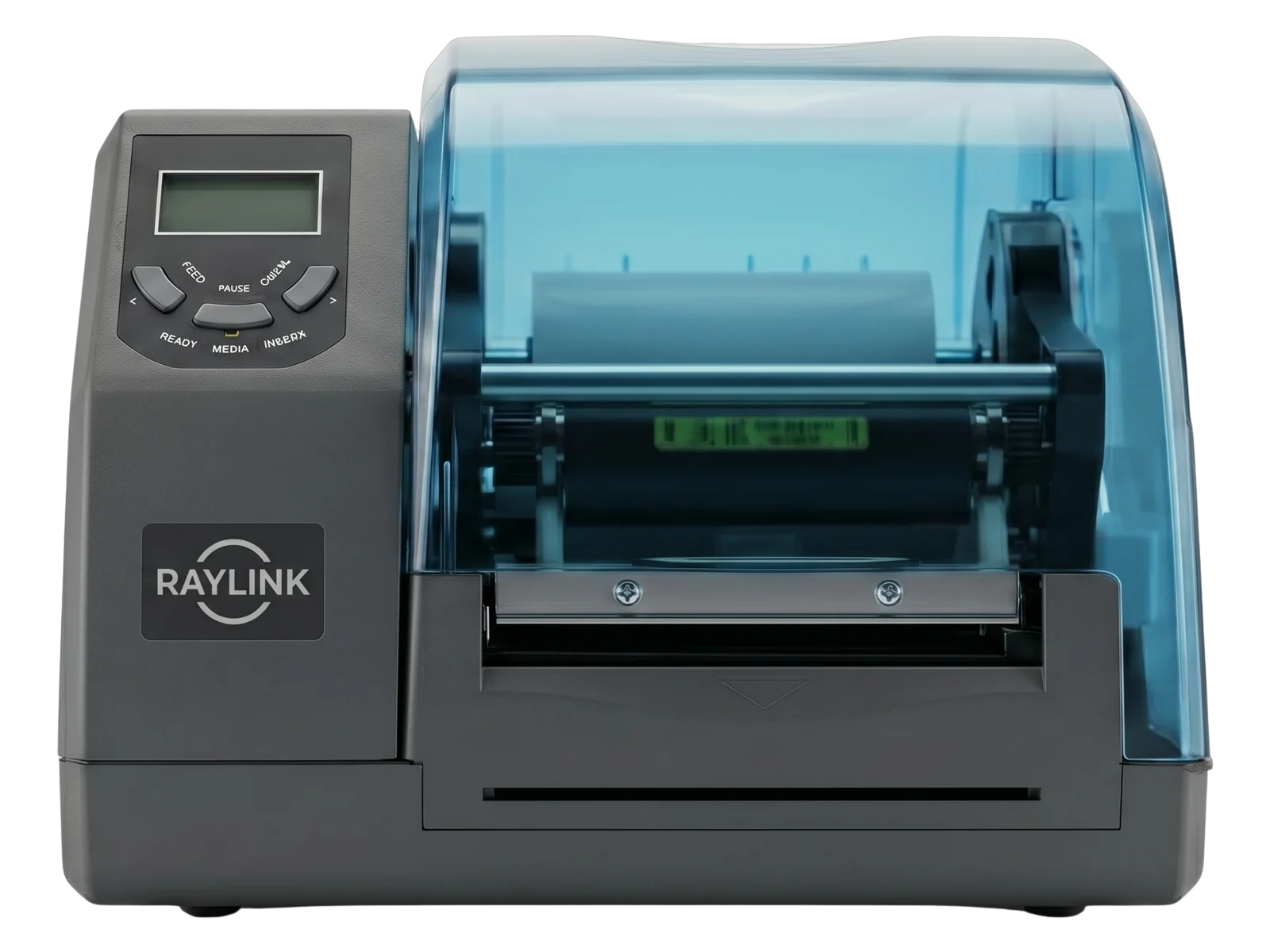
Front Controls and Label Output
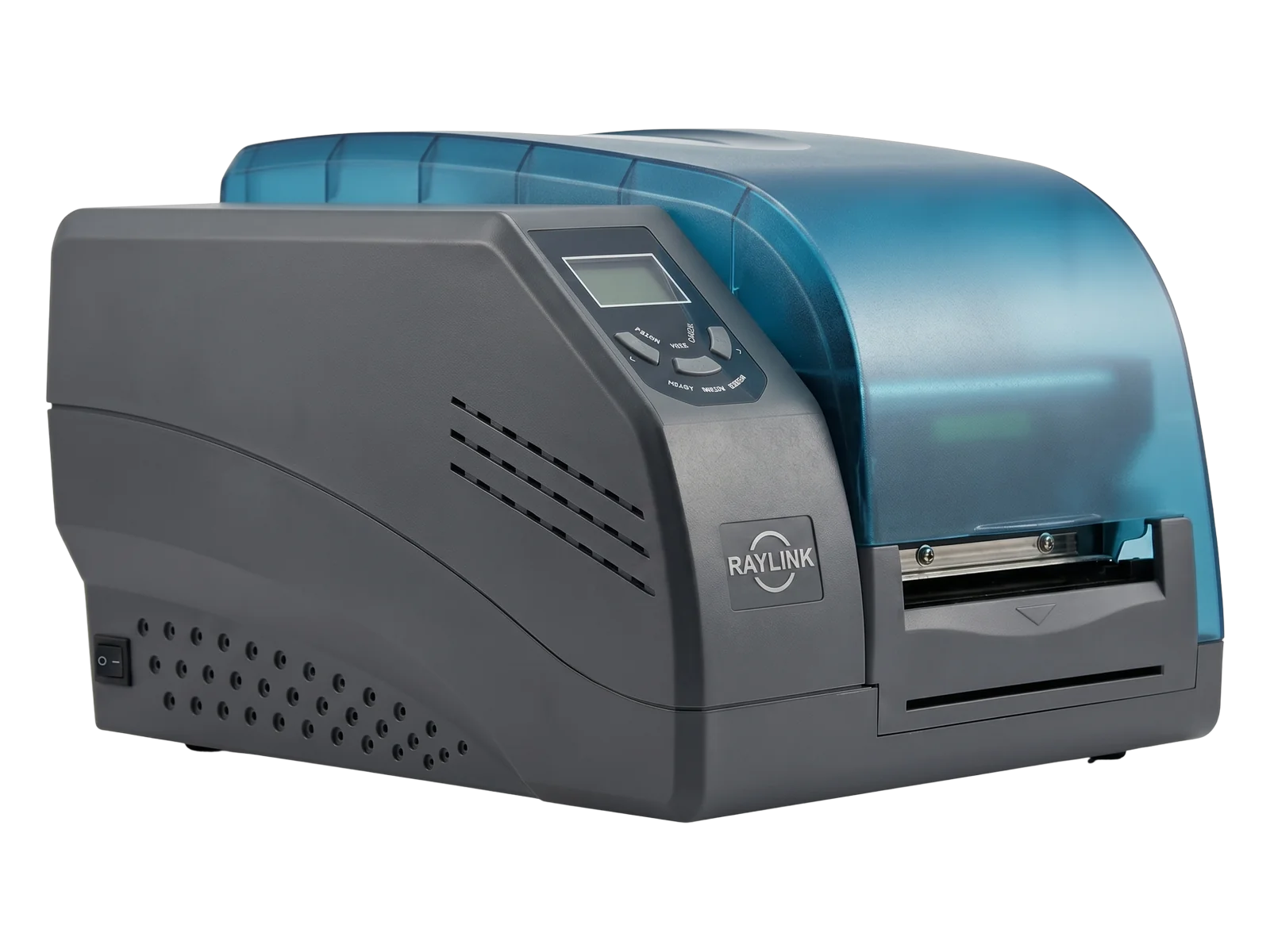
Compact Media Enclosure
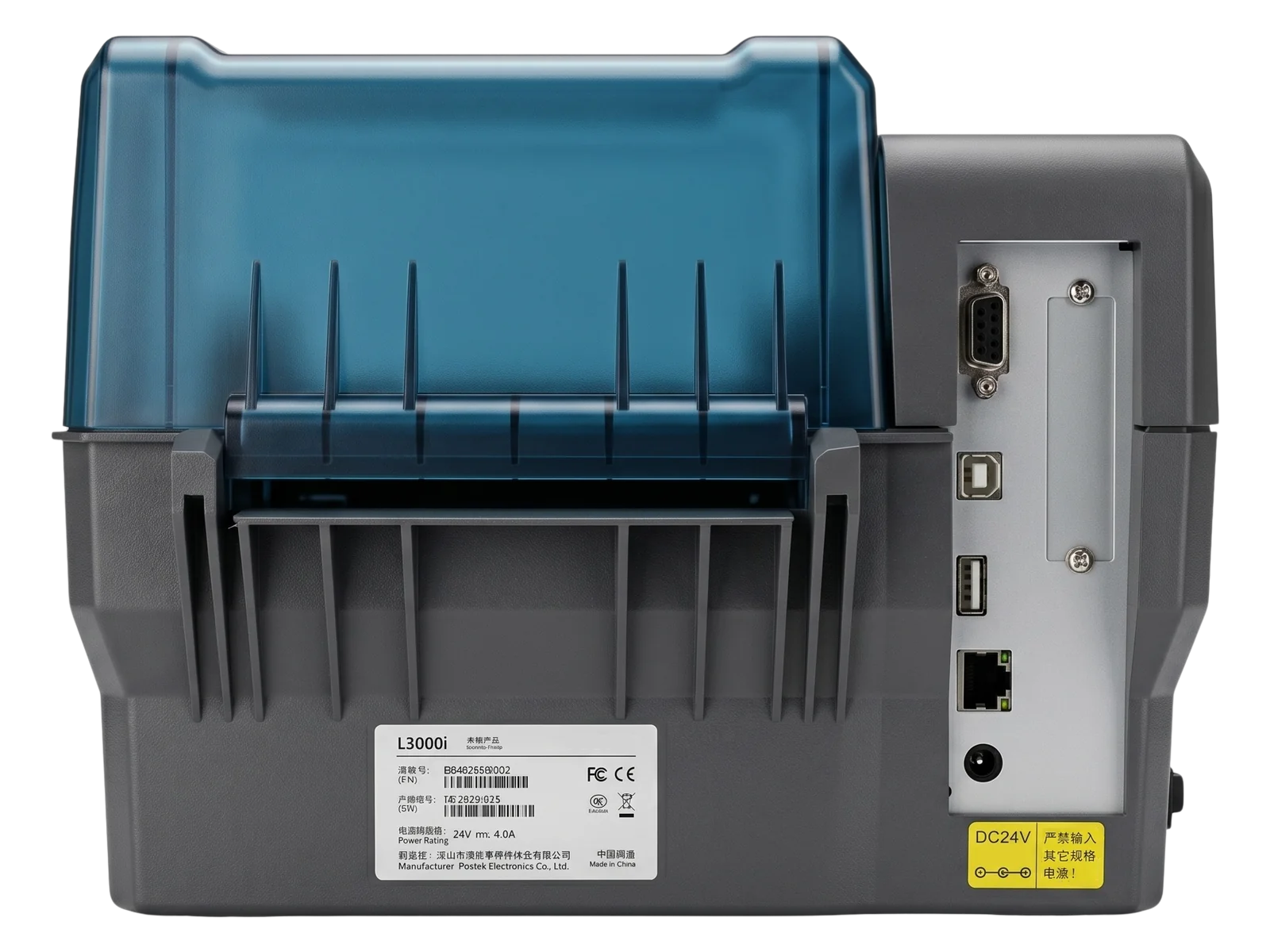
Rear Interfaces and Power
Technical Resources
Resources for HF/NFC Label Evaluation and Integration
Request the documents, sample testing and integration resources needed to validate the chip, label construction, encoding workflow and connected system.
Product Data Sheet
Review printing, RFID, media, interface, power and environmental specifications.
Request Data Sheet →HF/NFC Label Sample Test
Submit the actual chip and label construction for feeding, printing, encoding, VOID and replacement-printing evaluation.
Request Sample Test →Encoding and Integration Files
Review chip commands, data structure, drivers, communication and host-system integration resources.
Request Integration Files →FAQ
L3000i HF/NFC RFID Label Printer Questions
Is the L3000i a UHF RFID printer?
No. It is a 13.56 MHz HF/NFC RFID label printer. UHF EPC Gen2 labels require a different printer configuration.
Which RFID protocols does it support?
It supports ISO/IEC 15693, ISO/IEC 14443 Type A and compatible NFC tag protocols.
Which tag chips are supported?
Current compatibility includes compatible ISO 15693 chips, MIFARE, MIFARE Ultralight and NTAG213, NTAG215 and NTAG216. The actual chip model should be confirmed before production.
What happens when RFID encoding fails?
The failed label is marked VOID and the printer automatically produces a replacement label using the same job record.
When does the printer stop the job?
The job stops when the encoding retry sequence reaches three failed attempts, allowing the operator to inspect the tag, media and printer configuration.
Does the printer automatically reprint a failed label?
Yes. After marking the failed label VOID, the printer automatically produces a replacement label.
Can it print QR codes and Data Matrix codes?
Yes. The printer supports common one-dimensional and two-dimensional barcode formats, including QR Code, Data Matrix, PDF417 and MaxiCode.
Is it suitable for NFC smart packaging?
Yes, provided the selected NFC chip, encoded data format, smartphone workflow and application platform are compatible.
Can it be used for library or archive labels?
It can print and encode compatible HF tags, but compatibility with a specific library or archive system depends on the protocol, data structure and software used by that system.
Does it guarantee anti-cloning?
No. Anti-cloning capability depends on the selected secure tag chip, authentication method and software implementation.
Does it support direct thermal and thermal transfer printing?
Yes. Both printing methods are supported.
Which interfaces are included?
RS-232, 10/100 Mbps Ethernet, USB Device 2.0 and USB Host are included. Wi-Fi and Bluetooth are optional.
Validate the Label
Test the L3000i with Your HF or NFC RFID Label
Send us the tag chip, label dimensions, inlay position, encoded data, printing requirements and host-system environment. We will help confirm compatibility, failure-handling behavior and the deployment configuration.