
Industrial UHF RFID Label Printer
RLPB-Z Industrial Smart UHF RFID Label Printer
Print and encode standard or on-metal UHF RFID labels through one industrial platform with touchscreen operation, large-capacity media handling and European or US regional RFID configurations.
Store repeated label jobs locally, connect printing to enterprise data and move from visible label content to an encoded EPC Class 1 Gen 2 tag in one controlled workflow.
RFID performance depends on the selected regional version, label construction, chip, inlay position, label pitch, material thickness and printer configuration. Submit actual labels for print, feed and encoding validation before production deployment.
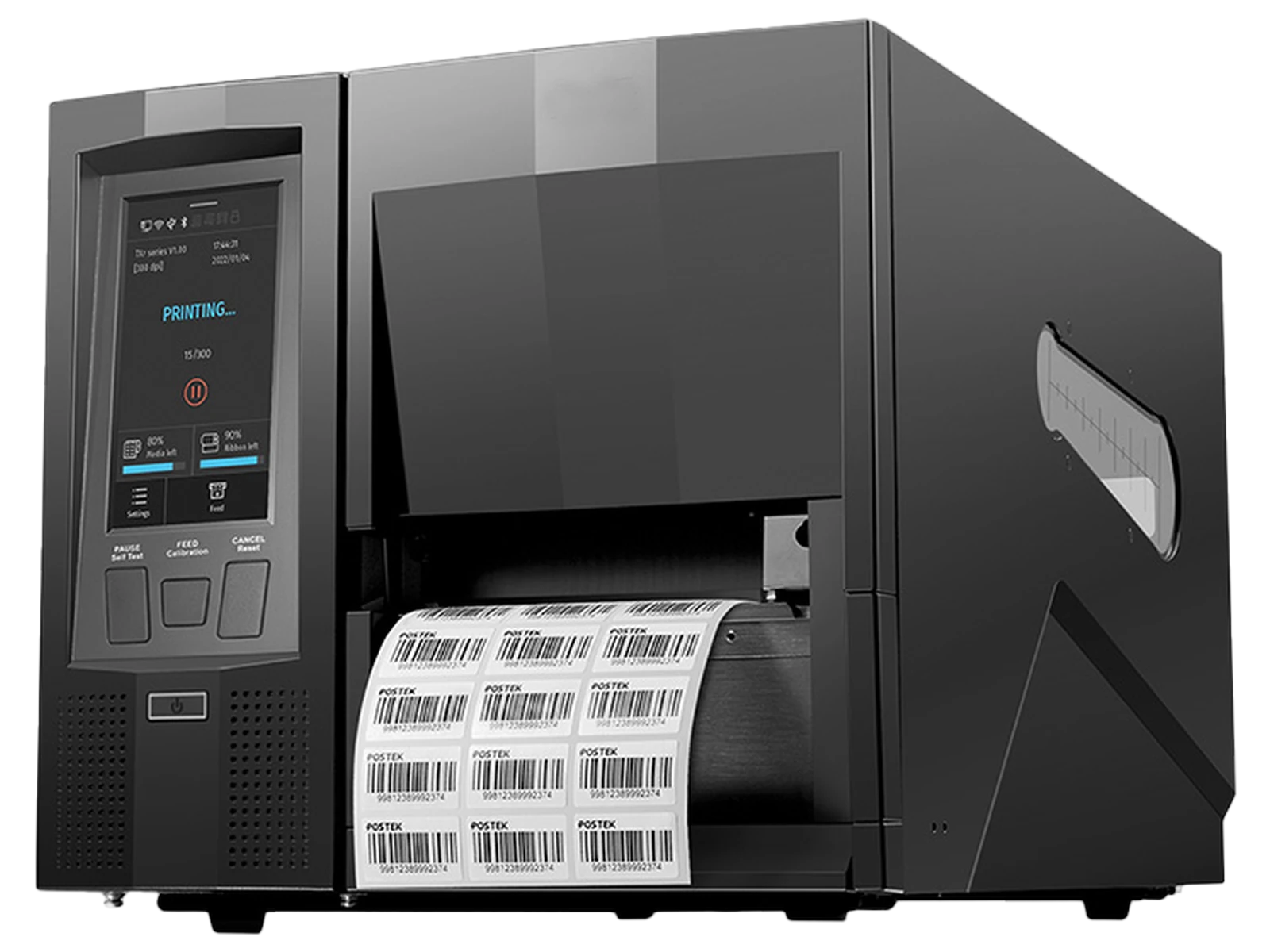
Integrated RFID Label Workflow
From Separate Print and Encoding Steps to One Controlled Label Job
Combine visible printing, UHF RFID encoding, task selection and production output in one industrial label workstation instead of moving labels between disconnected devices and software steps.
Print, Encode and Confirm in Different Steps
More handling between the label file, printer and RFID operation
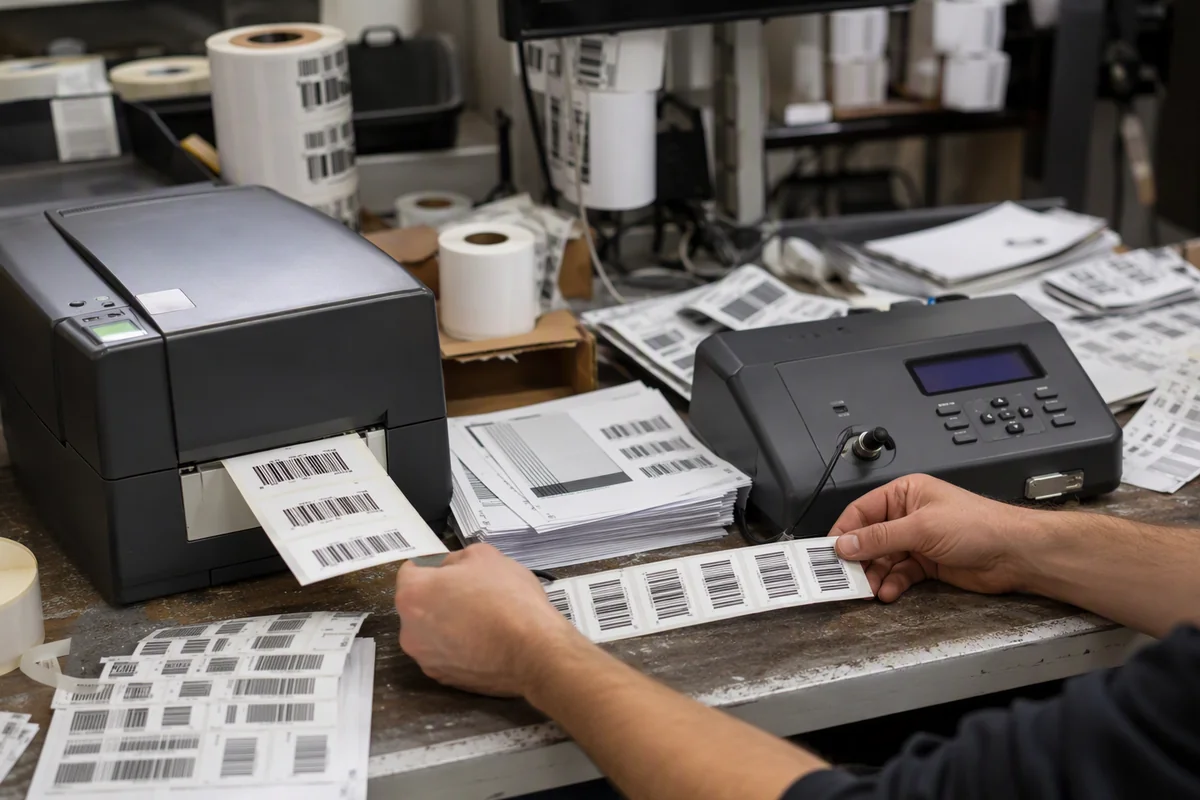
More transfers between steps and more opportunities for the printed record and encoded EPC to become disconnected.
Smart Print-and-Encode Workflow
One job links the visible label, RFID data and output configuration
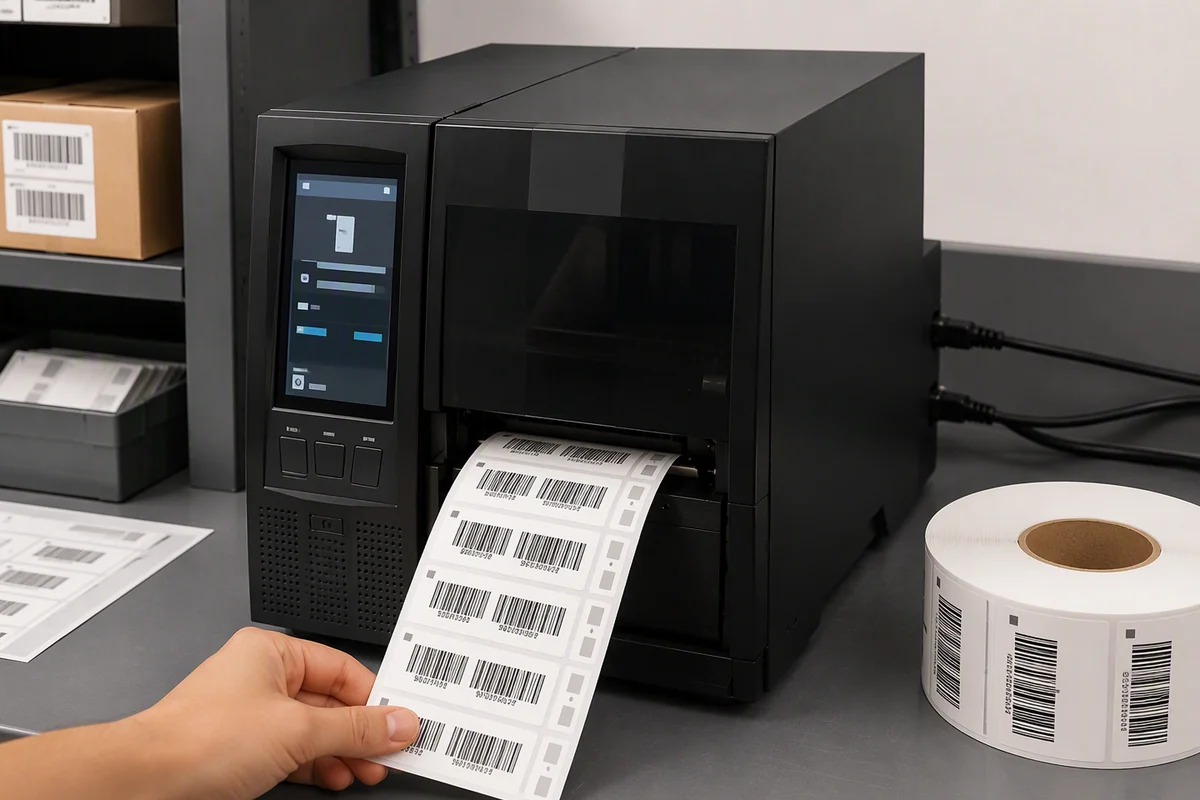
Automatic failed-label marking, VOID printing, reprint logic and detailed encoding logs depend on the selected RFID and verifier configuration. Confirm these functions before publishing them as standard capabilities.
Why RLPB-Z
An Industrial RFID Printing Platform, Not Only a Print Engine
The RLPB-Z combines smart local operation, industrial media handling, UHF RFID configurations and modular finishing options for repeated label-production workflows.
Touchscreen Job Operation
Store common templates and job files locally, then select and execute repeated printing tasks from the 4.5-inch capacitive touchscreen.
Industrial Media Capacity
Use label rolls up to 203.2 mm in outside diameter and ribbons up to 600 m to reduce consumable changes during continuous production.
Standard and On-Metal RFID Media
Select a configuration for regular UHF RFID labels or thick on-metal labels up to 1.6 mm including the liner.
Configurable Output and Connectivity
Choose the required resolution, regional RFID version, tear-off, peel-off or cutter mode, and wired or optional wireless connectivity.
Print and Encode Process
Move from Business Data to a Ready UHF RFID Label
Use one controlled task to connect the label template, visible content and EPC Class 1 Gen 2 data required by the asset, item, order or production record.
Receive variable content from the host system or open a supported template and local job file from the printer.
Apply text, barcodes, QR codes, graphics and other required visible data to the label.
Write the required EPC data using the European or US regional RFID configuration selected for the project.
Apply the configured confirmation and exception logic, then tear, peel or cut the completed label according to the selected option.
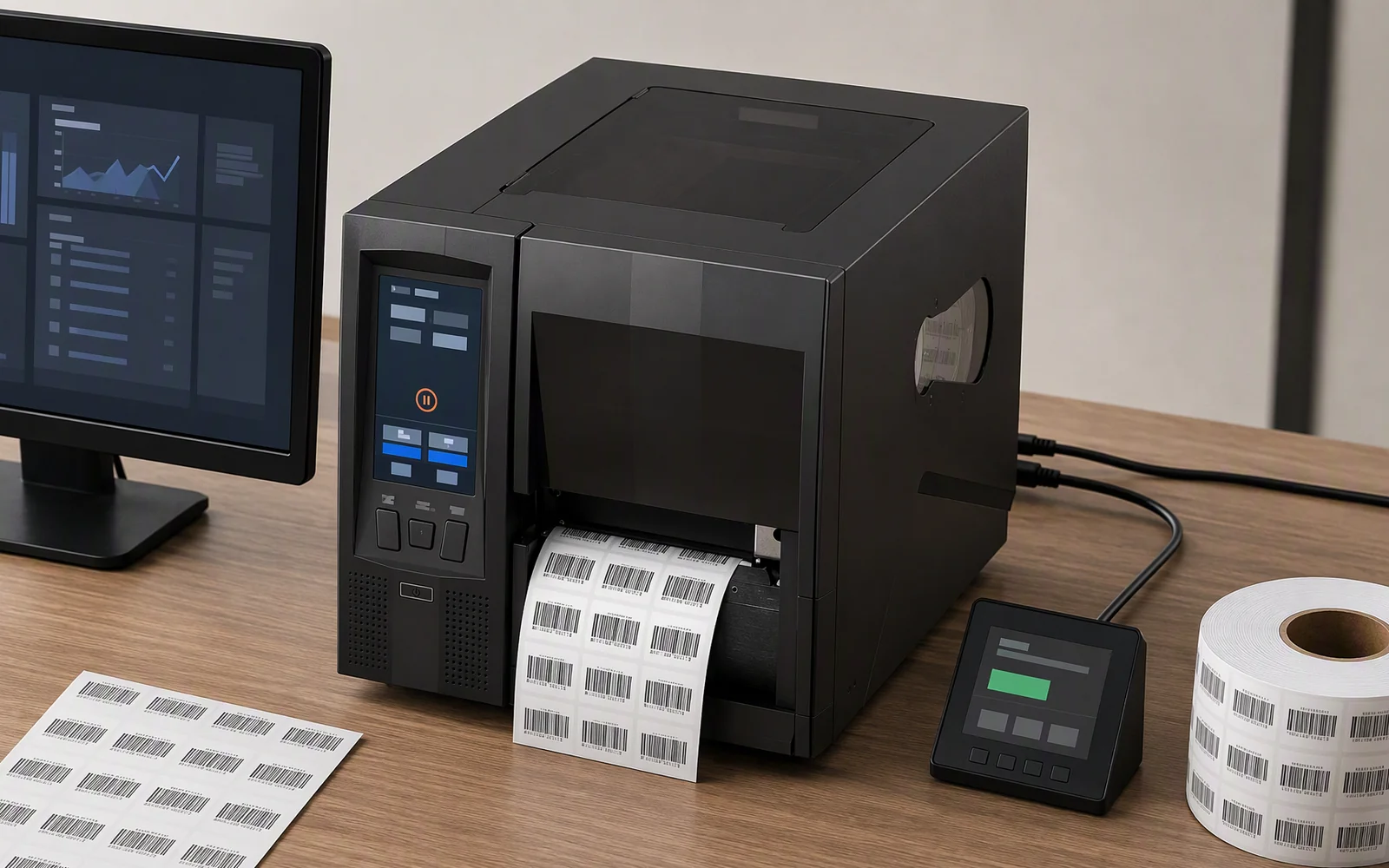
RFID Label Compatibility
Configure the Printer Around the Actual RFID Label
RFID printing quality depends on more than label width. Confirm the inlay position, chip, thickness, pitch, liner and final mounting surface before selecting the printer configuration.
Supports UHF EPC Class 1 Gen 2 / ISO/IEC 18000-63 labels in a project-specific European or US regional version.
Process common paper, synthetic and other regular UHF RFID label constructions within the supported media limits.
Use the dedicated mount-on-metal configuration for thick RFID asset labels up to 1.6 mm including the liner.
Confirm feeding, sensing, printing, encoding position and finished-label quality with the actual label sample before production.
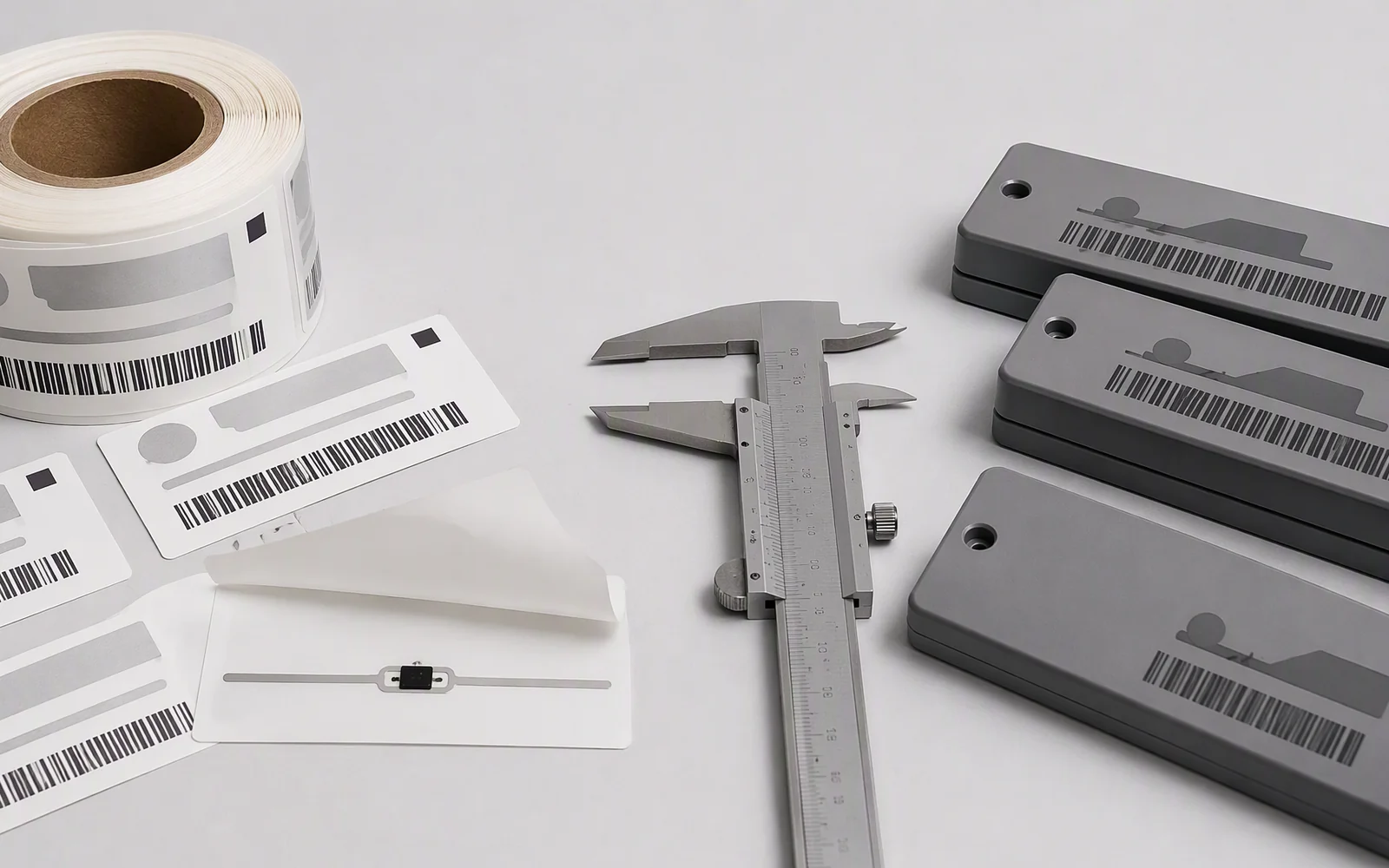
RFID Label Applications
UHF RFID Labels for Items, Logistics and Industrial Assets
Select the print resolution, RFID regional version and media-handling configuration according to the label content, operating environment and final tagged object.
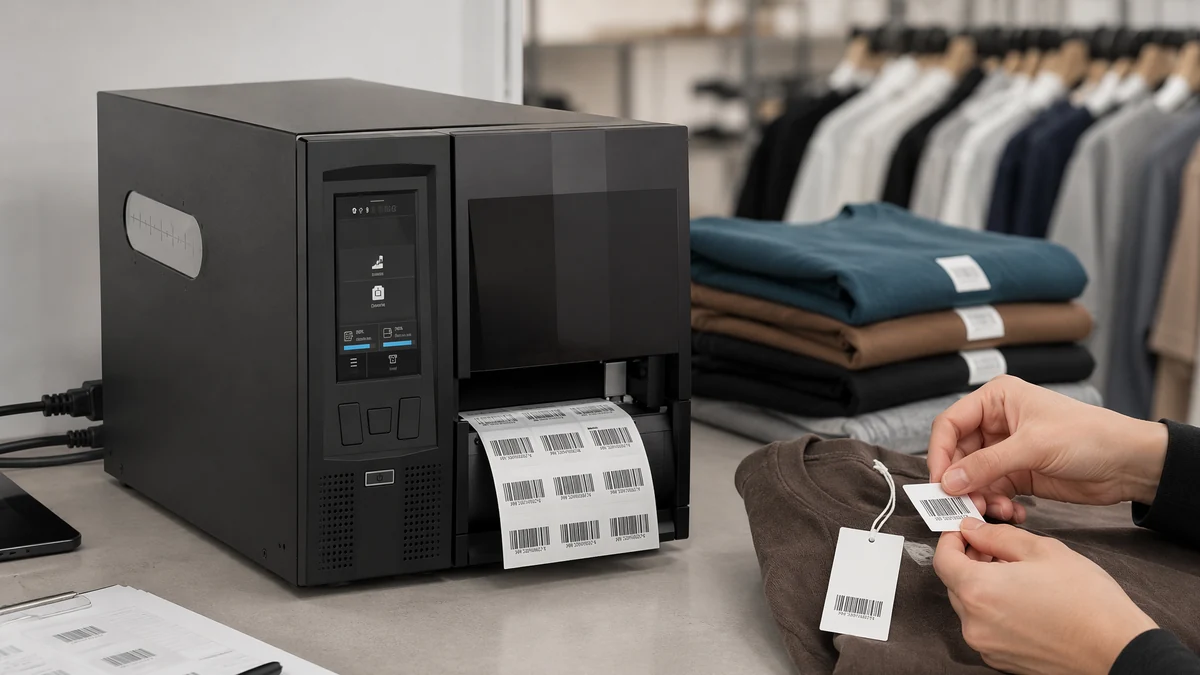 Item-Level RFID
Apparel and Retail Item Labels
Print and encode product identifiers, barcodes, prices and EPC data for garments, footwear, accessories and other individually tagged retail merchandise.
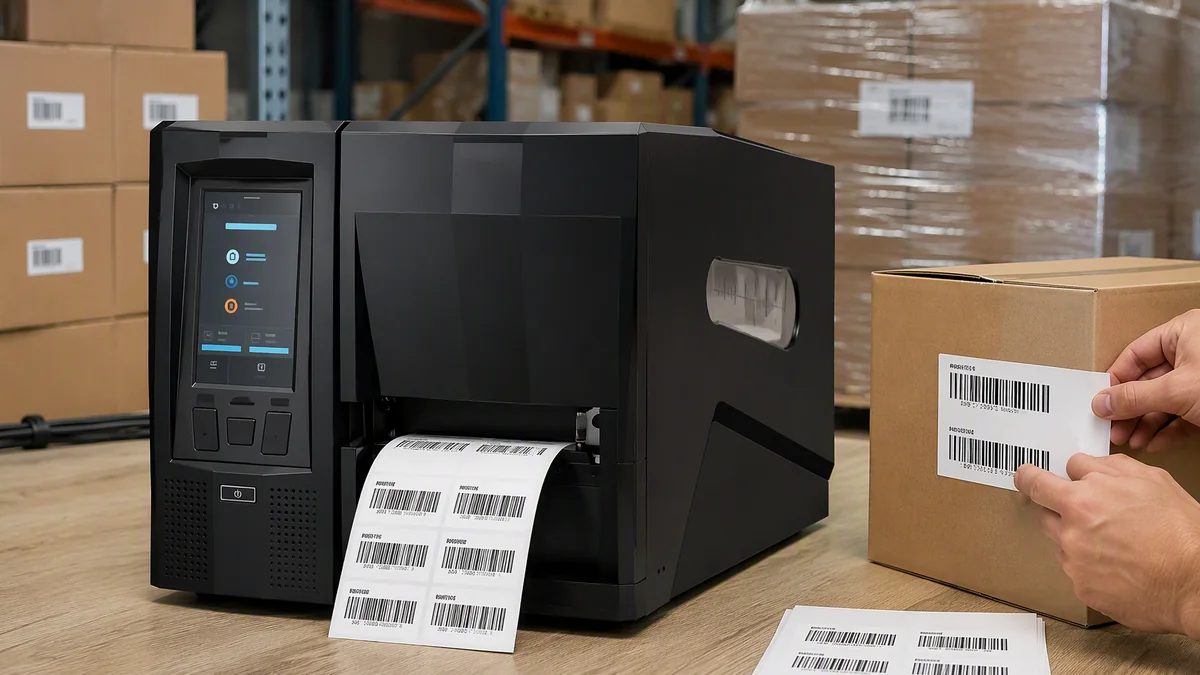 Warehouse and Logistics
Carton, Case and Pallet Labels
Create UHF RFID labels containing shipment, handling and traceability data for receiving, storage, fulfillment, dispatch and supply-chain processes.
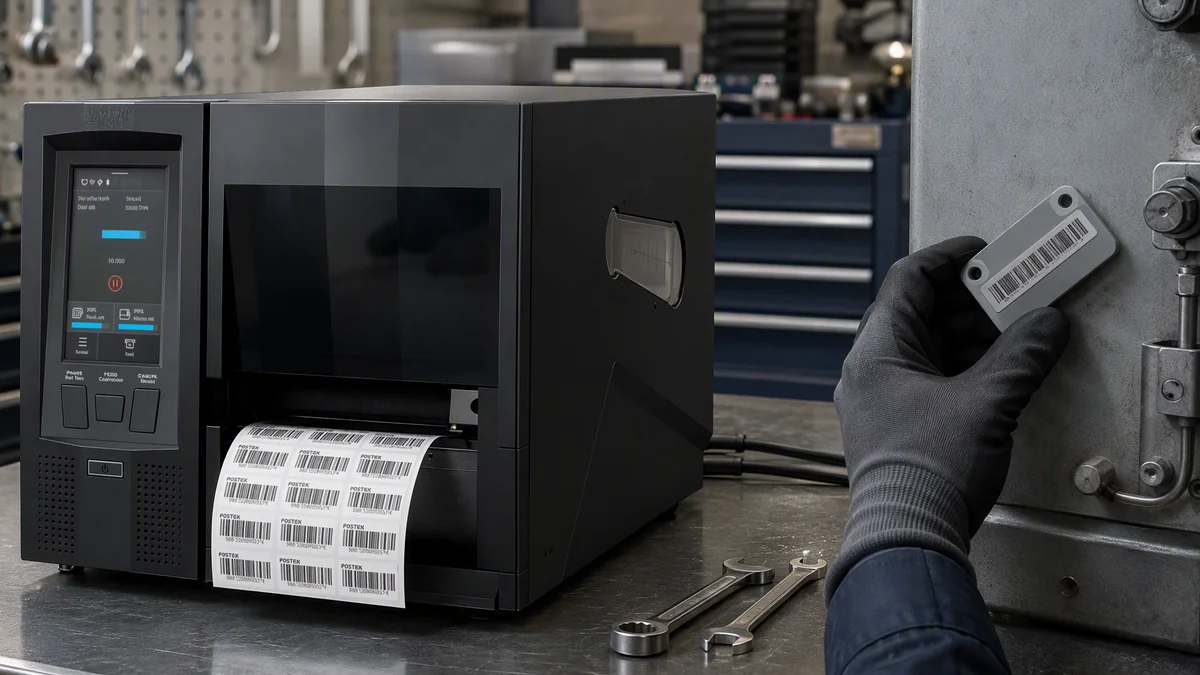 Manufacturing and Assets
WIP and On-Metal Asset Labels
Print work-order, component and traceability labels, or use the dedicated thick-media configuration for tools, IT equipment, machinery and other metal assets.
Smart Standalone Printing
Run Repeated Label Jobs from the Printer Touchscreen
Use local files and the touchscreen to simplify recurring label tasks at production, warehouse and label-issuing workstations.
Keep supported label templates, fonts, graphics and job data in the printer for repeated use.
Allow an operator to choose the required job and execute routine printing from the 4.5-inch touchscreen.
Use Ethernet, RS-232, USB Device or USB Host according to the system and peripheral requirements.
Use the optional scripting environment for project-specific interfaces, local data access and connected workflows where supported.
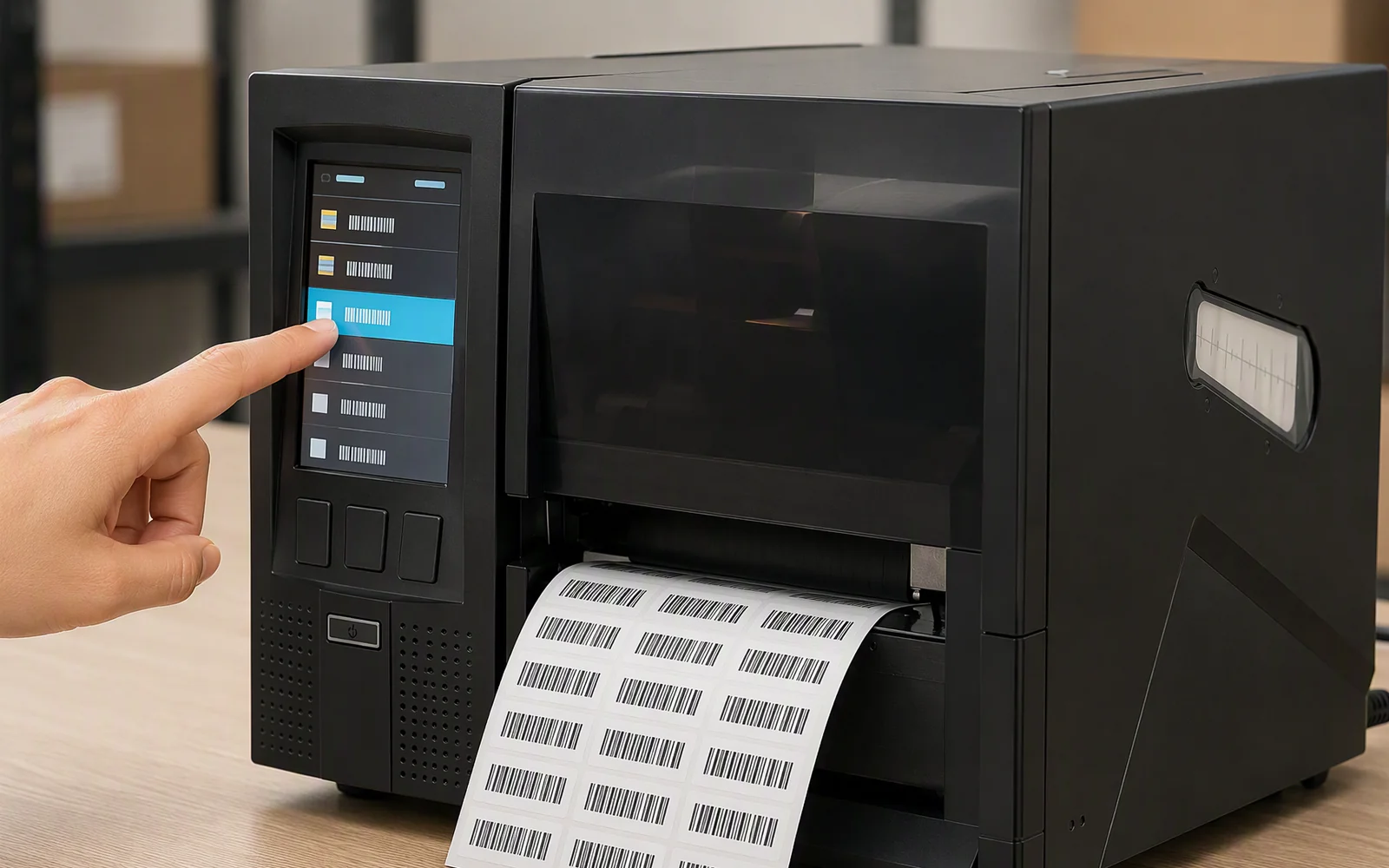
Industrial Print Mechanism
Built for Continuous Label Production and Consumable Handling
The mechanical platform is designed around stable printing, large rolls, long ribbons and configurable label output rather than light-duty desktop printing.
Fixed Metal Print Engine Frame
A rigid print-engine structure supports repeatable alignment and stable operation during long industrial print jobs.
Large Roll and 600 m Ribbon
Use media rolls up to 203.2 mm in outside diameter and ribbons up to 600 m to reduce changeovers.
Ribbon Tension Fine-Tuning
Adjust ribbon tension for the selected ribbon, label material and print condition to support consistent output.
Tear, Peel or Cut
Configure label handling for manual tear-off, optional peel-off with liner take-up, or a project-selected rotary cutter.
Project Configuration
Select the Printer Around the Label and Output Process
Resolution, regional RFID configuration, media construction, finishing mode and software workflow should be confirmed as one project configuration.
Select Resolution
Choose 203 dpi for common logistics and item labels or 300 dpi for smaller text, dense barcodes and finer layouts.
Confirm RFID Region
Select the European or US UHF configuration required for the deployment country and label application.
Define the RFID Label
Confirm chip, inlay position, width, length, pitch, liner, thickness and final mounting surface.
Select Output Mode
Choose tear-off, peel-off or cutter output according to how the completed labels will be applied or collected.
Connect the Workflow
Confirm Ethernet, RS-232, USB, optional wireless, peripheral and host-software requirements.
Validate Real Samples
Test feeding, sensing, print quality, EPC encoding and final output using the actual production label.
Technical Specifications
RLPB-Z Printing, RFID and Media Specifications
The table describes the current series-level configuration. Confirm the final model code and optional equipment in the quotation and approved data sheet.
| Print Configuration | |
|---|---|
| Print Method | Direct thermal and thermal transfer |
| Resolution Options | 203 dpi / 300 dpi |
| Maximum Print Speed | 203 dpi: up to 254 mm/s; 300 dpi: up to 203.2 mm/s |
| Maximum Print Width | 203 dpi: 108 mm; 300 dpi: 105.7 mm |
| Maximum Print Length | 203 dpi: 2000 mm; 300 dpi: 1500 mm |
| Display | 4.5-inch capacitive color touchscreen |
| UHF RFID | |
| RFID Type | UHF RFID label printing and encoding |
| Air Interface Protocol | EPC Class 1 Gen 2 / ISO/IEC 18000-63 |
| Regional Configuration | European or US UHF frequency configuration |
| Supported Media | Standard UHF RFID labels; dedicated mount-on-metal RFID label configuration |
| RFID Verification | Encoding-check workflow supported by selected configuration; external verifier available as an option for RFID models |
| Media and Ribbon | |
| Media Width | 10–116 mm |
| Maximum Media Roll OD | 203.2 mm |
| Media Core | 38 mm / 76.2 mm |
| Regular RFID Media Thickness | Up to 0.305 mm including liner, depending on printer configuration |
| On-Metal RFID Media Thickness | Up to 1.6 mm including liner on the dedicated configuration |
| Ribbon Capacity | Up to 600 m length; up to 116 mm width |
| Ribbon Ink Side | Inside or outside |
| Media Sensors | Upper and lower reflective sensors; transmissive gap, notch and hole detection |
| Interfaces and Options | |
| Standard Interfaces | RS-232, 10/100/1000 Mbps Ethernet, USB Device 2.0, USB Host |
| Optional Interfaces | General I/O; Wi-Fi 2.4/5.8 GHz and Bluetooth 5.0 wireless module |
| Output Options | Tear-off; optional automatic peeler with liner take-up; optional rotary cutter |
| Local Job Resources | Supports local storage of compatible templates, fonts, graphics and job files |
| Optional Customization | Optional script-based custom interface and workflow development |
| Mechanical and Environmental | |
| Dimensions | 286 × 448 × 271 mm |
| Power Input | 100–240 V AC, 50/60 Hz |
| Operating Temperature | 0°C to 40°C |
| Operating Humidity | 5% to 90% RH, non-condensing |
| Maximum Operating Altitude | 5000 m |
The current source material contains inconsistent processor, memory and sub-model names. These values are intentionally excluded until the final ZX commercial configuration is confirmed.
Product Design
Media Path, Operator Interface and Rear Connections
Review the internal roll and ribbon path, the touchscreen-controlled front panel and the wired interfaces before planning the printing workstation.
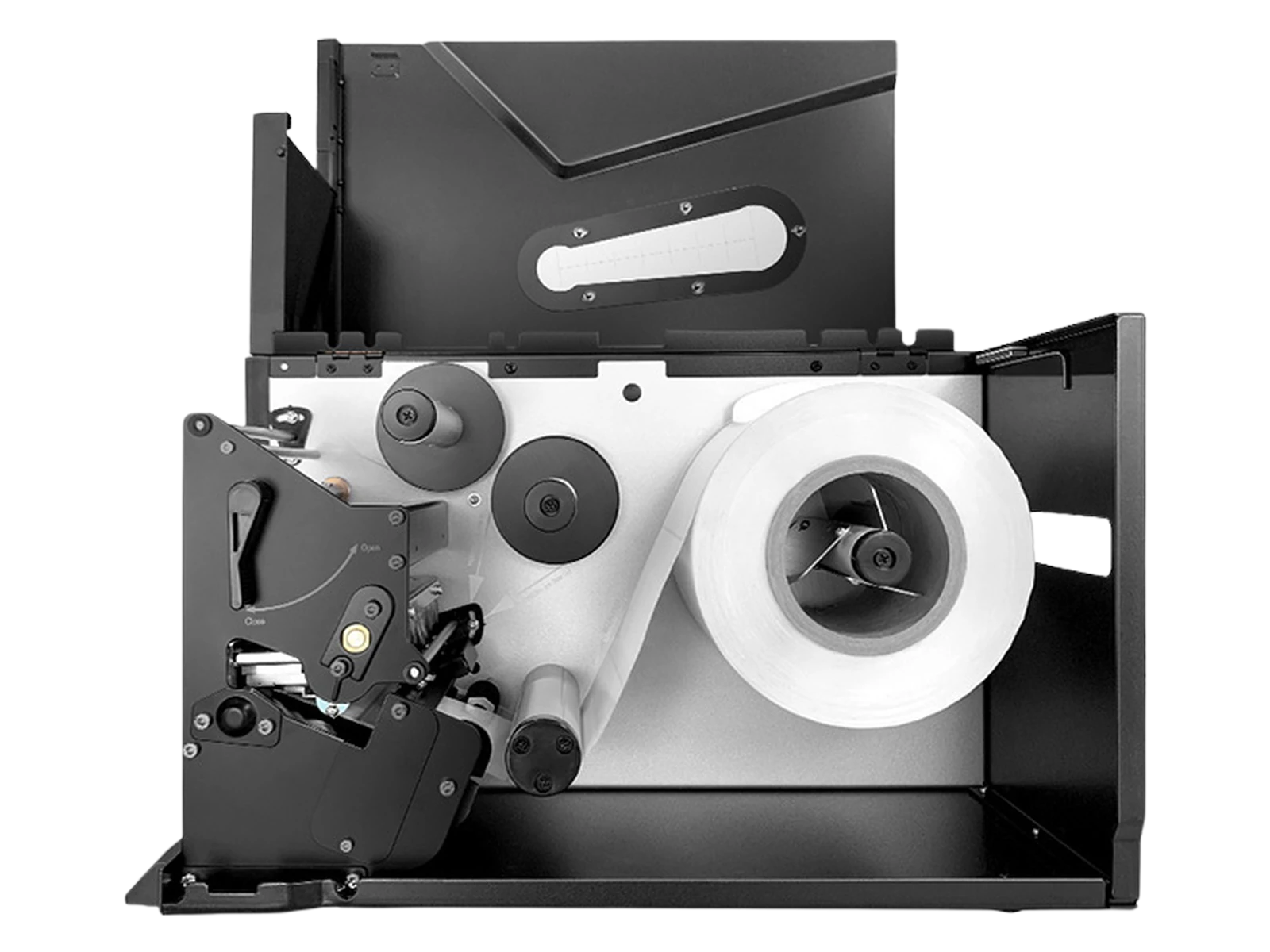
Media and Ribbon Path
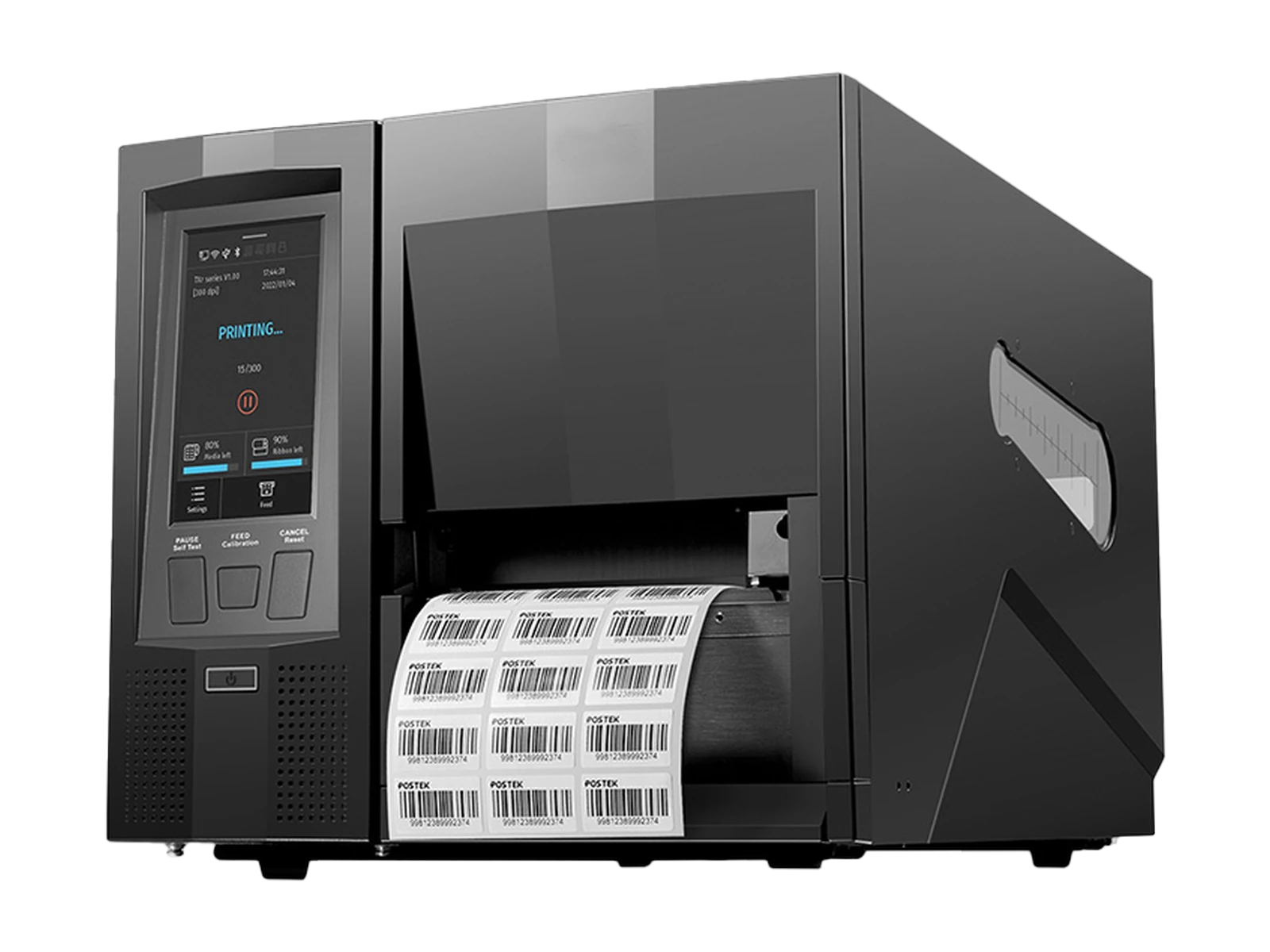
Touchscreen and Label Output
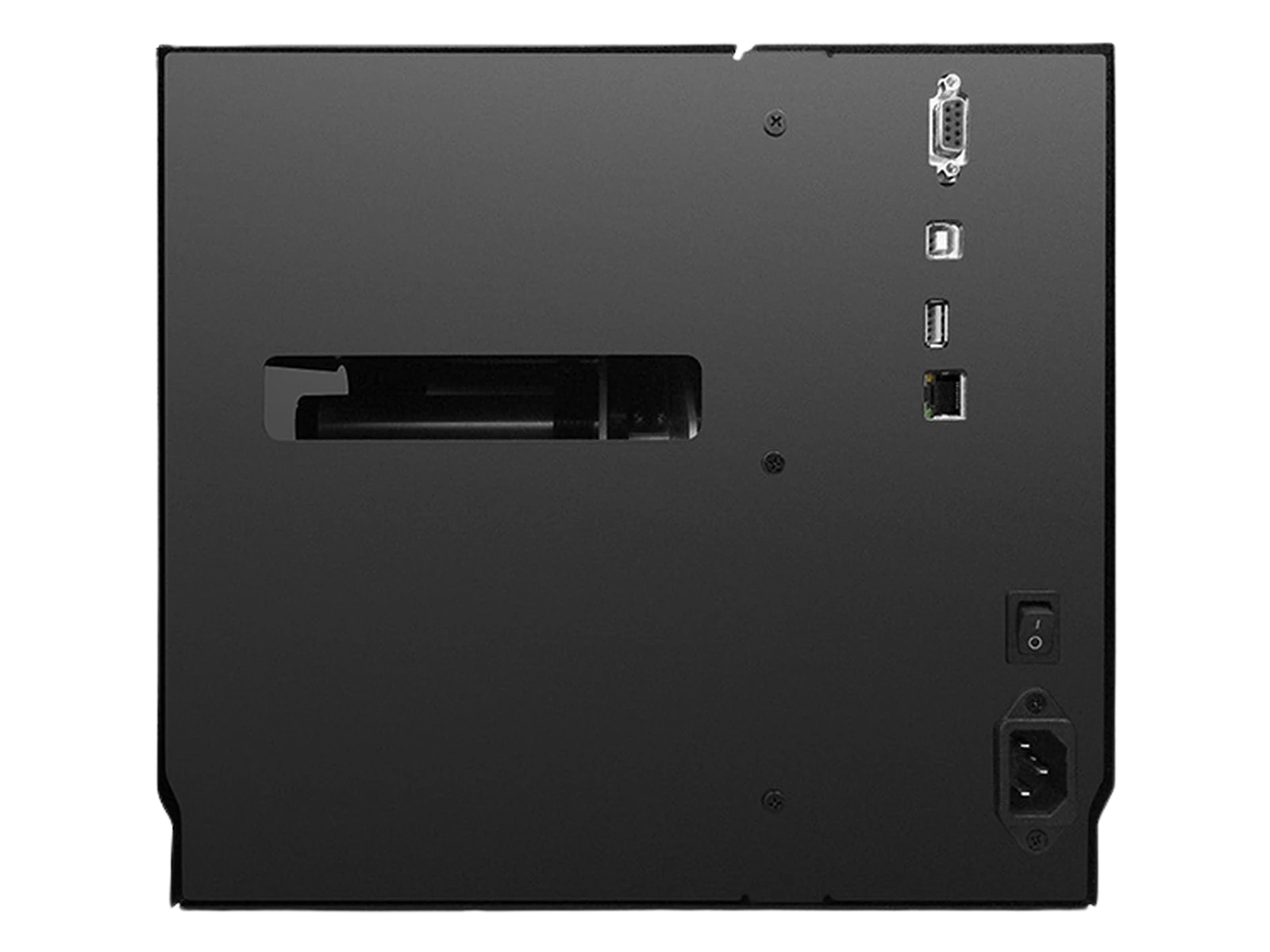
Rear Interfaces and Power
Technical Resources
Resources for RFID Label Evaluation and Integration
Request the documents and testing resources needed to select the printer configuration, validate the RFID label and connect the workflow.
Product Data Sheet
Review printing, media, connectivity, environmental and optional-configuration specifications.
Request Data Sheet →RFID Label Sample Test
Submit the actual standard or on-metal label for feeding, sensing, print-quality and EPC encoding evaluation.
Request Sample Test →Software and Integration Resources
Review communication, touchscreen workflow, host printing and optional customization resources.
Request Integration Files →FAQ
RLPB-Z UHF RFID Label Printer Questions
Is the RLPB-Z a UHF RFID printer or a standard barcode printer?
The page describes the UHF RFID configuration, which prints visible label content and encodes compatible UHF RFID chips. Standard non-RFID configurations may also exist within the wider printer platform.
Which RFID protocol does the printer support?
The confirmed UHF configuration supports EPC Class 1 Gen 2 / ISO/IEC 18000-63 labels.
Does the printer support European and US UHF frequencies?
Yes. The printer is available in European or US regional UHF configurations. The required version should be selected for the deployment country.
Can it print and encode on-metal RFID labels?
A dedicated mount-on-metal configuration supports thick RFID labels up to 1.6 mm including the liner. The actual label should be submitted for testing before ordering.
What is the difference between the 203 dpi and 300 dpi versions?
The 203 dpi configuration prioritizes speed and common industrial label formats. The 300 dpi configuration is better suited to smaller text, dense barcodes and finer graphics.
Can the printer operate without a dedicated PC at every job?
Supported templates and job files can be stored locally and selected through the touchscreen. The degree of host-free operation depends on the configured data source, software and optional customization.
Does the printer verify the RFID data after encoding?
The selected RFID configuration can support an encode-and-check workflow, and an external RFID verifier is listed as an option. Exact read-back, failed-label and reprint behavior must be confirmed for the final configuration.
What happens when an RFID label fails to encode?
Automatic VOID marking, overprinting, reprinting and job-log behavior have not yet been confirmed as standard functions. Define the required exception workflow during project configuration.
Which media sizes can the printer handle?
The series supports media widths from 10 to 116 mm and rolls up to 203.2 mm in outside diameter. Media thickness depends on the selected standard or on-metal configuration.
Which communication interfaces are available?
Standard interfaces include RS-232, Gigabit-capable adaptive Ethernet, USB Device and USB Host. General I/O and Wi-Fi/Bluetooth are optional.
Which label output modes are available?
The printer supports tear-off output, with optional automatic peel-off and rotary cutter configurations depending on the selected model and factory configuration.
Why is an actual RFID label sample required?
RFID encoding depends on the chip, inlay position, label pitch, liner, thickness and final construction. A sample test verifies feeding, sensing, print position and encoding performance before production.
Configure the Printer
Select the RLPB-Z Configuration for Your UHF RFID Label
Tell us the deployment region, RFID chip, inlay position, label dimensions, thickness, daily volume, resolution and output method. We will help confirm the printer configuration and sample-validation plan.